
Dynamics 365 On-Premises Vs. Cloud: Right Deployment Model Explained

GEt in Touch
| Table |
|---|
Microsoft Dynamics 365 has established itself as a cornerstone for organizations wanting a unified CRM and ERP solution. However, in any implementation of Dynamics 365, one of the earliest and most important decisions is the deployment model you are going to choose: on-premises or Cloud (online). Both provide significant capabilities for sales, finance, operations, and customer service; however, there are substantial differences in terms of infrastructure, pricing, flexibility, and long-term capabilities. For expert guidance and seamless implementation, many businesses turn to trusted Microsoft Dynamics 365 partners in USA.
What is Dynamics 365 On-Premise?
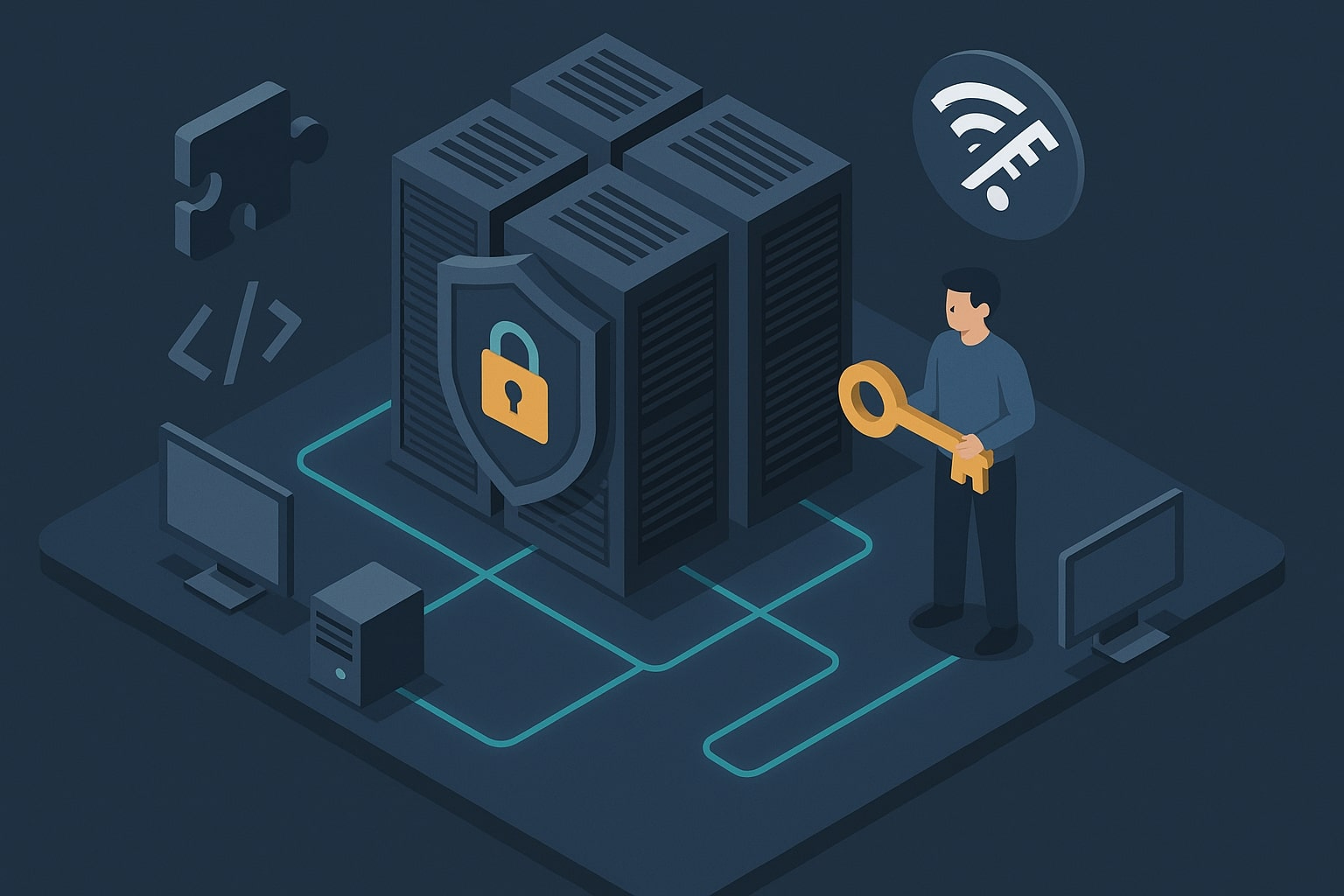
Dynamics 365 On-Premise Key Advantages
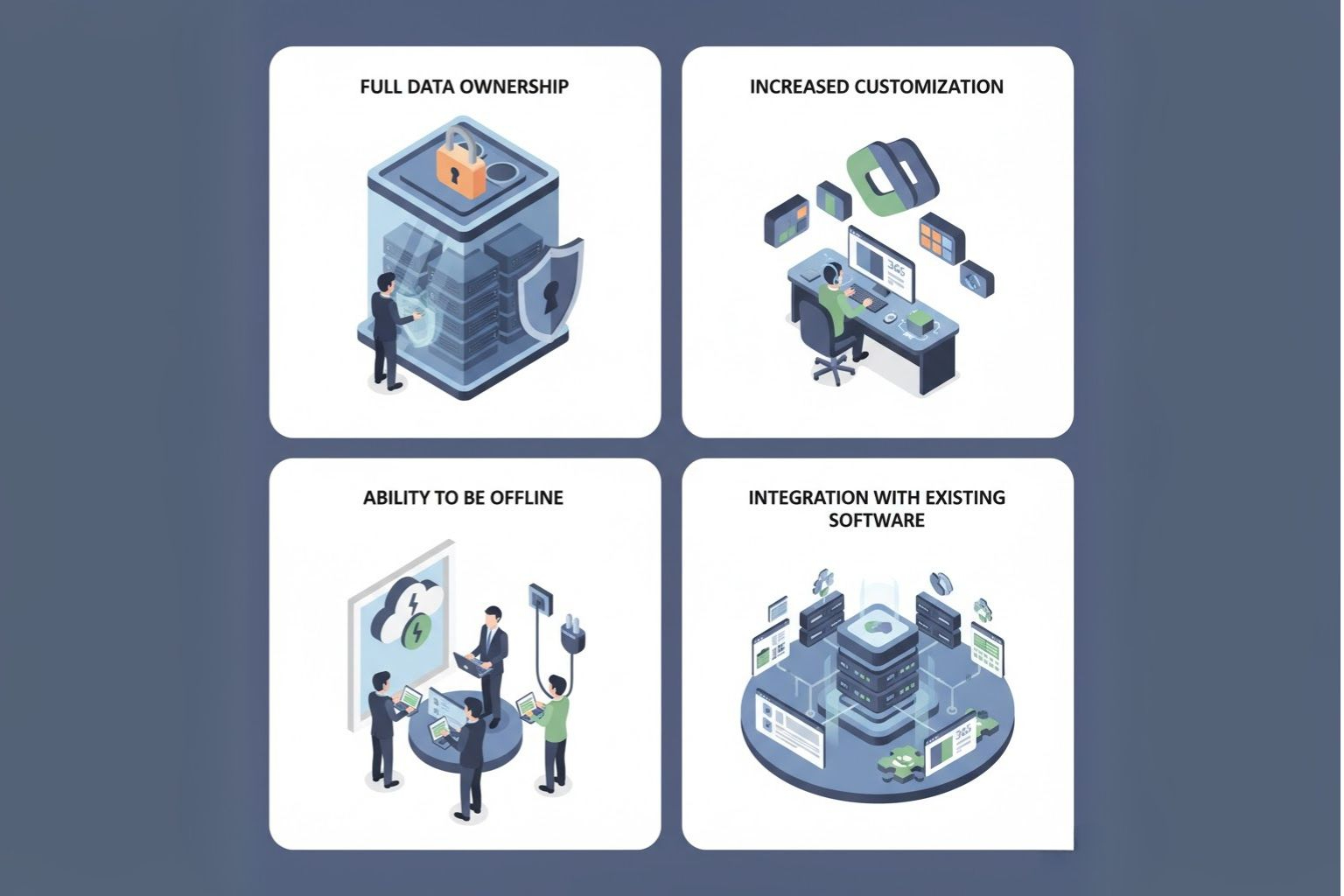
- Full Data Ownership: All data remains on premises, thus allowing complete data ownership and alignment with internal policies.
- Increased Customization: Organizations can customize apps, integrations, and workflows in any way they like without being limited by a shared cloud.
- Ability to be Offline: On-premise systems can run without the internet.
- Integration with Existing Software: Easier to integrate with already-used on-premises ERP or third-party software.
Dynamics 365 On-Premise Disadvantages
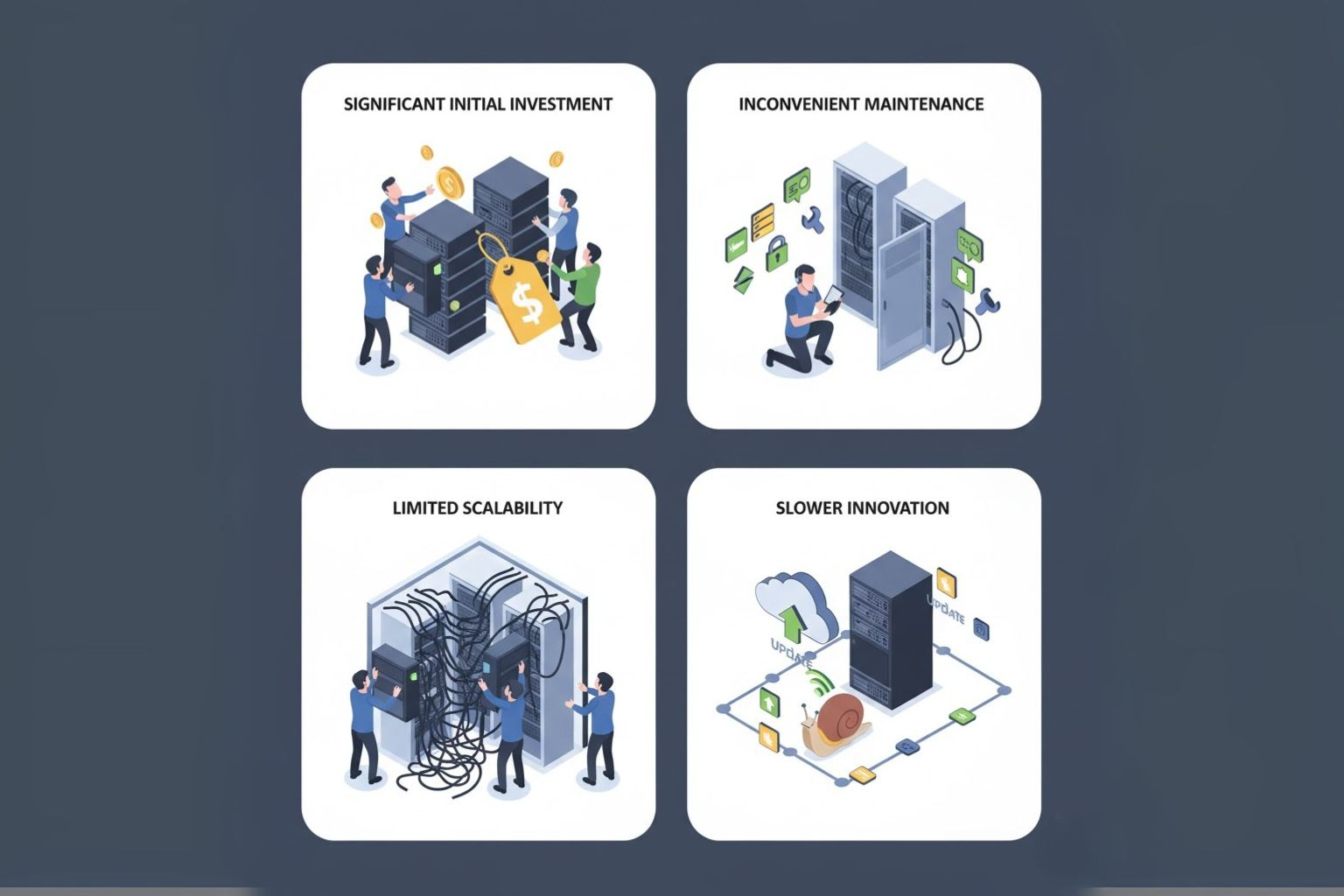
- Significant Initial Investment: You must factor in the physical setup cost (hardware, licenses, support) in your initial expense.
- Inconvenient Maintenance: Your IT team needs to manually schedule and execute updates, patches, backups, and security.
- Limited Scalability: An increasing infrastructure for growth and peak demand will lead to additional physical investments.
- Slower Innovation: Updates or new features that are released by Microsoft will take longer to reach on-site-based customers than cloud customers.
Who Should Choose Dynamics 365 On-Premise?
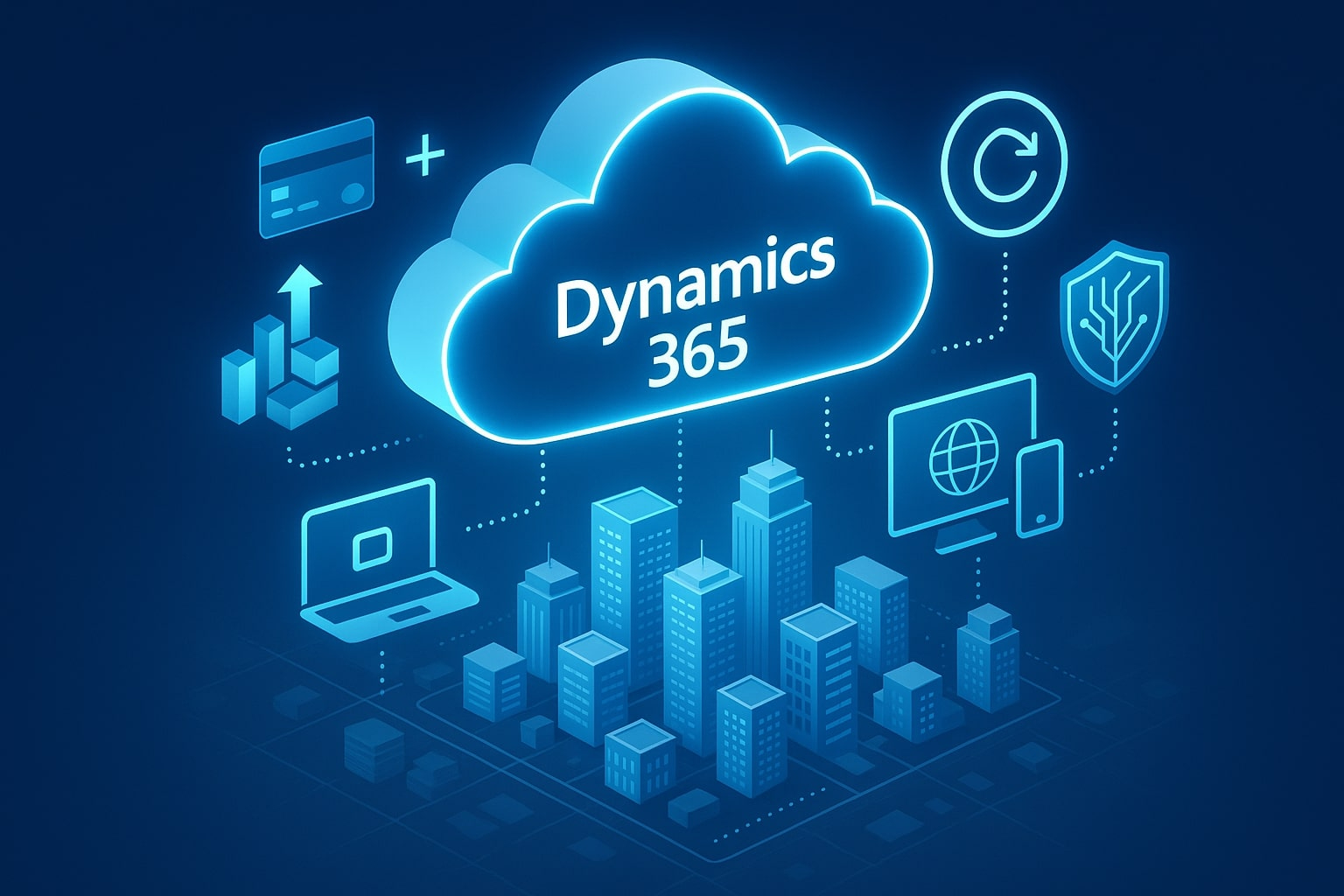
What is Dynamics 365 Online/Cloud
Dynamics 365 Cloud Key Advantages
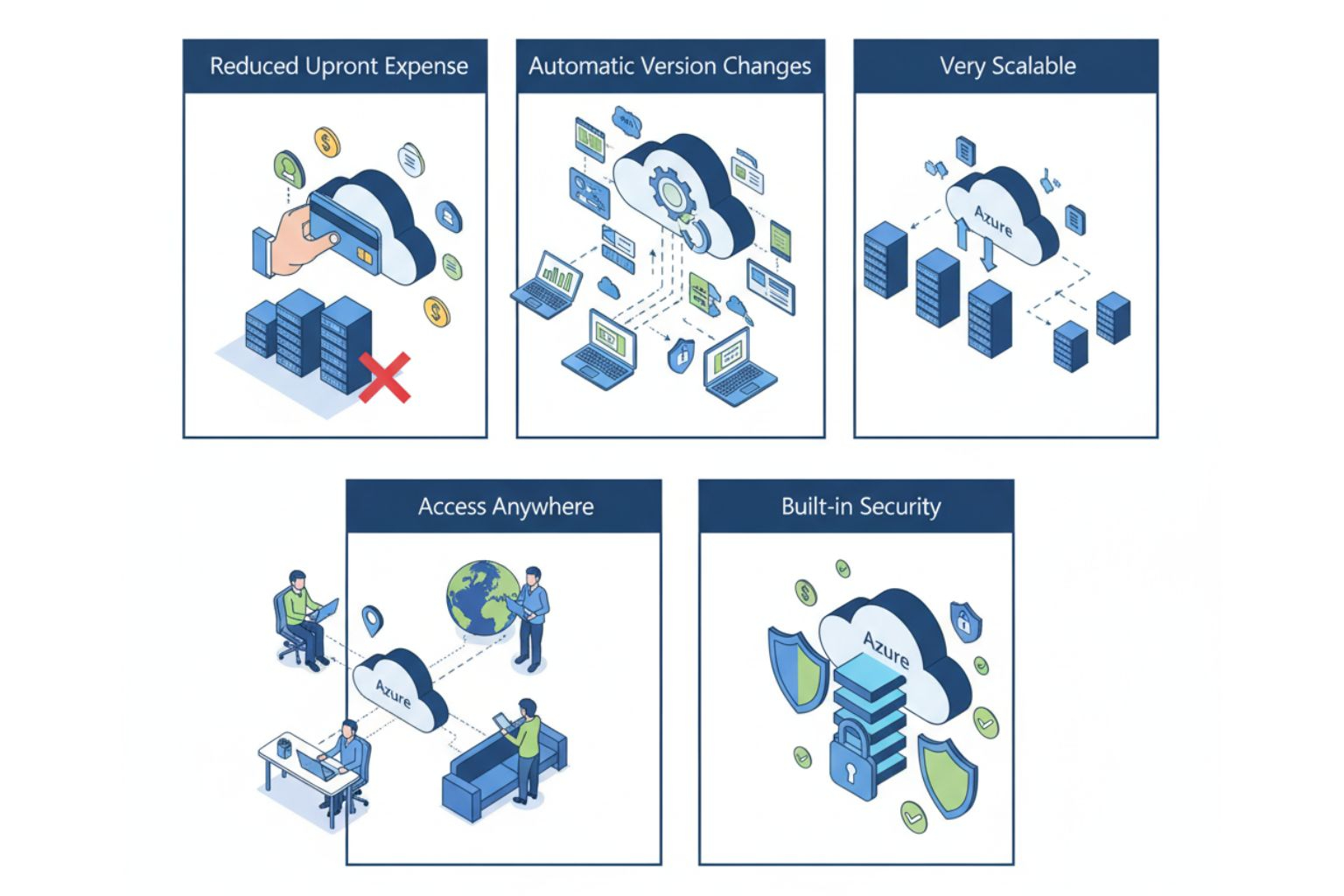
- Reduced Upfront Expense: By utilizing a subscription payment model, businesses do not have to spend a significant amount on the infrastructure layer.
- Automatic Version Changes: Microsoft regularly installs feature updates and security patches automatically.
- Very Scalable: Businesses may easily scale resources up or down based on usage and growth.
- Access Anywhere: Easy access via web or mobile applications.
- Built-in Security: Backed by Microsoft’s enterprise-grade Azure security and compliance framework.
Dynamics 365 Cloud Disadvantages

- Limited Customization: Some in-depth customizations may not be available in the Cloud.
- Reliance on Internet: You will need a reliable internet connection for continued access.
- Data Residency Issues: Some industries may have compliance issues with hosting data outside of a given geographic area.
Who Should Choose Dynamics 365 Cloud?
The cloud model fits well with businesses that are expanding, remote teams, and enterprises that need to be agile, and those looking for reduced IT costs. It’s a well-suited alternative for organizations where scalability, speed of deployment, and constant innovation are preferred over management of infrastructure costs. Many organizations also rely on cloud consulting services in USA to provide a smooth transition and to optimize their cloud strategy for long-term success.
Client-Side Rendering vs Server-Side Rendering: Comparison
| On-Premise | Online/Cloud | |
|---|---|---|
Deployment & Infrastructure |
Managed on-site by your organization’s infrastructure.
|
Managed by Microsoft Azure and full cloud-based management. |
Cost Structure (CAPEX vs OPEX) |
High up-front CAPEX for hardware and license.
|
OPEX-based monthly/annual license with minimal start-up cost.
|
Scalability & Flexibility |
Limited expandability; requires the setup of hardware.
|
Completely scalable with dynamic resource configuration.
|
Updates & Maintenance |
Maintenance is a manual activity, managed by the IT team.
|
Upgrades and new features are automatically provided by Microsoft.
|
Security & Compliance |
You have complete control of setup and security policies.
|
Azure provides enterprise-grade security and compliance deployed globally.
|
Customization & Control |
Customizable to a greater extent.
|
More moderate customization with confines of cloud constraints.
|
Performance & Reliability |
Limited by performance of the local server.
|
High uptime with Microsoft global datacenter and SLAs.
|
Integration Capabilities |
Integration is limited to more on-prem legacy systems.
|
Strong APIs to allow cloud integration leveraging Microsoft ecosystem.
|
Accessibility (Remote & Mobile Access) |
Limited ability to access, requires VPN or remote desktop connections.
|
Ability to access anywhere as long as connected to internet.
|
Disaster Recovery & Backup |
Managed by internal IT resources.
|
Automated backed up and recovery via Azure.
|
Data Ownership & Storage Location |
Full ownership; managed internally.
|
Managed by Microsoft servers (region based)
|
Implementation Time |
Takes longer to set up and configure.
|
Cheaper and faster deployment through SaaS model.
|
Long-term ROI |
Higher maintenance cost but offers long-run control.
|
Cost-effective approach with better agility in the long-run.
|
Why Does Deployment Choice Matters in Dynamics 365?
Conclusion
Both on-premises and cloud deployments of Dynamics 365 provide powerful capabilities while serving different needs within an organization. The on-premises option is attractive for companies that want to “own” the product, while the cloud version allows companies to innovate more quickly and operate with greater efficiency. Before deciding, consider your budget, data sensitivity, compliance, and scalability requirements. Working with a trusted Dynamics 365 team like Shaligram Infotech, a leading software development company in USA, can reduce the stress of making a choice and implementing the deployment model that best drives long-term value for your organization.

 Get In Touch