
What Are AI Agents in Dynamics 365 and How They Change Business Workflows
GEt in Touch
Quick Summary :
AI agents in Dynamics 365 enable intelligent automation by analyzing enterprise data, making context-aware decisions, and optimizing workflows across CRM and ERP systems. Businesses that deploy them see measurable gains in operational efficiency, decision speed, and the capacity to automate complex, multi-step processes at scale.
AI agents in Dynamics 365 are software programs that analyze enterprise data, make context-aware decisions, and execute actions across CRM and ERP workflows without waiting for human instruction. Unlike traditional rule-based automation, they learn from outcomes and adapt over time. This article covers how they work inside Dynamics 365, the modules where they add the most value, real-world use cases across sales and finance, and the security considerations you need to plan for before deployment. Organizations need to understand how AI agents function in Dynamics 365 to pursue intelligent automation and develop more adaptive, effective business workflows.
Businesses working with Microsoft Dynamics 365 partners in USA are increasingly adopting AI-driven capabilities to stay competitive and accelerate digital transformation.
What Are AI Agents in Enterprise Software?
Understanding Artificial Intelligence Agents
Software agents or artificial intelligence agents represent entities that work independently to perform their functions by analyzing data, learning from that data, and making decisions based on defined parameters set by an organization. The principal distinction between AI agents and traditional automation mechanisms is that AI agents adapt to ever-changing conditions and learn to increase their efficacy over time.
There are three major elements in an AI agent: the capability to process data, the ability to analyze or interpret that data, and the capability to act based on its interpretation. All these elements, combined, allow an AI agent to receive input from its context, process the data, and execute actions that align with the organization’s desired outcomes.
In organizations, AI agents can be located within software systems such as CRM, ERP, and other customer service systems. By automating many complex business functions, AI agents can be applied to tasks such as processing customer support requests, predicting future sales, reconciling financial transactions, and optimizing inventory.
AI agents provide businesses with a unique opportunity to combine automation with intelligence. Rather than continue to execute rigid processes, they will continually evaluate the quality of the data received and adjust their actions as appropriate, making them particularly useful in businesses that frequently experience changing conditions.
How AI Agents Work in Business Systems
AI agents use a combination of ML models, APIs, and automated toolsets to interact with enterprise data and workflows.
The first step for an AI agent to accomplish this is to collect data from multiple sources. AI agents will gather information from several disparate sources, including customer records in a CRM, transactional databases, email, and customer interactions. This data is then analyzed using either ML algorithms or generated by the AI agent itself through its AI modeling.
Businesses often rely on AI and machine learning development services to build and integrate these intelligent models into enterprise systems for more accurate predictions and automation.
After processing data, AI agents use predictive insights to decide actions automatically.
Once the AI agent has determined how to act, it will execute its actions within the enterprise system. The AI agent may do this by updating CRM records, creating reports, triggering workflows, or engaging in conversations with users via chat-based user interfaces.
With continued learning from previous outcomes, AI agents will become increasingly effective at completing these actions. Because of this ability to learn and evolve, AI agents will become significantly more effective than similar types of fixed automation toolsets.
Role of Microsoft AI Agents in Modern Enterprises
Microsoft added artificial intelligence across its entire suite of business products. Microsoft Dynamics 365, Power Platform, and the Azure AI Services enable companies to deploy AI agents that work across multiple business functions.
Microsoft AI agents play an important role in many areas for a modern enterprise, such as:
- Customer Relationship Management
- Financial Operations
- Supply Chain Optimization
- Sales Forecasting and Lead Management
- Customer Service Automation
Microsoft AI agents help streamline business operations, decrease manual workloads, and provide greater insight into enterprise data. By embedding AI directly into business applications, Microsoft enables companies to adopt intelligent automation without relying on extensive data science experience.
AI Agents in Dynamics 365: A New Era of Workflow Automation
How Microsoft Dynamics 365 Uses AI Agents
In Dynamics 365, AI agents are embedded directly into business applications to enhance CRM and ERP workflows with real-time intelligence.
These agents work within the Dynamics ecosystem by leveraging data from sales, customer service, finance, and operations modules. Instead of only analyzing data, they actively support decision-making by providing recommendations, automating tasks, and initiating workflows.
For example, AI agents in Dynamics 365 can prioritize leads, suggest next best actions for sales teams, automate customer service responses, and generate financial insights.
By integrating AI capabilities directly into everyday workflows, Dynamics 365 enables businesses to move from manual operations to intelligent, data-driven automation.
Generative AI in Dynamics 365 for Intelligent Automation
Generative AI is enhancing the capabilities of artificial intelligence agents in the Dynamics 365 platform. With generative models, AI agents can now create content, automatically summarize, recommend, and generate data.
Businesses are increasingly leveraging Generative AI development services to integrate these advanced capabilities into Dynamics 365 and unlock more intelligent automation outcomes.
This technology can also analyze and generate business insights from large volumes of data that would be difficult to determine manually. By using generative AI alongside enterprise data, Dynamics 365 enables improved workflow intelligence and efficiency.
Microsoft Copilot Dynamics 365 and CRM Copilot Integration
Microsoft Copilot is an important technology that integrates AI directly into the Dynamics 365 user interface. By integrating an AI assistant into CRM and ERP workflows, Copilot serves as a virtual assistant for Microsoft Dynamics users.
Users can interact with the system in natural language via Copilot’s integration with Dynamics 365 CRMs and ERPs.
Using AI agents for business workflows, CRM Copilot can access relevant data, recognize patterns, and generate responses instantly. This allows CRM Copilot to dramatically reduce the time required to create reports, analyze customer data, and communicate with customers.
By embedding AI into the workflow, Copilot increases the usability and productivity of enterprise applications.
Businesses expanding Dynamics 365 beyond traditional CRM and ERP are increasingly leveraging AI-driven automation.
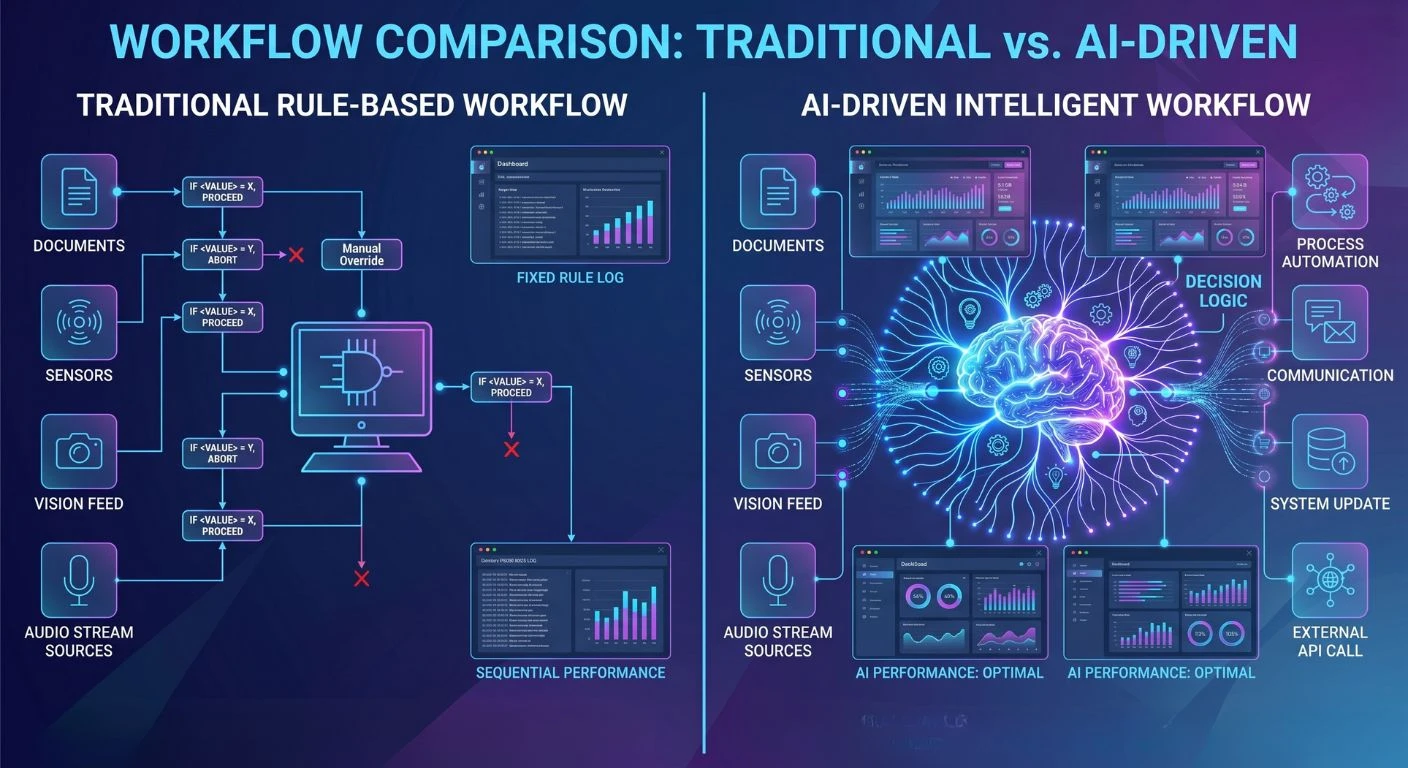
AI Agents vs Traditional Workflows: What's Changing?
| Factor | Traditional Workflow | AI Agent Workflow |
|---|---|---|
|
Logic type
|
Rule-based, static
|
ML-driven, adaptive
|
|
Change handling
|
Manual reconfiguration
|
Learns and adjusts automatically
|
|
Decision support
|
None |
Predictive recommendations
|
|
Error handling
|
Fails at edge cases
|
Flags anomalies and escalates
|
|
Maintenance
|
High (rule updates)
|
Lower after initial training
|
|
Data usage
|
Triggers on conditions
|
Analyzes patterns across data sources
|
Limitations of Traditional Workflow Automation
Traditional workflow automation relies on static logic and established rules; therefore, while it may assist with automating repetitive processes, this type of system is typically unable to adapt to a continuously changing business environment.
In addition to being difficult for human beings to configure and update each time business conditions change, the rule-based workflow system is also unable to generate decisions based on complex data patterns or to interpret conditions beyond the established scenarios used to generate results.
Therefore, when many companies try to automate more complex business processes, they run into barriers to using automation to assist with many decision-related tasks, and many of these tasks require ongoing human involvement.
Benefits of AI-Powered Workflows in Dynamics 365
Automated solutions have been revolutionized through the adoption of AI-driven processes. Previously, automated processes were limited to executing rules. However, with the use of AI, agents will analyze current data and make decisions based on predictive insights when determining what action to take.
Here are a few of the significant advantages this will provide:
- Faster decision-making enabled by predictive analytics
- Decreased manual labor for employees
- Improved accuracy with fewer operational errors
- Real-time insights and recommendations
- Ability to continuously improve via machine learning
Incorporating AI agents into Dynamics 365 workflows will enable companies to build intelligent, automated solutions that can respond to real-world situations.
From Rule-Based Systems to Intelligent Automation
Transitioning from a rule-based to an intelligent automation model for enterprise software represents a significant change in financial management systems.
With rule-based systems, you are required to follow explicit rules when performing time-sensitive tasks. In contrast, the intelligent automation model analyzes data and selects contextually appropriate actions to achieve business goals.
In Dynamics 365, virtual agents support decision-making within workflows. By examining data, AI agents will identify opportunities and assess their likely consequences. Ultimately, artificial intelligence agents will trigger automated events without requiring human intervention.
Through this transition from simple automation of business processes to completely automated intelligent operations, organizations can become true intelligent businesses.
How AI Agents Automate Business Workflows in Dynamics 365
Workflow Automation Using AI Agents
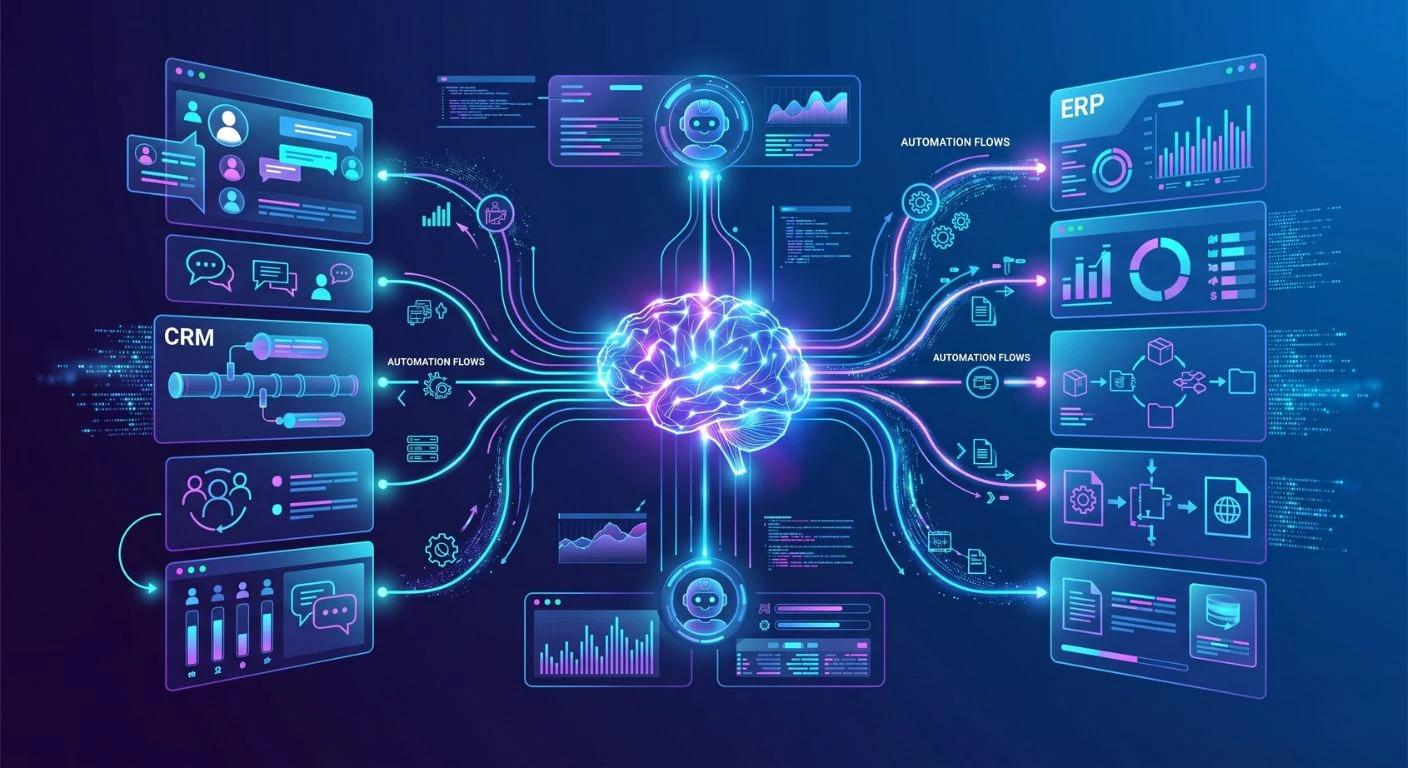
AI agents can be used with Power Automate and Dynamics 365’s workflow engine to automate your workflows.
AI agents for business workflows can monitor system actions, process incoming data, and execute automated techniques when predefined conditions are met. For instance, if there is an identified high-value sales opportunity, the AI agent can immediately notify a member of the sales team with the recommendation of actions to take.
Using this approach provides less room for delays and ensures that key processes are executed as efficiently as possible.
Business Process Automation Across Departments
Real-Time Decision Making and Process Optimization
Real-time decision support through the AI agent capabilities is among their greatest strengths.
AI agents can recognize situations, find opportunities, and identify anomalies using real-time data. Companies can continually optimize processes rather than wait for regular reports and/or manual review.
When used within Dynamics 365 environments, this capability enables greater operational agility.
Real-World Use Cases of AI Agents in Dynamics 365
Customer Service Automation
A B2B company using Dynamics 365 Customer Service deploys an AI agent that reads incoming ticket subjects, pulls the customer’s order history from Dataverse, and drafts a resolution response routed to the right support tier, cutting average handle time by cutting repetitive triage steps.
Sales Forecasting and Lead Scoring
Dynamics 365 Sales agents score leads by analyzing email engagement, CRM activity, and firmographic data. Sales reps receive a prioritized pipeline view each morning without manually reviewing activity logs.
Invoice and Payment Processing
Inventory and Supply Chain
Dynamics 365 Supply Chain Management agents monitor stock levels against historical demand signals and trigger replenishment orders when thresholds are breached, reducing stockout events without buyer intervention.
Document Data Extraction
AI agents extract structured data from unstructured sources like supplier contracts or shipping docs using Azure AI Document Intelligence, writing results directly into Dynamics records.`
AI Security in Dynamics 365: Managing Risks and Compliance
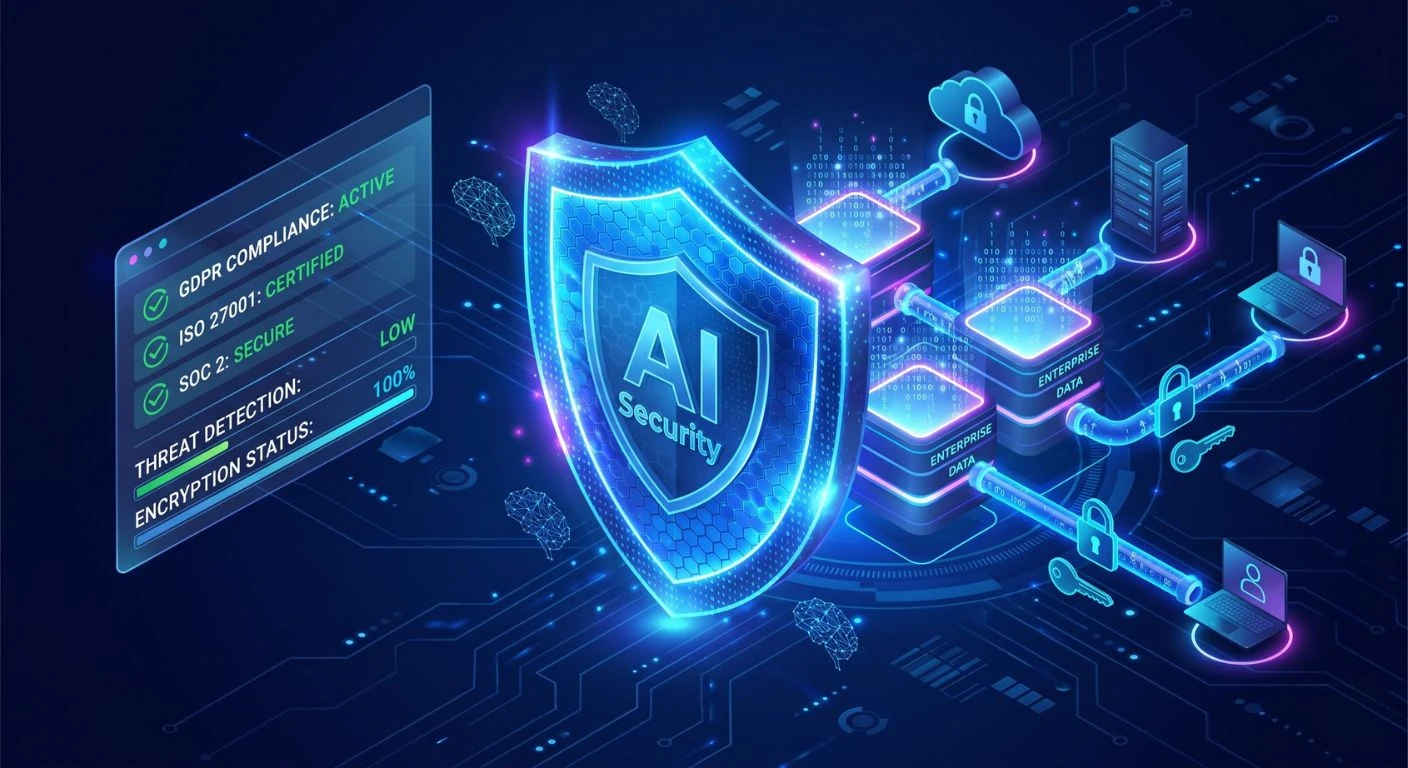
Data Privacy and Governance
AI technologies depend on large amounts of enterprise data; therefore, both are important to consider when developing an organization’s approach to data privacy and protection. Organizations’ AI-based solutions must adhere to strict guidelines for accessing and using their data.
Dynamics 365 provides organizations with embedded systems to support their governance practices, such as ensuring data security, enforcing appropriate access controls, and meeting compliance obligations for all types of data.
Responsible AI in Business Workflows
Enterprise environments must adopt AI responsibly as they incorporate it into their business operations. The AI-enabled solution should ensure that the AI output is clear and unbiased; it should adhere to the business’s established code of conduct or ethics.
Microsoft has created many tools to promote responsible AI use in Dynamics 365. Some of these tools provide monitoring capabilities for AI output, detection of potential AI bias, and development of AI accountability mechanisms.
Security Challenges in AI Automation
AI automation brings both benefits and new security issues. Potential risks include unauthorized access to data, inaccuracies in AI’s predictions, and integration issues.
Organizations that implement AI agents need to enforce strict security measures, including identity management, access control, and ongoing monitoring. Strong governance and compliance are critical when implementing AI in enterprise systems.
Microsoft Dynamics 365 Automation Testing with AI Agents
Role of AI in Testing and Quality Assurance
Using the capabilities of AI, you can have better testing and quality assurance help for your implementation of Dynamics 365.
By analyzing the way that your workflows and systems interact, AI tools will automatically find any bugs, performance issues, or conflicts within your workflows. This will help development teams identify issues earlier in the deployment process.
Reducing Errors with Intelligent Automation
Using AI, testing tools can simulate how a user would interact with an application or system in the real world to identify potential issues before they affect the business.
By doing so, they enhance the overall reliability of automated processes and ensure proper functionality of Dynamics 365 applications. Organizations using business process automation in Dynamics 365 can significantly improve operational efficiency.
Benefits of AI Agents for Enterprise Workflow Automation
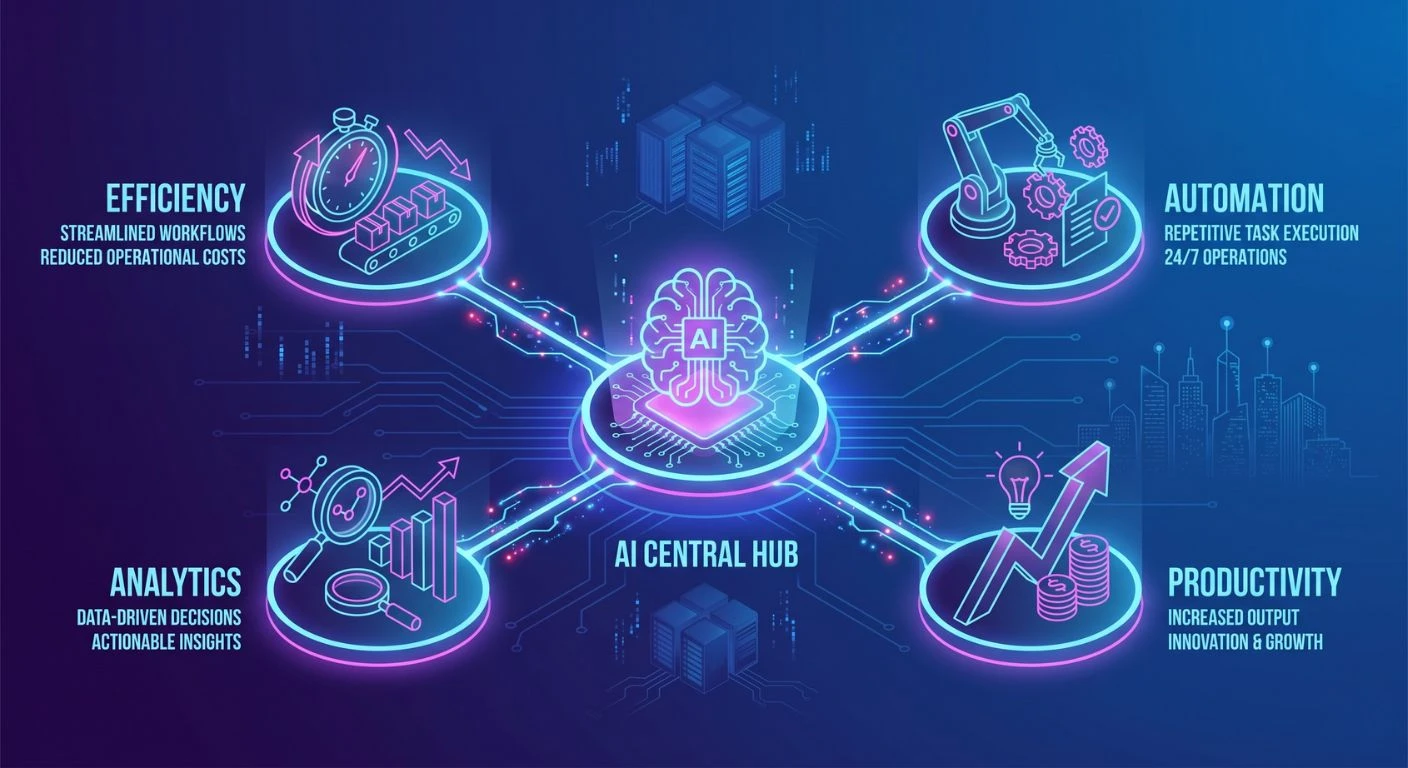
Businesses using AI agents with Dynamics 365 will see many benefits, including:
- Increased operational efficiencies
- Faster decisions in your business
- Reduced manual tasks for employees
- Better engagement with your customers
- Improved prediction and analysis capabilities.
These factors have made AI agents an effective option for business owners wanting to modernize their workflow automation strategy.
Challenges of Implementing AI Agents in Dynamics 365
There can be challenges involved with the use of AI agents, even though they have many advantages.
When introducing AI, some organizations may face issues with data quality, integration complexity, and change management. Employees may also need training on how to properly interact with the AI-powered system.
Companies also must comply with security and governance policies regarding any kind of implementation using AI.
Careful planning and effective data management are essential for successful adoption, as is collaboration between technical personnel and business stakeholders.
Best Practices for Using AI Agents in Dynamics 365
Organizations should adhere to certain best practices to maximize the value of their intelligent automation implementations.
Organizations should:
- Define clear goals for what the automation should accomplish.
- Use high-quality structured data to train their AI agents.
- Incrementally introduce AI agents into their workflows.
- Continuously monitor their AI agent’s performance and continuously optimize.
- Develop strong governance and security policies.
Adhering to these principles will help organizations successfully implement intelligent automation using AI agents and achieve sustainable benefits from these solutions over time.
Conclusion
Businesses looking for the best software developer company in USA are increasingly using AI agents in Microsoft Dynamics 365 to automate their operations by combining intelligent automation, predictive analytics, and generative AI. The use of AI agents is reshaping how businesses operate by streamlining processes, enabling better decision-making, and increasing productivity across business units. Microsoft’s Copilot is an example of a tool that will continue to provide businesses with AI-enabled workflows, which have become an integral factor of modern-day enterprises. Businesses that are thoughtful about integrating AI agents can be more efficient, provide a better overall customer experience, and remain competitive in a more data-driven digital marketplace with the expertise of Shaligram Infotech.
Ready to build? Contact Our Global Teams
🇺🇸 USA: +1 (919) 629-9671
🇬🇧 UK: +44 20 3581 6366
🇮🇳 India: +91 99099 84567
🇦🇺 AUS: +61 07 3121 3147

💬 Interested in Regular Insights on Software and App Development?
📲 Follow Shaligram Infotech on LinkedIn
Let’s build the future of applications together.
FAQs
What are AI agents in Dynamics 365?
What are AI agents in Dynamics 365?
Dynamics 365 includes intelligent computer programs that allow you to automate repetitive tasks and help you analyze your company’s data, as well as assist you in making more accurate decisions. Each program works within a structured process to increase productivity and efficiency within your organization. Contact us to see how AI agents can benefit your business.
How do AI agents automate business workflows in Dynamics 365?
How do AI agents automate business workflows in Dynamics 365?
AI analyzes incoming data, identifies patterns, and uses the patterns to automatically trigger actions within Dynamics workflows. This could include things such as lead scoring, routing service requests to appropriate personnel, or generating insight to be used for making decisions.
What is the difference between AI agents and traditional workflows?
What is the difference between AI agents and traditional workflows?
Historically, work processes were based on a set of rules and followed a specific path. AI agents, on the other hand, will leverage their ability to learn from previous events to identify patterns or actions to make on the fly, therefore adapting to the changing environment in which your business is operating.
How does Microsoft Copilot in Dynamics 365 use AI agents?
How does Microsoft Copilot in Dynamics 365 use AI agents?
Microsoft Copilot leverages AI to pull relevant data, provide you with insight, and help you execute tasks. Copilot provides you with AI-infused assistance directly in the Dynamics 365 user interface.
What are the benefits of AI-powered workflows in Dynamics 365?
What are the benefits of AI-powered workflows in Dynamics 365?
AI-driven workflows allow companies to become more efficient, minimize how much work an employee needs to do manually, enable them to make real-time decisions, improve the use of predictive analytics, and improve a company’s ability to automate complex business processes.
Is AI security a concern in Dynamics 365 automation?
Is AI security a concern in Dynamics 365 automation?
AI security is one of the most important areas of focus for companies using AI. Companies should have strong governance, follow strict data protection policies, and have some type of monitoring of the applications that have been built around AI so that AI will be managed safely and responsibly.
How do AI agents improve workflows in Dynamics 365?
How do AI agents improve workflows in Dynamics 365?
AI agents improve workflows by analyzing real-time data, automating decisions, triggering actions, and continuously learning from outcomes to optimize business processes.


 Get In Touch