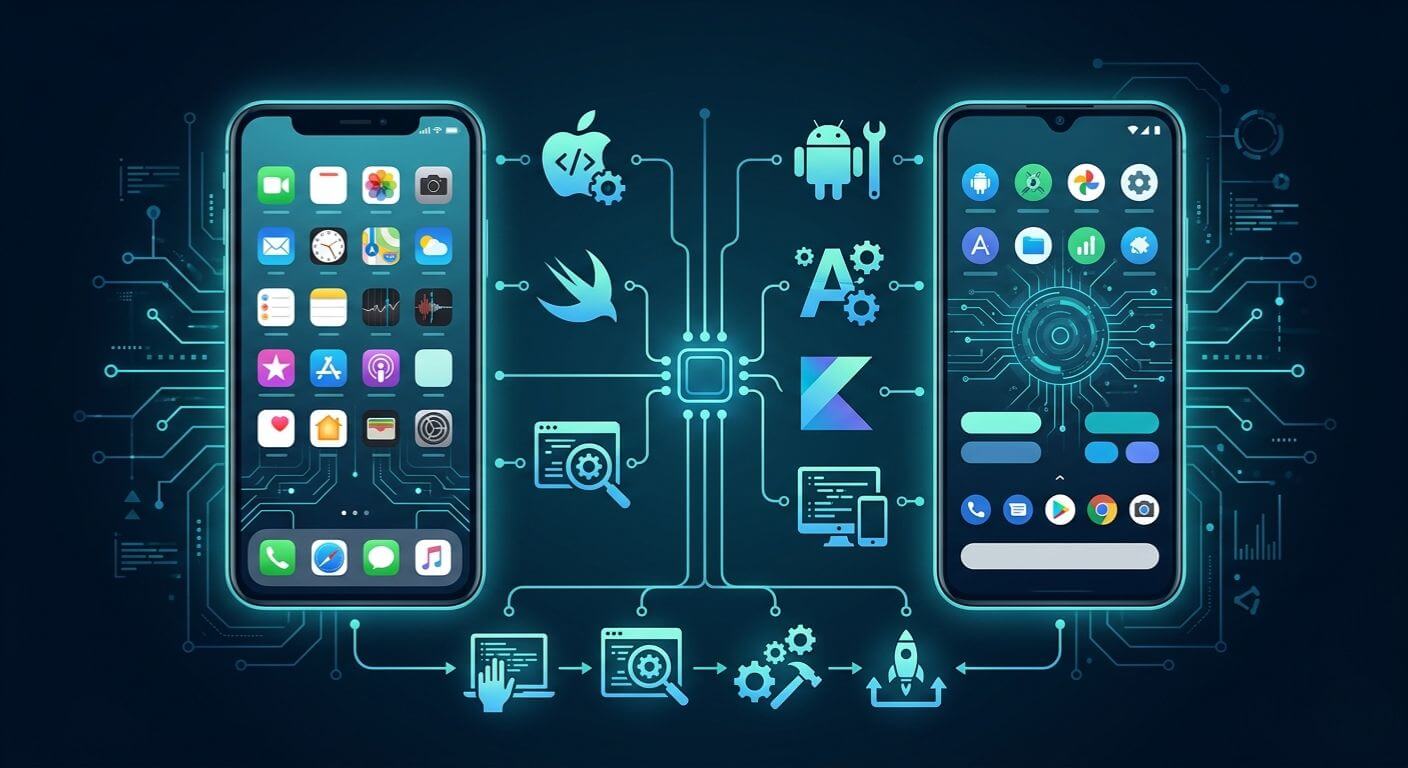
Categories
Blog Mobile App Development

AI in Mobile App Development: Use Cases, Trends, and Benefits for Modern Apps
Mobile App Development

AI in Mobile App Development: Use Cases, Trends, and Benefits for Modern Apps

GEt in Touch


    TABLE

      Quick Summary :

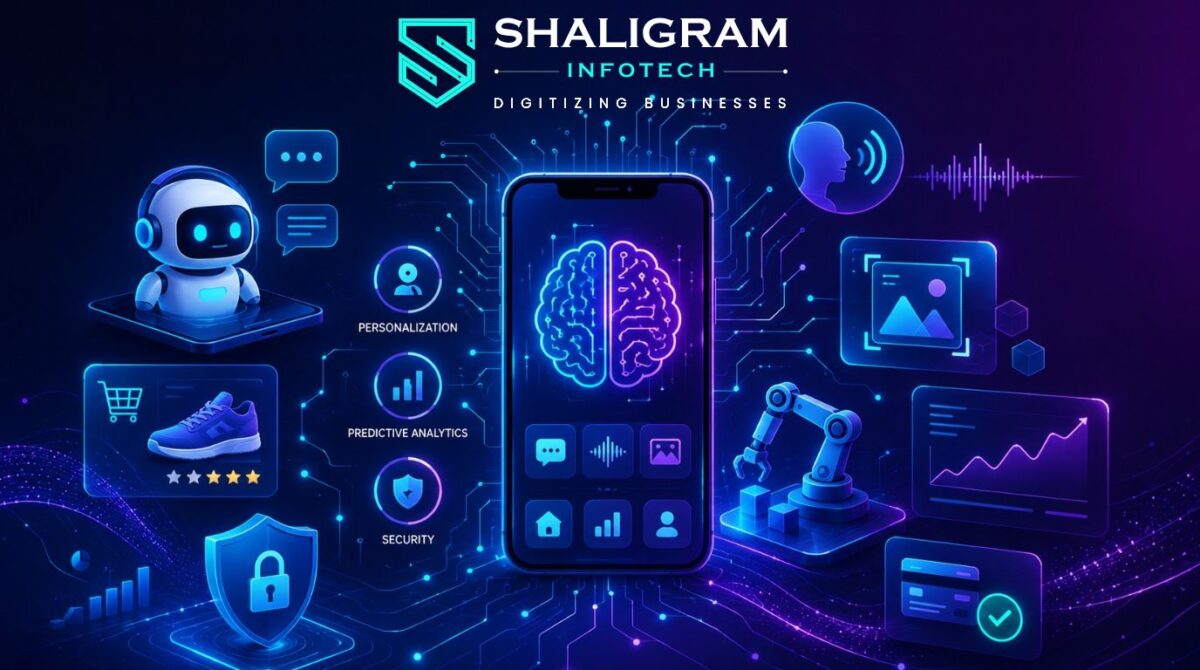
      Artificial Intelligence (AI) is transforming mobile app development by enabling smarter, faster, and more personalized user experiences. From AI chatbots and voice assistants to fraud detection, predictive analytics, and automation, businesses are using AI-powered mobile apps to improve customer engagement, streamline operations, and strengthen security. As technologies like generative AI, edge AI, and hyper-personalization continue to evolve, AI-driven mobile applications are becoming essential for businesses looking to stay competitive and deliver innovative digital experiences.

      What Is AI in Mobile App Development?
      How AI Is Used in Mobile App Development

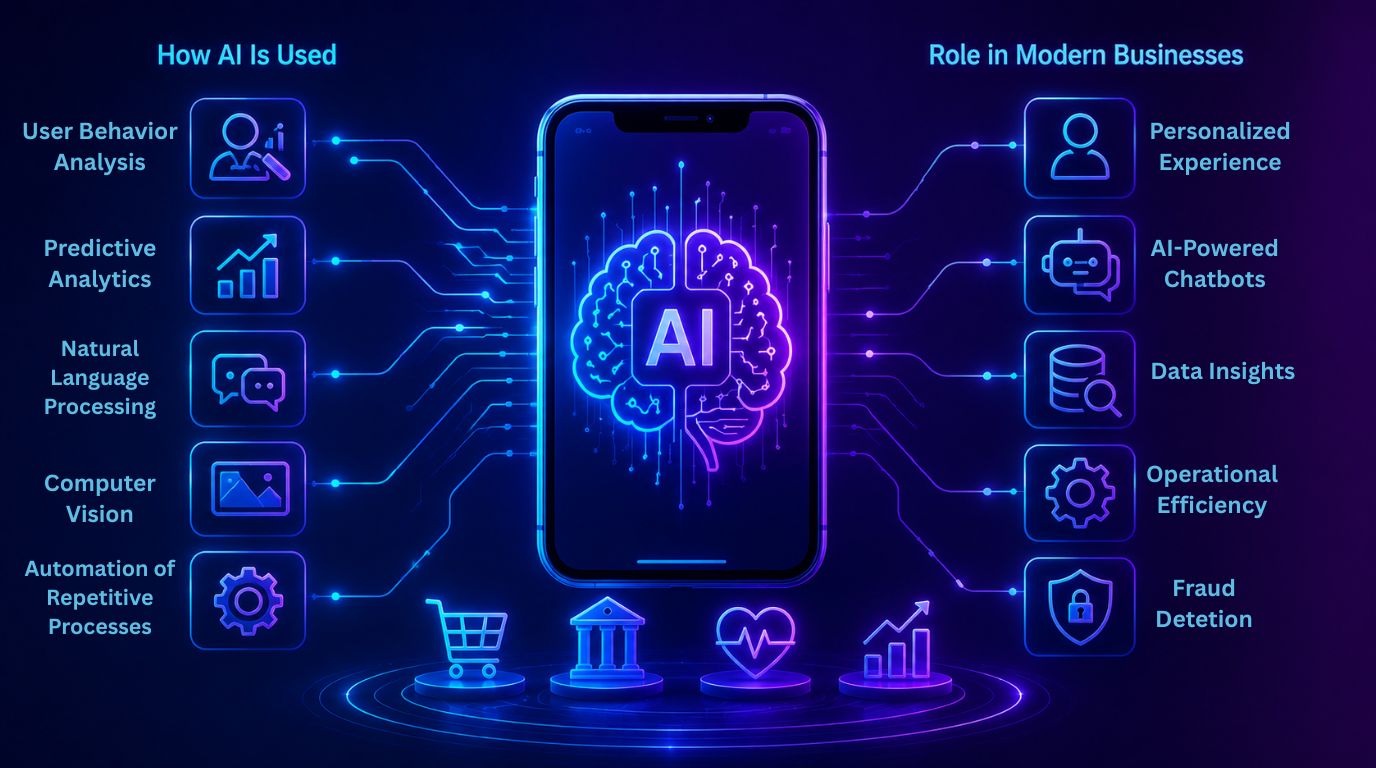
      How AI Is Used in Mobile App Development

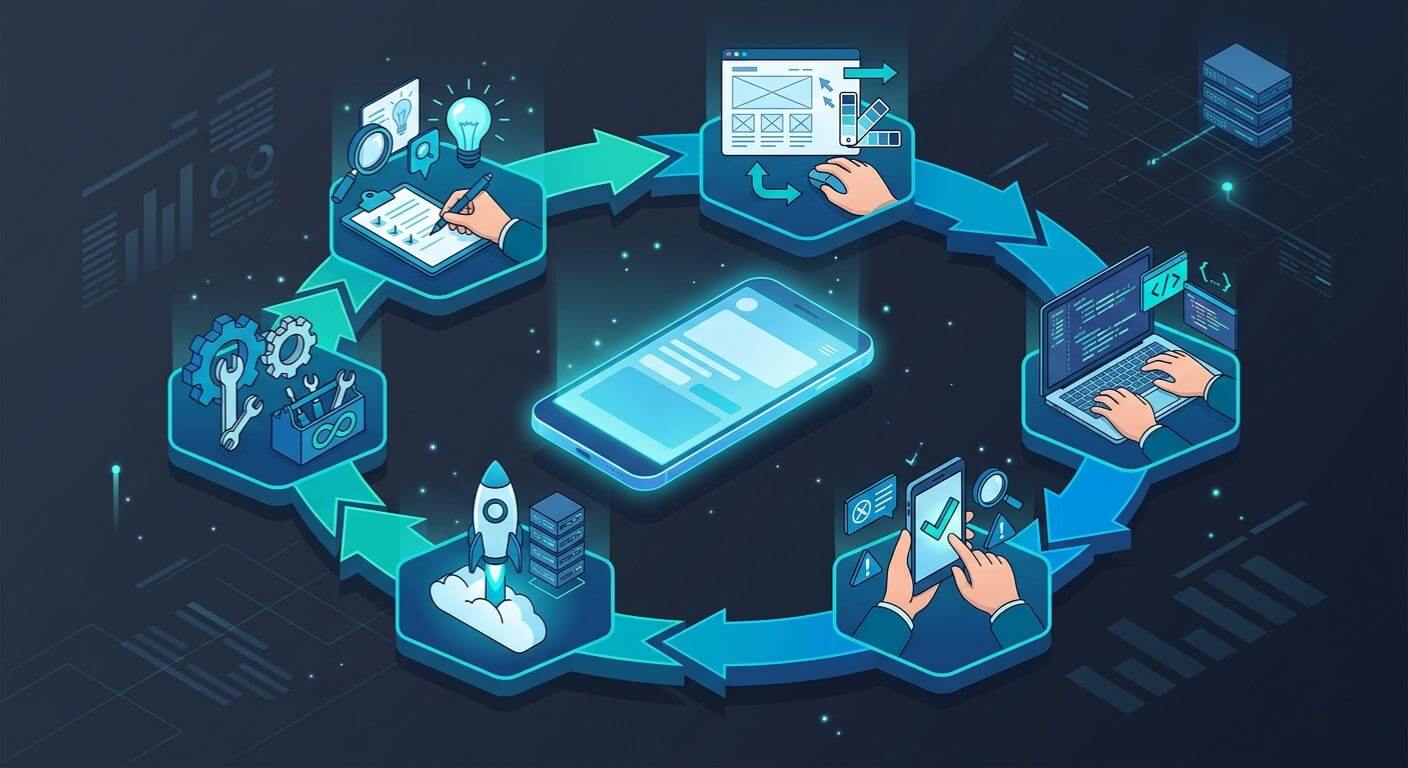
      AI is used in mobile application development and functionality throughout the entire cycle of mobile application development.  

      Some examples are:  

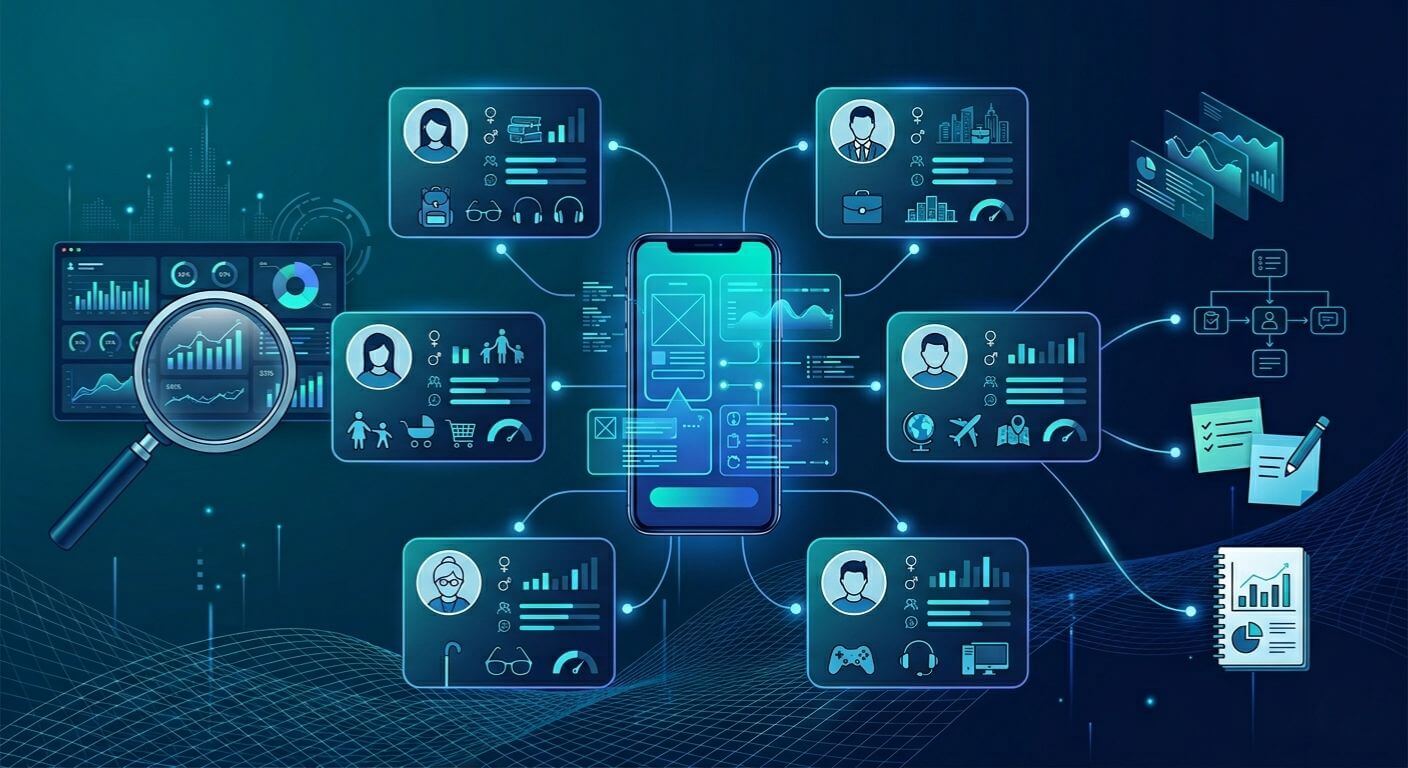
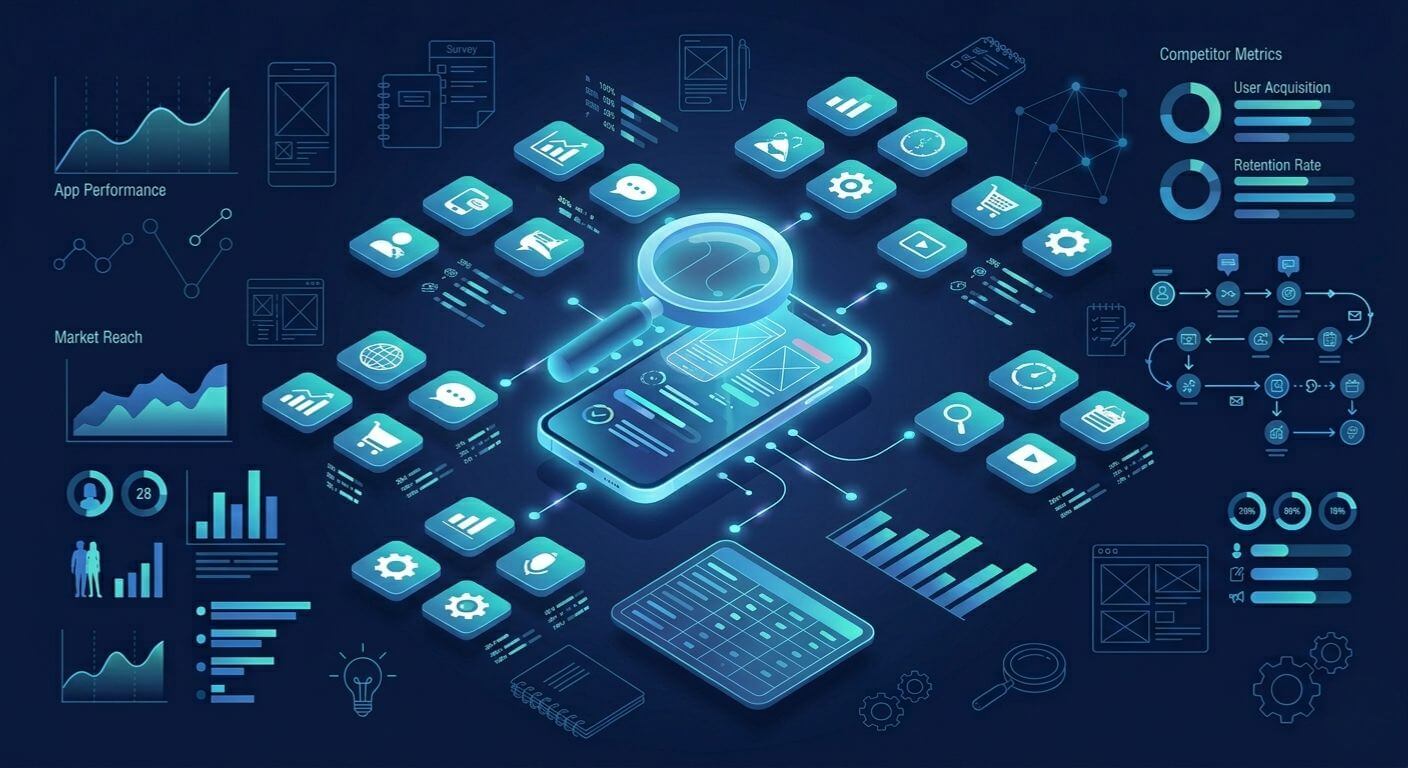
      • User Behavior Analysis: AI algorithms assist in analyzing the patterns of user behavior, so an application can provide better content for each user.  
      • Predictive Analytics AI: AI models assist in forecasting future user interactions and business outcomes based on historical data.
      • Natural Language Processing: Natural Language Processing allows an application to understand and engage with its users through voice command systems, chatbots, and intelligent search.   
      • Computer Vision: AI is utilized in mobile apps to allow the application to read data from images via image input from the user’s mobile device.  
      • Automation of Repetitive Processes: AI assists in automating repetitive processes like customer service responses, workflow management, data processing, and more.  

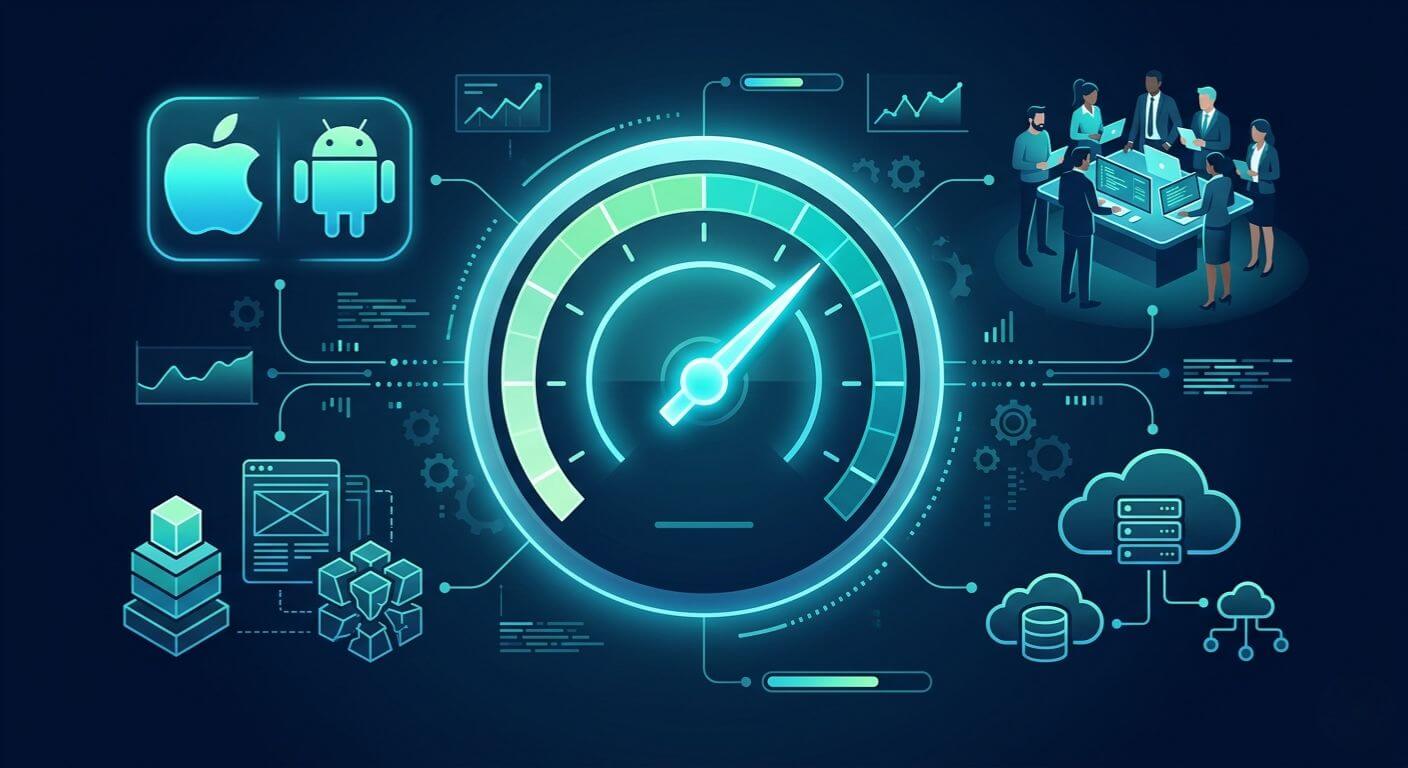
      With these capabilities, AI will enable developers to create more intelligent, adaptive, and responsive mobile applications for users.

      Role of Artificial Intelligence Apps in Modern Businesses

      Mobile applications using AI are critical tools for business today as they allow businesses to meet customer needs, streamline operations, and provide competitive advantages.  

      AI-based mobile applications help businesses to:  

      • Provide hyper-personalized customer experiences 
      • Automate customer service via AI chatbots 
      • Analyze large volumes of user data to discover unique business opportunities 
      • Increase operational efficiency through intelligent automation 
      • Detect security threats and fraudulent activity in real time 

      For instance, eCommerce applications use AI to deliver personalized product recommendations based on user browsing history, while banking applications use AI to identify and explain suspicious transactions in real time. Healthcare applications also leverage AI for symptom analysis, remote patient monitoring, and predictive healthcare insights. 

      Businesses investing in AI and machine learning development services are increasingly using these technologies to build smarter mobile applications that enhance customer engagement, improve user satisfaction, and support data-driven decision-making.

      Key Benefits of AI in Mobile App Development
      Key Benefits of AI in Mobile App Development

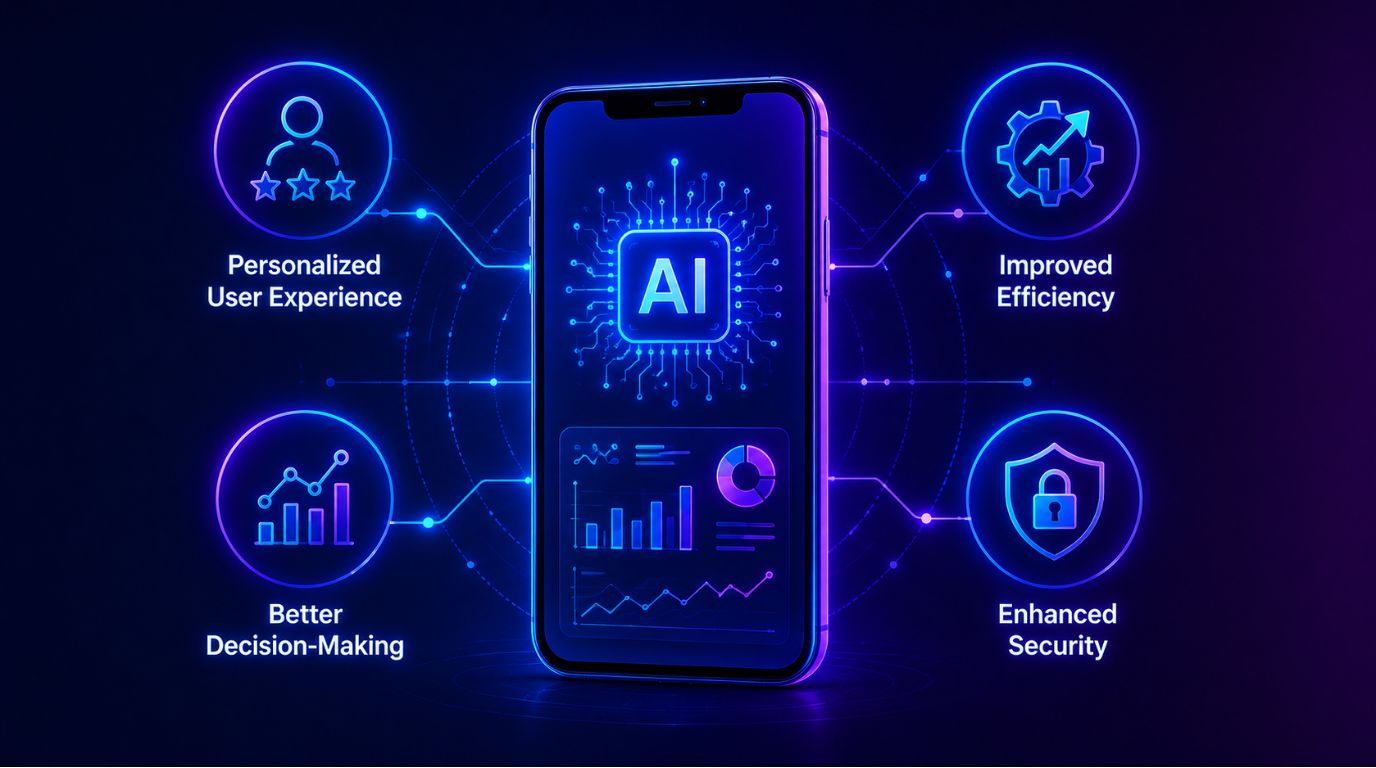
      Personalized User Experience

      AI analyzes user habits and preferences to create tailored content, suggestions, and interactions, which leads to a better user experience.

      Improved Efficiency

      AI automates tedious tasks and simplifies processes when used within a mobile app, resulting in quicker mobile app functions and a decreased amount of manual work required by the business.

      Better Decision-Making

      AI examines vast amounts of data to provide insights and projections that help businesses make smart and high-value business decisions.

      Enhanced Security

      AI enhances the security of mobile applications by monitoring and identifying questionable behavior to thwart fraudulent activity and provide sophisticated authentication methods.

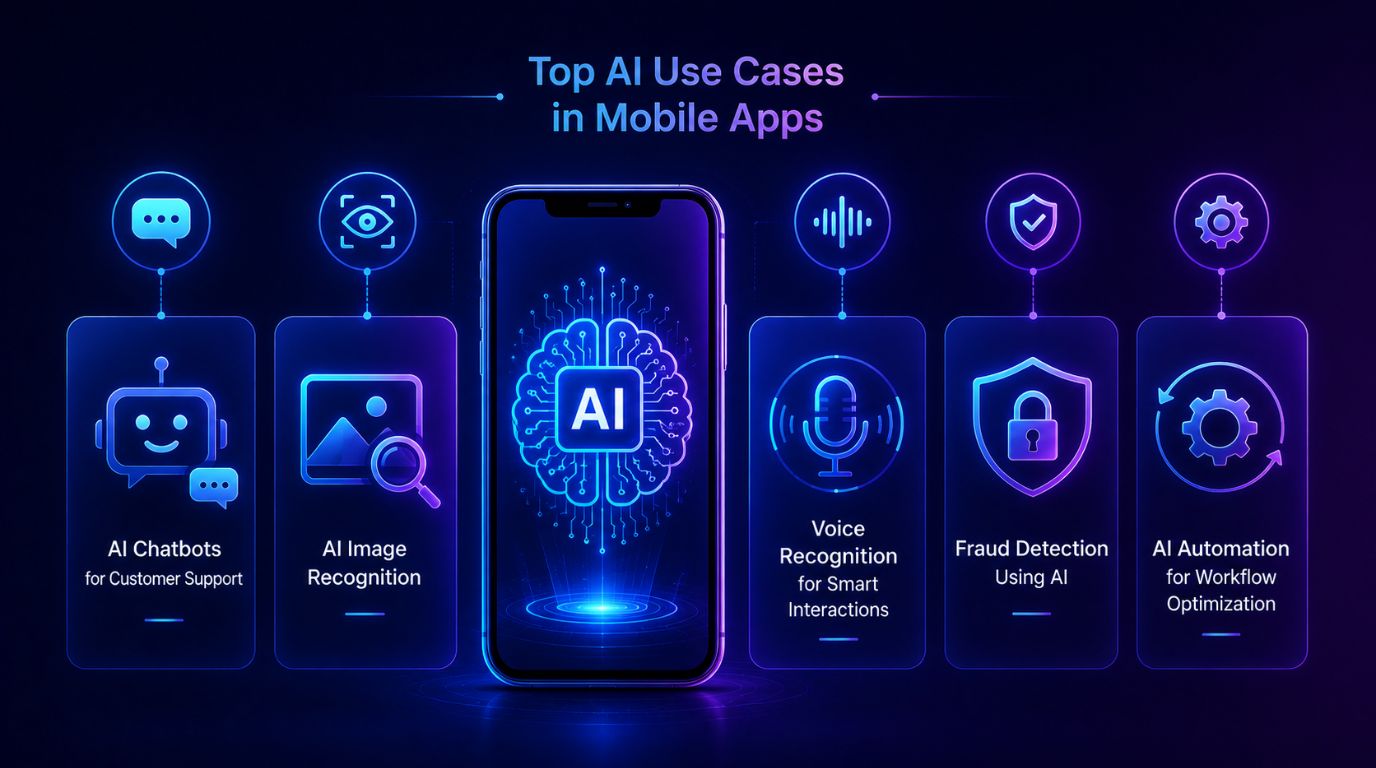
      Top AI Use Cases in Mobile Apps

      AI Chatbots in Mobile Apps for Customer Support

      Mobile apps that have AI features commonly use chatbots that utilize AI technology – such as natural language processing – to handle user requests and give an immediate response. 

      Some advantages of these chatbots include: 

      • 24-hour customer service support 
      • Decreased workload for human customer support teams 
      • Quicker replies to customers 
      • More consistent interaction with customers  

      Many companies across various sectors rely on these mobile app-enabled chatbots to answer common questions, assist customers in completing tasks, and so on.

      AI Image Recognition Apps for Visual Intelligence

      Mobile applications use image recognition technology to analyze visual material and understand its meaning.   

      Common applications include:  

      • Facial recognition for authentication 
      • Visual product search in eCommerce apps 
      • Medical image analysis in healthcare apps 
      • Augmented reality features  

      Retail applications permit customers to upload product photos, which generate similar item recommendations. 

      Voice Recognition Mobile Apps for Smart Interactions

      Mobile applications use voice recognition technology to process and execute spoken commands received from users.   

      There are three voice-based technologies, which include:  

      • Voice assistants 
      • Voice search functionality 
      • Smart home control apps 
      • Accessibility features for users with disabilities  

      Mobile applications become easier to use because users can interact with them through voice commands. 

      Fraud Detection in Mobile Apps Using AI

      Security is a worry for mobile apps, especially when it comes to money matters and digital payments.  

      AI-powered systems for fraud detection in mobile apps analyze user behavior and transaction data to identify suspicious activities and anomalies in real time.  

      Some key things these systems can do include:  

      • Real-time monitoring of transactions  
      • Analyzing data from behavior  
      • Scoring risks  
      • Sending automated alerts about fraud  

      These technologies help keep users and businesses safe from scams. 

      AI Automation in Mobile Apps for Workflow Optimization

      Implementing AI automation in mobile apps significantly improves application performance and accelerates task completion.

      Examples include:

      • Automated calendar scheduling
      • Intelligent push notifications and reminders
      • Advanced data interpretation and analytics
      • Automated document organization and processing

      By leveraging AI automation in mobile apps, businesses can focus on big-picture strategies rather than repetitive manual tasks. AI-driven automation significantly improves operational efficiency, allowing human teams to focus on high-value activities that drive growth.

      At the same time, businesses often face several hurdles while building smart applications. Common Challenges Businesses Face During Mobile App Development include integrating AI features, managing app security, maintaining performance, handling large amounts of data, and ensuring a seamless user experience across devices. Overcoming these challenges with the right development strategy helps businesses create scalable and future-ready mobile applications.

      Generative AI in Mobile Apps: The Next Big Shift

      Content Generation and Recommendations

      Through generative artificial intelligence (AI), text, image, video, and personalized recommendations can be generated for use within mobile applications.  

      Some examples of this are:  

      • AI-generated marketing materials 
      • Personalized news feed content 
      • Smart product descriptions 
      • Automated Summary of Information  

      Businesses are increasingly adopting Generative AI Development Services in India to build intelligent mobile applications that improve customer engagement and streamline content creation. The growing impact of generative AI provides organizations with advanced tools to create innovative, scalable, and highly interactive digital experiences for their users.

      AI-Powered Personalization

      Generative AI improves personalization by analyzing a user’s activities to create tailored experiences. Examples of applications include:  

      • Personalized shopping experiences 
      • Customized learning routes provided by educational applications 
      • Dynamic user interfaces built according to user preferences  

      The overall effect of these features is to significantly enhance users’ engagement level and likelihood of continued use of an app or website. 

      Intelligent User Assistance

      Users of AI-enabled assistants support finding resources, completing tasks, answering questions, or providing useful or relevant solutions based on the current context.  

      Here are some examples:  

      • Writing Assistant 
      • Virtual Shopping Assistant 
      • Travel Planner 
      • Smart Productivity Assistant 

      These functions make mobile apps more interactive and assistive to their users.

      AI Mobile App Development Trends to Watch

      A few different trends are changing how we are viewing mobile applications that utilize the power of AI.  

      Trends such as: 

      Edge AI and Processing on Devices

      By eliminating the need for the cloud to process information, an AI model running on the device improves performance and privacy.

      Voice-Enabled AI Access

      More apps are using voice to interact with their users, allowing more people to have access to technology. 

      Hyper Personalization Through AI Models

      Using advanced AI models will provide more in-depth information about how people behave and what their preferences are.

      AI Cybersecurity

      As more users rely on mobile applications to do their daily tasks, it will be essential for AI to help detect threats and protect sensitive information.

      IoT and AI Application Integration

      AI applications can be developed to control and monitor many connected devices, both in the home and in businesses.  

      These trends show us the growing role AI will play in creating new user experiences on mobile devices.

      How to Build AI-Powered Mobile Applications
      AI in Mobile App Development

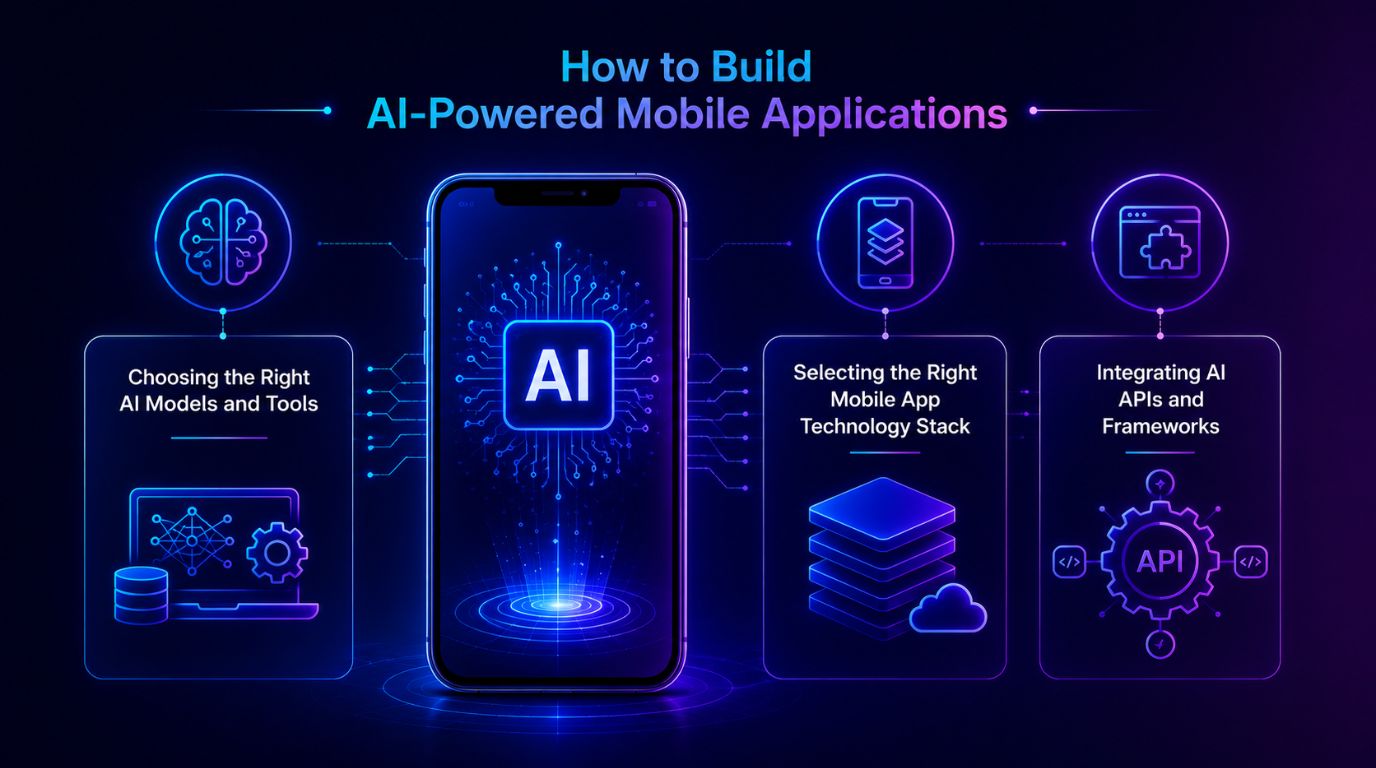
      Choosing the Right AI Models and Tools

      Choose AI technology wisely – the key to intelligent application development.  

      AI tech generally includes:  

      • Machine Learning algorithms. 
      • Natural Language processing models. 
      • Computer Vision Systems. 
      • Predictive analytic tools. 

      When selecting models, developers will need to consider the use of their application, performance requirements, and the amount/type of data that is available.

      Selecting the Right Mobile App Technology Stack

      The technology stack significantly impacts how well and how much a mobile application with Artificial Intelligence works.  

      Some of the common technologies are:  

      • Mobile Frameworks – e.g. Flutter, React Native 
      • Cloud Computing Platforms – e.g. Azure, AWS 
      • Artificial Intelligence Development Tools – e.g. TensorFlow, PyTorch 
      • Backend Data Processing and Analytics Frameworks  

      The end result of a well-designed technology stack is a user-friendly integration of AI functionality.

      Integrating AI APIs and Frameworks

      Technology stacks play a major role in determining how effective and efficient an AI-based mobile application will run.  

      Some examples of technology stacks include:  

      • Mobile Frameworks: Flutter or React Native 
      • Cloud Computing: Azure or AWS 
      • AI Development: TensorFlow or Pytorch 
      • Data Processing / Analytics Frameworks  

      A well-designed technology stack will provide users with a seamless experience integrating AI capabilities.

      Challenges in AI Mobile App Development

      Implementing Artificial intelligence (AI) into mobile apps brings many benefits, but it also presents challenges.  

      Some of the main challenges are:  

      • Data Quality and Availability: AI needs to use a lot of high-quality data to make accurate predictions.  
      • Computational Needs: The computational power required to process AI may slow down the mobile app.  
      • Privacy and Security Issues: Using user data must meet the privacy compliance guidelines for data collection and processing. 
      • Complexity of Integration: Bringing together AI technologies with mobile architecture can be very technically complex.  
      • Maintenance and Upgrades of Models: AI Models will need to be updated and monitored over time to be effective.  

      These challenges must be addressed through sound planning and the use of developers with appropriate experience.

      Best Practices for AI in Mobile App Development

      To get the best out of AI within mobile applications, there are some key steps businesses must follow:   

      • Defining clear use cases   
      • Collecting clean and organized data   
      • Ensuring privacy concerns and compliance with regulations   
      • Utilizing scalable cloud infrastructure   
      • Monitoring and enhancing your model(s)   
      • Putting your end-users first to create and maintain both user experience and transparency.   

      By working through the above, businesses can develop dependable and successful mobile applications built on AI. 

      Future of Artificial Intelligence in Mobile Apps

      Mobile app development is going to have a very productive future with artificial intelligence. This means mobile apps will be more intelligent, responsive, and unique due to artificial intelligence technologies that continue evolving.  

      Some examples of how this may occur:  

      • Sophisticated Artificial Intelligence personal assistants that can accomplish difficult workloads 
      • Embedded real-time predictive analytics into routine applications 
      • More powerful on-device artificial intelligence processing 
      • Seamless integration with smart devices and mobile applications 
      • Fully autonomous digital personal assistants  

      These new technologies change the way consumers and companies use mobile technology and provide digital services. 

      Conclusion

      Mobile application development has changed for good with the advent of artificial intelligence (AI). Application creation will become more intelligent and more tailored to individual users now that we have application interfaces such as chatbots, voice assistants, and fraud detection. Generative AI in mobile apps will continue to provide advanced functionality and highly personalized digital experiences.  

      Companies that integrate AI into their mobile applications can significantly improve user experience, automate complex workflows, and gain valuable insights through data analysis. Partnering with a leading software development company in India like Shaligram Infotech can help businesses successfully implement AI-powered mobile solutions that are scalable, secure, and future-ready. As AI technology continues to evolve, businesses using AI-driven mobile applications will stay ahead in digital innovation, competition, and long-term growth.

      Ready to build? Contact Our Global Teams

      🇺🇸 USA: +1 (919) 629-9671

      🇬🇧 UK: +44 20 3581 6366

      🇮🇳 India: +91 99099 84567

      🇦🇺 AUS: +61 07 3121 3147

      💬 Interested in Regular Insights on Software and App Development?

      📲 Follow Shaligram Infotech on LinkedIn
      Let’s build the future of applications together.

      FAQs

      What are the benefits of AI in mobile app development?

      Artificial intelligence helps improve mobile apps by delivering personalized user experiences, automating repetitive tasks, enabling predictive analytics, and enhancing security features. AI-powered mobile applications help businesses increase user engagement, streamline operations, and make smarter decisions based on real-time data insights. Contact our experts to build intelligent, scalable mobile app solutions for your business needs.

      The top AI use cases in mobile apps include AI chatbots in mobile apps for customer support, voice recognition mobile apps, and AI image recognition apps. Additionally, artificial intelligence apps are widely used to analyze transactions, recommend personalized content, and drive AI automation in mobile apps.

      Artificial intelligence looks at how people use things, what they buy, and what they have done before to find things that do not seem right. It can find these things happening. Send out warnings or stop fake transactions all by itself.

      Artificial intelligence looks at how people use things, what they buy, and what they have done before to find things that do not seem right. It can find these things happening. Send out warnings or stop fake transactions all by itself.

      Some new things that people are doing with intelligence include using it on the device itself, using it to make voice assistants, adding it to apps, making things that are just for the person using them, and using it to keep apps safe from harm. Artificial intelligence is used in all these ways to make mobile apps better and to help businesses. Artificial intelligence is good at helping people and making things easier for them. Many businesses now prefer to hire mobile app developers in India to create smarter, faster, and more user-friendly mobile applications.
      Categories
      Blog Mobile App Development

      Common Challenges Businesses Face During Mobile App Development

      Mobile App Development

      Common Challenges Businesses Face During Mobile App Development

      Mobile app development challenges and solutions

      GEt in Touch


        TABLE

          Why Mobile App Development Is More Challenging Than It Looks

          Mobile app development complexity concept

          At first glance, creating mobile apps seems simple. You design an app interface, create the app, and release it to your users. In practice, the mobile app development lifecycle includes multiple complicated levels that require outstanding attention to detail when coordinating between businesspeople, designers, developers, and testers. Mobile app development is not just a technical project. It is a business-critical product strategy that directly impacts revenue, retention, and brand perception.

          Partnering with experts offering custom software development services ensures your app is aligned with business goals and built with scalability in mind.

          Mobile apps need to work properly on various devices, operating systems, and network environments. Mobile apps must be designed to ensure excellent performance, a fast user experience, and proper handling of sensitive data. In addition, new technologies are created very rapidly, and mobile app development teams must have the most current knowledge of all frameworks, tools, and platform standards/guidelines.

          A third challenge that companies deal with when creating mobile applications is the alignment of technical implementation to business goals. Without alignment between business goals and technical execution, projects often face delays, budget overruns, and reduced ROI. They will have an impact on the overall productivity for all parties involved unless various stakeholders, product managers, and mobile development teams are aligned regarding goals. Mobile solutions also play a key role in improving operations, as seen in mobile workforce efficiency strategies.

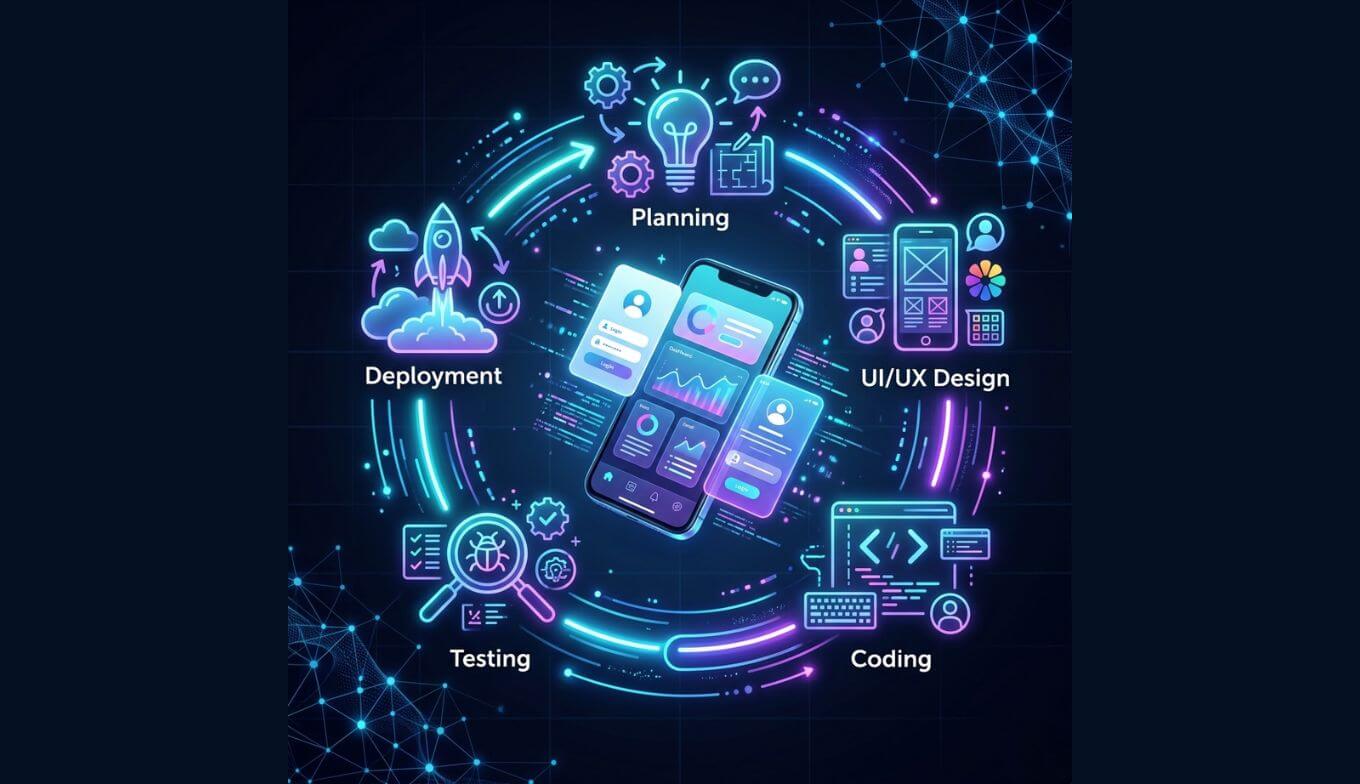
          Understanding the Mobile App Development Process

          Planning and Requirement Gathering

          Every successful mobile app project begins with the planning phase. The planning stage is when you will determine your app’s goals, audience, features, and expected outcomes.

          The requirement-gathering phase includes collecting users’ needs, defining technical specifications for the app, and figuring out how the app will function. A rushed or poorly performed requirement-gathering phase can create issues due to scope change or miscommunication later in the development phase.

          Creating a proper plan allows technical and business parties to share a common view of the finished product. A well-defined strategy is essential, and reviewing key factors in app project planning can help businesses avoid costly mistakes early on.

          Design, Development, and Testing

          After the requirements are finalized, the project progresses into the design/development stage. The UI/UX designer will create user-friendly interfaces for users, allowing for easy navigation of the app as well as an enjoyable user experience.  

          The developer would then build the user interface and backend of the application, as well as make the necessary integrations between the various APIs or databases, etc. Although developing the app is vital to its success, it is not the only determining factor for success; therefore, the application must be continuously tested to determine if it is working as intended across multiple devices/operating systems.  

          Performance testing, usability testing, and bug-finding are all vital for ensuring quality during this phase of development. 

          Deployment and Post-Launch Support

          Once the application has been fully developed and tested, it will be deployed to app stores. Launching your application is not the end of the development lifecycle. 

          Once the application is launched, developers will be required to monitor user feedback, application performance, troubleshoot/resolve bugs, and release modifications on an ongoing basis. By providing regular releases of updates, businesses can ensure their applications remain compatible with any operating system updates and provide users with new features that enhance their user experience. 

          Organizations that view mobile app development as an ongoing activity rather than a single event generally perform better in the long term. This structured lifecycle ensures predictability, reduces risk, and improves time-to-market.

          Top Mobile App Development Challenges Businesses Face

          Mobile app development challenges overview

          Unclear Requirements and Poor Planning

          The main cause of mobile application project failures occurs when project teams receive their work requirements in an unclear manner or receive incomplete requirements. Development teams struggle when businesses fail to define the app’s value proposition, feature scope, and target user groups.

          Frequent requirement changes (scope creep) lead to delays, budget overruns, and misalignment between teams.

          Cost of Mobile App Development and Budget Overruns

          Mobile application development requires businesses to spend large amounts of money on design work, development processes, infrastructure construction, testing procedures, and ongoing system maintenance. The complete application development and maintenance costs remain unknown to most businesses. Mobile app development cost depends on features, platform choice, integrations, and long-term maintenance.

          The development process will require more time and money because developers face both unexpected technical challenges and unplanned feature requests. To better plan budgets, businesses should understand app development cost factors that impact overall investment.

          Choosing the Right Technology and Platform

          The selection of a suitable technology stack presents itself as a significant obstacle that organizations must overcome. Organizations need to determine whether they will create native applications exclusively for particular platforms or whether they will adopt cross-platform development frameworks that allow them to deploy applications across multiple operating systems.

          Every method provides different benefits and drawbacks, which affect their ability to deliver results, their speed of creation, their ability to expand, and their capacity for ongoing support. The selection of inappropriate technology results in negative consequences that affect both application performance and system adaptability throughout its operational lifespan. Choosing between native, cross-platform, or hybrid frameworks directly impacts performance, scalability, and long-term maintenance costs.

          Mobile App Performance Issues and Scalability Problems

          Mobile users expect applications to load quickly and operate smoothly. Poor performance, combined with slow loading times and frequent app crashes, leads to user dissatisfaction, which results in negative app reviews and decreased usage.

          Scalability holds equal significance. The application needs to maintain its operational capacity when user numbers increase because the system must manage additional user traffic and data processing demands.

          Mobile App Testing Challenges

          Testing mobile applications requires increased collaboration among teams compared to traditional software development because mobile apps have more factors that affect their testing – screen resolutions, devices, operating systems, and connectivity conditions. 

          If an app doesn’t have a good overall testing strategy in place, it can potentially be plagued by defects or have different behaviors between devices, which could include stability problems or different user experiences in general. 

          Security Risks and Secure Mobile App Development

          Mobile applications frequently manage confidential information, which includes personal data, payment information, and user authentication credentials. Security vulnerabilities create risks that lead to data breaches and cyber threats, which affect both businesses and their users. 

          The protection of user data requires secure coding methods, encryption techniques, authentication systems, and ongoing security assessments.

          User Retention Challenges in Mobile Apps

          One of the biggest challenges in mobile app development is acquiring new users, but the bigger challenge for an application developer is keeping their users. Many apps get downloaded a lot, but after a few times using the application, most users stop using it regularly.

          Users can be lost very quickly when they have a poor user experience, a slow-performing app, or do not find enough things to do on the app, or the application crashes frequently.

          Common Mistakes in Mobile App Development

          Mobile app development mistakes

          All mobile app projects experience the same development errors because businesses rush through their development schedule. 

          The most common mistakes businesses make include skipping essential planning activities, rushing through testing, and neglecting post-launch user feedback collection, all of which prevent data-driven improvements.Which stops them from making data-driven app improvements.  

          The development process needs an organized framework, together with expert mobile app development partners, to avoid these development errors. 

          How to Overcome Mobile Application Development Challenges

          Mobile app development solutions

          Build a Strong App Development Strategy

          Define clear business objectives, target audience, core features, and technology stack before development begins.

          Focus on User-Centric Design

          User experience improves through intuitive navigation, clean visual design, and fast, responsive interfaces.

          Invest in Testing and Quality Assurance

          The development process requires teams to conduct ongoing testing, which helps them find problems at an early stage.

          Plan for Scalability and Performance

          The app architecture needs design elements that enable the system to expand its capacity for handling increased user traffic.

          Best Practices for Successful Mobile App Development

          Mobile app development best practices

          Successful mobile app projects need three elements, which include effective planning, team collaboration, and technical skills. Businesses should implement agile development methods, which enable them to develop products through faster testing cycles and ongoing process enhancements.  

          Working with skilled development teams improves technology selection, execution efficiency, and overall implementation success rates. The project remains on track to meet its business objectives through ongoing communication between developers and stakeholders.   

          Businesses need to treat mobile app development as a continuous process that requires ongoing work instead of viewing it as a single project. The organization needs to carry out regular updates while adding new features and enhancing existing elements to achieve sustained success. 

          Conclusion

          Mobile app development provides businesses with exceptional opportunities to establish customer connections while enhancing their services and advancing their digital transformation efforts. The development process poses numerous technical challenges and strategic hurdles that require resolution.

          Collaborating with a reliable software development agency in India can help businesses effectively navigate these challenges with the right expertise and strategic approach.

          Development requires precise design plans and proficient implementation to handle the unclear requirements, technology choices, performance optimization, and security issues that emerge during the process.

          Organizations can increase their likelihood of developing successful mobile applications by understanding existing challenges and implementing established best practices that enhance application performance, security, and user experience, with trusted partners like Shaligram Infotech leading the way.

          Ready to build? Contact Our Global Teams

          🇺🇸 USA: +1 (919) 629-9671

          🇬🇧 UK: +44 20 3581 6366

          🇮🇳 India: +91 99099 84567

          🇦🇺 AUS: +61 07 3121 3147

          💬 Interested in Regular Insights on Software and App Development?

          📲 Follow Shaligram Infotech on LinkedIn
          Let’s build the future of applications together.

          FAQs

          What are the biggest challenges in the mobile application development process?

          Some major obstacles to application development are unclear project requirements, selecting the right tech stack, ensuring cross-device compatibility, managing development costs, maintaining performance levels, and implementing security measures. For businesses looking to overcome these challenges efficiently, it’s always a smart move to contact us and get expert guidance tailored to your specific project needs.

          A business’s performance can be enhanced by optimizing code, utilizing an efficient backend architecture, removing non-essential processes, and implementing scalable cloud infrastructures to handle increased volume due to traffic.

          The most frequent mistakes made when developing an app are poor planning, not considering user experience, not testing, selecting an inappropriate tech stack, and not planning for scalability or future update options.

          To test an application, developers must consider a multitude of variables such as devices, operating systems, screen sizes, and network environments. The greatest challenge is to provide consistency across these variables through testing.

          Secure coding practices, data encryption, strong authentication methods, regular vulnerability assessments, and meeting the requirements of security compliance standards are all possible means of improving security.

          Factors affecting how well users return to an application are performance, design, usefulness, frequency of updates, speed of load time, and user experience.
          Categories
          Blog Mobile App Development

          Key Considerations Before Starting a Mobile App Development Project

          Mobile App Development

          Key Considerations Before Starting a Mobile App Development Project

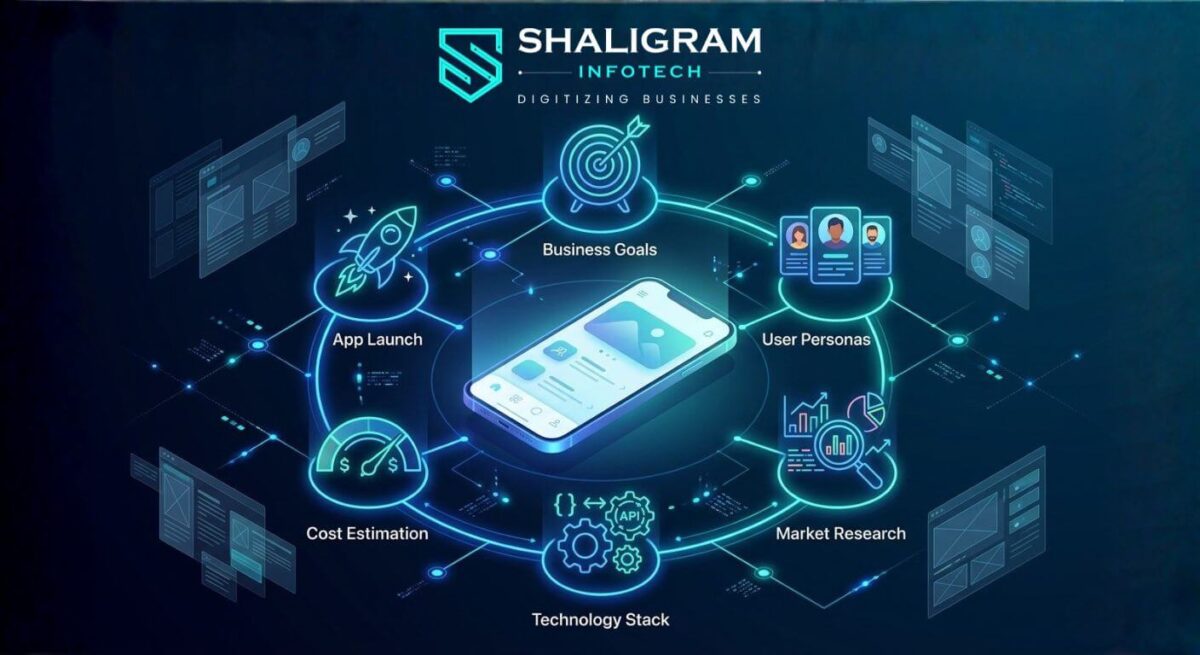
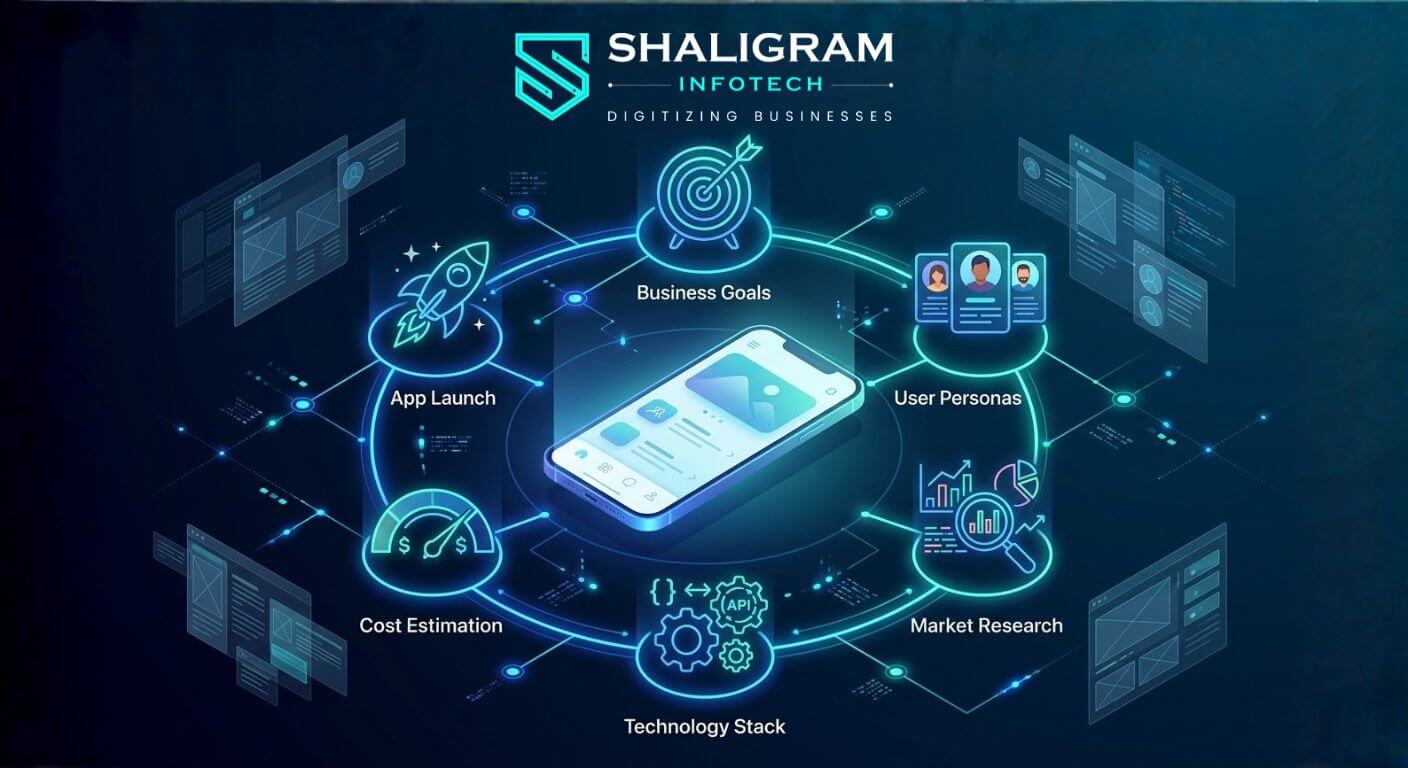
          Mobile app development planning ecosystem

          GEt in Touch


            TABLE

              Quick Summary :

              To build a successful mobile app, start with clear planning. Define your goals, understand your users, and prioritize key features. Choose the right development approach and platform (iOS, Android, or both). Focus on good design and smooth integrations to avoid common issues like scope creep and budget overruns. A structured development process helps create efficient, scalable apps aligned with business objectives.

              Why Proper Mobile App Development Planning Matters

              Strategic mobile app development planning illustrated with a roadmap and connected development phase icons
              Mobile app development is far more than writing code. It is a structured process that brings together business strategy, user experience design, technical architecture, and ongoing iteration. Businesses that invest in thoughtful planning before development begins are significantly more likely to deliver apps that users adopt and that meet commercial objectives.

              When you plan properly, it helps your business in ways.

              For example:  

              • You can avoid problems that might come up later and cost a lot of money  
              • You can clearly say what you want your product to do and how you will know if it is successful
              • You can make sure that everyone involved in the project is on the same page  
              • You can make a schedule and a budget that works
              • You can build a product that will work well and be easy to maintain 

              It is really important to have a plan. This way you can make sure that your mobile app actually helps people and is good for your business. A good mobile app development strategy makes sure that your app solves problems for users while helping your business grow.

              Define the Goals of Your Mobile App Development Project

              Before any technical work begins, you must be clear about what you want to achieve. Vague objectives lead to vague products.

              Identify Business Objectives

              Your mobile application must map directly to your company’s commercial goals.

              Some common goals are:  

              • Increasing customer engagement and retention
              • Generating new revenue streams through digital products or services
              • Automating internal workflows to reduce operational costs
              • Strengthening your online presence and brand reach
              • Providing faster, more accessible customer support 
              Documenting these objectives at the outset gives the development team a reference point for every decision made throughout the project.

              Understand Your Target Users

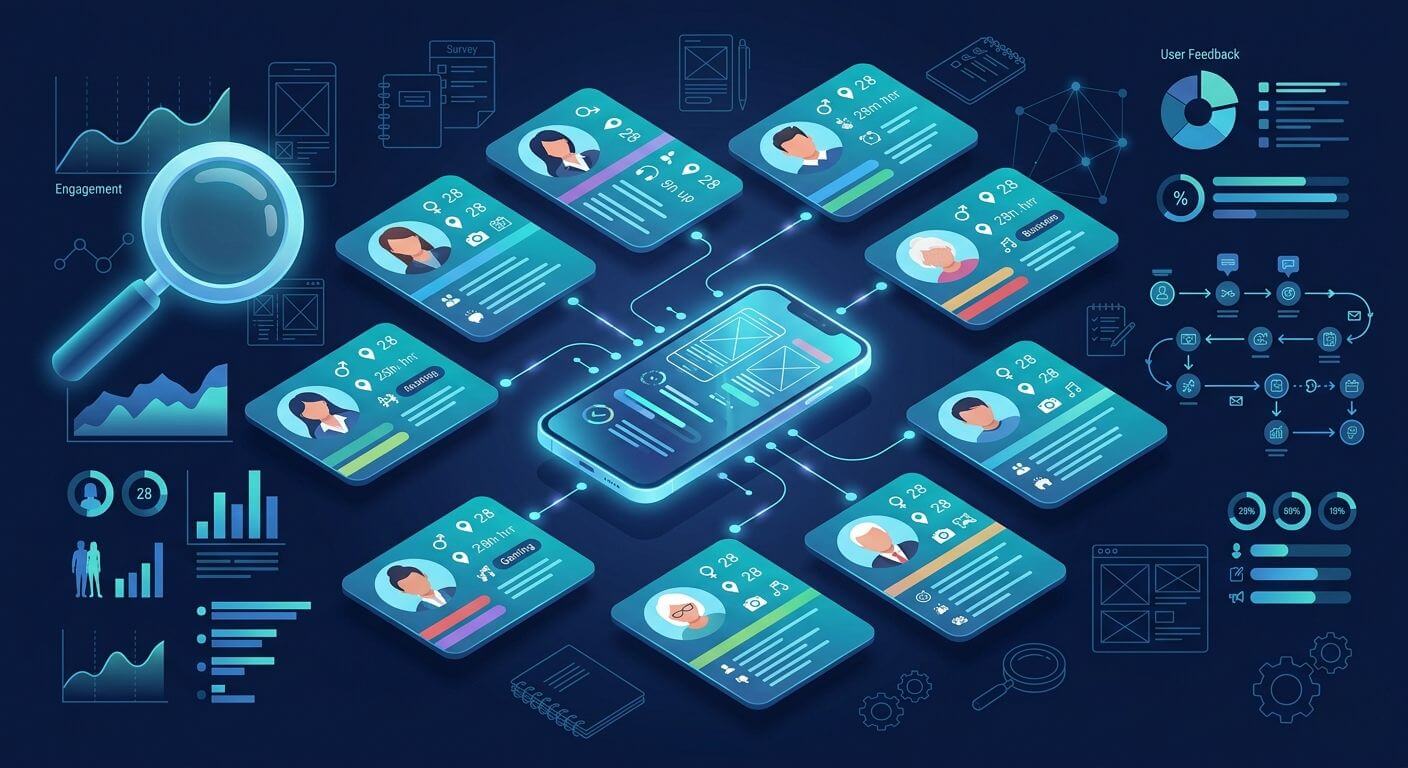
              Understanding target users for mobile app development with persona cards and research data icons
              To make an application that people really like, you need to know who is going to use it. Companies should think about who will use the app, what kind of problems they have, and how the mobile application can help solve those problems.

              There are some things to think about:  

              • User demographics: Age group, location, language, and digital literacy
              • Behavioural patterns: When, where, and how frequently they use mobile apps
              • Platform preferences: Whether your audience skews towards iOS or Android
              • Pain points: What problems they currently face that your app will solve
              • Expectations: What features or experiences they consider standard
              When developers know about the people who will use the application, they can make something that is really useful. The mobile application can be made to give people experience by using user personas and doing research on how people behave. This helps the mobile application do what people want it to do.

              Define the Core Features and User Journey

              A successful app starts with a focused feature set. The biggest mistake teams make is trying to build everything at once. Successful products almost always begin with a Minimum Viable Product (MVP), the smallest set of features that delivers real value to users.

              Companies should think about how people will use the app by answering questions like:  

              • How will users interact with the app  
              • What will users do often  
              • What problems should the app solve away 

              A clearly defined user journey keeps development focused and helps avoid costly scope creep once the build is underway. For context on how this compares to web-based approaches, it is worth reading our comparison of mobile vs web apps for businesses.

              Key Factors to Consider Before Developing a Mobile App

              Market Research and Competitor Analysis

              Understanding the competitive landscape before you build is essential. Launching into a market without researching what already exists leads to duplicated effort, missed differentiation, and a weak value proposition.

              A thorough market research process includes: 

              • Auditing competing apps across Google Play and the App Store
              • Identifying gaps in competitor offerings that you can address
              • Analysing user reviews to understand recurring complaints and unmet needs
              • Validating genuine demand for your proposed solution
              This research gives you a data-driven foundation for your product decisions rather than relying on assumptions. It also informs your positioning: what makes your app meaningfully different from what already exists.

              User Experience and Interface Design

              User experience (UX) is one of the most significant determinants of mobile app success. Apps that are confusing to navigate, slow to respond, or visually inconsistent lose users rapidly, often within the first session.

              Effective UX design before development begins involves:

              • Mapping user flows to eliminate unnecessary friction
              • Creating wireframes and low-fidelity mockups to validate navigation logic
              • Designing for accessibility, including appropriate font sizes and contrast ratios
              • Following platform-specific design conventions (Material Design for Android; Human Interface Guidelines for iOS)
              Good design helps users engage more and makes the app easy to use. Effective design makes users stay and use the app more. Good user experience and design are key to an app’s success.

              Scalability and Future Growth

              Lots of apps start out with a few users, but they can grow really fast if they are popular. If the people making the app do not think about how it will handle a lot of users when they are building it, the app may have trouble working properly when more people start using it.

              A good app should be able to handle these things: 

              • A growing number of concurrent users without performance degradation
              • Increasing volumes of data storage and retrieval
              • The addition of new features without restructuring the core codebase
              • Third-party integrations and API connections
              Planning for scalability from the outset is far more cost-effective than rebuilding infrastructure after the fact. This is a particularly important consideration when selecting a development partner; ensure they have a proven approach to scalable architecture.

              Choosing the Right Mobile App Development Strategy

              Aligning the App with Business Models

              Your mobile app should not operate as a standalone product divorced from your broader business model. It should complement and reinforce your existing commercial framework. Whether your business is B2B, B2C, or marketplace-based, the app’s features, onboarding flow, and monetisation model must reflect how your business creates and delivers value.

              Monetization Strategy

              If people want to make money from the app, they need to figure out how to do that from the start.

              The ways that mobile apps can make money are: 

              • Subscription-based services: Users pay a recurring fee for ongoing access
              • In-app purchases: Users buy additional content, features, or consumables within the app
              • Advertising: Revenue generated through display or video ads served within the app
              • Freemium models: Core functionality is free, with premium features behind a paywall 
              Each model has implications for the app’s technical architecture, user experience, and App Store / Play Store listings. Deciding upfront avoids expensive changes later.

              Long-Term Product Roadmap

              Mobile apps need to change and get better over time. A long-term plan helps businesses make a list of what they want to add to the app in the future, like new features and ways to make the mobile app work faster and better.

              A good plan for the app includes: 

              • Adding features in the future 
              • Making the app work faster and better  
              • Working with tools and technologies 
              Listening to what users of the app say and using that to make updates

              Understanding the Mobile App Development Process

              Requirement Gathering and Planning

              The first formal stage of any development project is a thorough requirements gathering process.

              This step includes: 

              • Defining what the technology needs to do  
              • Figuring out what features the project requires  
              • Seeing what the project needs to work with  
              • Setting a schedule for when things need to be done 
              Getting all the requirements at the beginning helps prevent confusion and makes sure everyone involved with the development project is on the same page and has a clear understanding of the development project.

              UI/UX Design and Prototyping

              When we know what we need to do, the designers make drawings and working models of the website or application.

              The designers do this to: 

              • Creating low-fidelity wireframes to establish screen layouts and user flow
              • Developing high-fidelity mockups that reflect the final visual design
              • Conducting usability testing with representative users
              • Iterating on designs based on feedback before handover to developers 
              This step helps reduce mistakes in the design of the website or application before we start building it.

              Development, Testing, and Deployment

              Once designs are approved, development begins, typically following an agile methodology that delivers working software in iterative sprints. As features are built, rigorous testing runs in parallel to catch issues early.

              Types of tests will include: 

              • Functionality Testing: Verifying that all features work as intended
              • Performance Testing: Ensuring the app performs well under realistic load conditions
              • Security Testing: Identifying vulnerabilities before the app reaches users
              • Device Compatibility Testing: Confirming consistent behaviour across a range of devices and OS versions
              The application will be put into the respective stores after testing is completed with Apple and Google app stores.

              Choosing the Right Mobile App Technology Stack

              Backend Infrastructure

              The backend is the engine that powers your mobile application. A poorly architected backend leads to data issues, security vulnerabilities, and scalability problems.

              Backend Infrastructure Examples: 

              • Application servers to process requests and business logic
              • Databases appropriate to your data model (relational for structured data; NoSQL for flexible, high-volume data)
              • RESTful or GraphQL APIs to connect your frontend with backend services
              • Authentication systems implementing industry standards such as OAuth 2.0 

              Reliable backend systems will enable organizations to manage their data securely and reliably.

              Frameworks and Development Tools

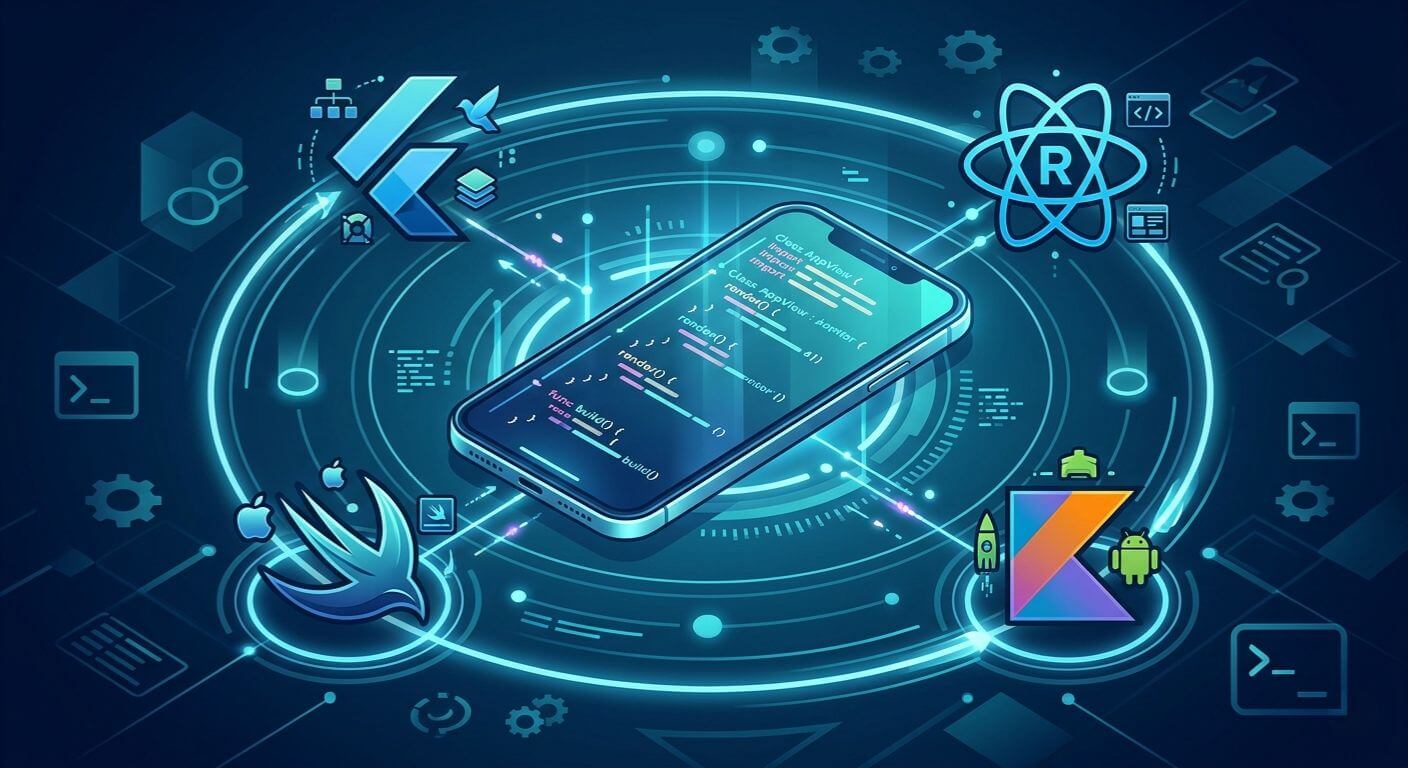
              Mobile app development frameworks including Flutter, React Native, Swift, and Kotlin illustrated around a central smartphone
              Development frameworks can help to simplify coding processes and therefore allow developers to work productively when writing code.

              Popular Development Frameworks Include: 

              • Flutter (Google): excellent for cross-platform development with near-native performance
              • React Native (Meta): widely used, large community, strong for cross-platform projects
              • Swift (Apple): the preferred language for native iOS development
              • Kotlin (Google): the standard for native Android development
              Framework selection should be driven by your performance requirements, target platforms, team expertise, and time-to-market constraints. Read more in our guide comparing native vs cross-platform apps to make an informed choice.

              Cloud and Integration Considerations

              Cloud services are commonly used by most current mobile applications to improve their level of scalability and reliability.

              Cloud platforms can provide: 

              • Data storage  
              • Real-time data syncing  
              • API integrations  
              • Analytics/monitoring 
              Having a cloud-based architecture means these applications can be scaled easily.

              iOS vs Android App Development: Which Platform Should You Choose?

              Market Reach and User Demographics

              While the Android OS has the largest global market share, the average iPhone user has much more purchasing power than an average Android user.
              When deciding which platform to develop for, businesses need to consider their target demographic.

              Development Cost and Maintenance

              As a result, developing an application for both platforms will result in higher costs due to the need to develop and test two separate applications.

              On the flip side, targeting multiple platforms will likely help increase market size.

              Performance and Ecosystem Differences

              The iOS platform has a more regulated ecosystem, which leads to better performance consistency than that of Android.
              The Android platform allows for more variety and flexibility in terms of devices, however, it often requires more testing.

              Native vs Hybrid Mobile Apps: Which Approach Works Best?

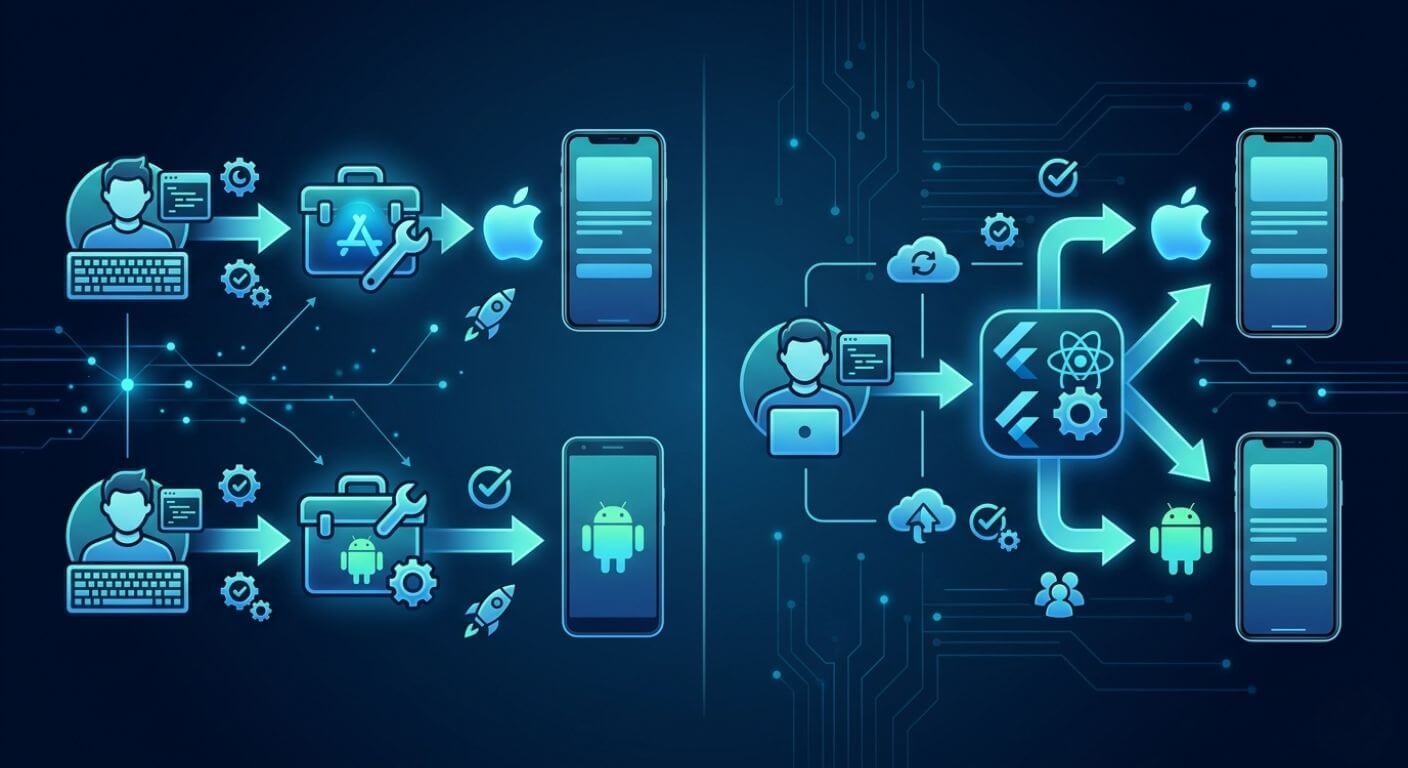
              Native vs hybrid mobile app development comparison showing a single codebase branching to both iOS and Android platforms

              Native App Development Benefits

              Native applications are developed for a specific platform, such as iOS or Android.

              Benefits of developing native apps include the following: 

              • High performance 
              • More user-friendly 
              • Full feature access 
              Native development is often a better choice for performance-sensitive and / or complex applications than using cross-platform development tools.

              Cross-Platform App Development Advantages

              Cross-platform development platforms enable you to create applications for all your various platforms using one codebase.

              Some of the benefits are as follows: 

              • Quicker development cycles 
              • Lower development costs 
              • Less complexity in maintaining the application. 
              • When Hybrid Apps Make Sense

              Hybrid Apps can be especially advantageous for: 

              • Creating Minimum Viable Products (MVPs) 
              • Creating cost-effective apps 
              • Creating simple function-based apps 
              Cross-platform development provides businesses with an opportunity to rapidly validate their application idea(s) before they invest in developing natively.

              Estimating Mobile App Development Cost

              The cost of building a mobile app varies considerably depending on a range of factors. Understanding these variables before you start allows you to set a realistic budget and avoid unpleasant surprises mid-project.

              Primary cost drivers include:

              • App complexity: A simple informational app requires far less development time than a marketplace, social platform, or fintech solution
              • Number of features: Each feature adds development, testing, and maintenance overhead
              • Platform choice: Single-platform (iOS or Android) versus dual-platform development
              • Development approach: Native development typically costs more than cross-platform development
              • Third-party integrations: Payment gateways, mapping services, analytics platforms, and CRM systems all add integration work
              • Location of the development team: Offshore development in India, for example, offers high-quality output at significantly lower rates than equivalent teams in Western markets
              Even though simple apps can be created for significantly less than an enterprise-grade app with advanced capabilities, companies need to think about the upfront cost of app development as well as the cost of maintaining the app in the long term.

              Building a Scalable Mobile Application Development Roadmap

              Using a structured roadmap, a mobile application will be strategically improved over time.

              Several key elements are included in a development roadmap like:  

              • A timeline for MVP release 
              • Feature phase-in plan 
              • Performance enhancement opportunities 
              • Customer feedback integration 
              • Security refresh cycles  
              By using this phased approach to implementation, companies can deliver updates to their products without losing stability.

              Common Mistakes in Mobile App Development Projects

              Too many mobile app projects are negatively affected by preventable errors.

              The most popular preventable errors are:  

              • App development initiated prior to documenting requirements.  
              • Neglecting to include user experience design.  
              • Overloading the application with superfluous features.  
              • Using unsuitable technology for developing applications.  

              • No app testing prior to going into production.  
              • No consideration given to the app’s scalability.  
              Correcting avoidable mistakes will dramatically improve the probability of successful projects.

              Best Practices for Starting a Mobile App Development Project

              It is essential for organizations to follow proven best practices to successfully develop an application.

              Some key recommendations for developing a successful application include:  

              • Create a clear product vision  
              • Complete thorough market research  
              • Provide a focus on user experience and usability through the application  
              • Complete the MVP launch process prior to entering full-scale development  
              • Choose the appropriate vendor partner for development  
              • Prepare for the scalability and for any future updates  
              Working with a reputable software development company in India that follows a structured development methodology gives your project the best possible foundation.

              Conclusion

              Building a successful mobile app requires far more than a good idea. Structured planning, the right technology choices, and a clear understanding of your users are what separate products that thrive from those that fall short.
              At Shaligram Infotech, we help businesses navigate every stage of this process, from initial strategy and platform selection through to development, testing, and launch. Partnering with a trusted app development company in India means your app is built on solid foundations, ready to scale, and designed to deliver real value from day one.

              Ready to build? Contact Our Global Teams

              🇺🇸 USA: +1 (919) 629-9671

              🇬🇧 UK: +44 20 3581 6366

              🇮🇳 India: +91 99099 84567

              🇦🇺 AUS: +61 07 3121 3147

              💬 Interested in Regular Insights on Mobile App Development? 󠀢󠀢󠀢󠀢

              📲 Follow Shaligram Infotech on LinkedIn
              Let’s build the future of applications together.

              FAQs

              What factors should be considered before developing a mobile app?

              When businesses want to make an app, they need to think about a few things. They must consider who their target audience is, what they want to achieve with the app, and what their competitors are doing. They also need to think about what features the app will have, what technology to use, if it can grow with their business, etc.

              First, businesses need to gather all the requirements for the app. Then, they need to design the user interface and user experience. After that they make a prototype, develop the app, test it, deploy it, and finally maintain it after it is launched.
              The cost of making an app is different for each business. It depends on how complicated the app is, what features it has, what platforms it will be on and how it is developed. Simple apps do not cost much but big complex apps for companies can cost a lot of money.
              Businesses should make sure their app fits with their business goals. They need to do some research to see what people want, make sure the app is easy to use, have a plan, what features to add, and choose the right technology to build the app.
              Yes, businesses can keep costs down and still make a good app. They can do this by starting with a version of the app, choosing technology that works well, and focusing on the most important features. This way businesses can control money they spend on the app and still have a good quality app.
              Some errors may include lack of detailed requirements; poor design of the end-user experience; lack of scalability; insufficient testing of the application before it is released into production; and/or using inadequate technologies to develop the application.
              Categories
              Blog Mobile App Development

              Mobile Apps vs Web Apps Explained

              Mobile App Development

              Mobile Apps vs Web Apps Explained

              Mobile app vs web app comparison for custom software development

              GEt in Touch


                Custom Software Development: Choosing Between Mobile Apps and Web Apps

                Difference between mobile applications and web applications
                The selection of a mobile app or a web app is not a decision based on technology first; it is a decision based on business strategy. Mobile apps are installed on user devices and are developed for repeated, personalized interactions. The web applications run on browsers, and their focus is on accessibility, speed of deployment, and cross-platform compatibility.
                From the point of view of custom software development, web apps are generally the choice for early-stage products that allow businesses to test their ideas quickly with little friction. Mobile apps are usually the ones that come into the picture when the product has been developed to a certain level that requires deep user engagement, device-level features, or frequent interactions. It is very important to know how users will be accessing and interacting with the product before a decision is made regarding either approach.

                Development Cost: Mobile App vs Web App

                Mobile app vs web app development cost comparison

                Cost of Development for Web Applications

                Web applications usually need less investment at the beginning because users of different devices and operating systems can use the same application. Developers only have one codebase to manage, which cuts time for engineering tasks and simplifies testing. The updates and new features can be released at the same time for all users, and no user action is required, thus making the maintenance costs remain stable.
                Web applications are a great choice for startups and businesses that are still validating their ideas since they are cost-effective, while the flexibility to change according to the feedback is still available. In addition, cloud infrastructures allow for controlled scaling without the need for significant upfront investments.

                Cost of development for Native Mobile Applications

                The development of native mobile applications involves the creation of different applications for various platforms, such as iOS and Android. Each platform possesses its own development environment, design guidelines, and testing processes. This results in the need for greater effort, more time, and higher costs in the development process.
                Besides the actual development, companies must also budget for app store fees, compliance obligations, device testing, and continuous updates necessitated by operating system changes. Read this article on the cost of mobile app development. Mobile applications, in general, require a much bigger investment. To manage these costs without sacrificing quality, many strategic founders choose to hire mobile app developers from India. Despite the higher initial outlay, apps often turn that investment into profit when high engagement, offline access, or device integration become the core value of the product.

                Web App vs Mobile App Cost Comparison

                To give a better understanding of cost implications, the upcoming table illustrates the comparison of web apps and mobile apps from the viewpoint of custom app development. Even though the real costs depend on the development scope and complexity, such comparisons depict the most common industry situations.
                Cost Factor Web Application Mobile Application
                Initial development cost
                Lower due to a single browser-based codebase
                Higher due to platform-specific development
                Design complexity
                Moderate with responsive layouts
                High with device-specific UI/UX
                Development timeline
                Shorter and faster to launch
                Longer due to multi-platform builds
                Maintenance effort
                Easier with centralized updates
                More complex with app store submissions
                Update deployment
                Instant for all users
                Requires user downloads and approvals
                Long-term cost impact
                More predictable and scalable
                Increases with OS and device changes

                Time-to-Market: Which Gets Your MVP Live Faster?

                Web Application Development Timeline

                Web applications are usually quicker in getting to the market as the development teams can just work on the main features without caring about the limitations of specific platforms. Testing environments are not as complex, and deployment does not require the approval of third parties. Right after the app is live, users can immediately reach it via a browser.
                For the majority of MVPs, businesses can go from idea to launch much faster with web applications.
                Mobile App Development Timeline

                Mobile applications necessitate the extra development cycles for platform compatibility, comprehensive device testing, and app store reviews. Even the smallest updates must go through the approval processes, which can delay iteration. The use of cross-platform tools helps to cut down on timelines; however, mobile development is still much longer compared to web applications.
                Web apps are the obvious choice for businesses that focus on quickness.

                User Retention & Engagement: Where Do Users Stick Longer?

                Mobile Apps: High Retention, High Commitment

                Mobile applications usually have a higher retention rate compared to other platforms as they are always present on the user’s device and provide personalized communication. Push notifications along with offline capabilities and smooth operation invite users to come back again. Generally, the users who have the app installed show more intent; thus, mobile apps are perfect for the products that need regular interaction.
                Sectors like Fintech, healthcare, and on-demand services depend heavily on mobile apps for cultivating long-term user relationships.

                Web Apps: Lower Friction, Easier Access

                The web apps get through installation requirements and so they are very accessible. Users can instantly access them through a link, which greatly increases their reach and at the same time reduces the friction for the user. This is the reason why web apps are preferred for use on occasional or broad audience platforms.
                Nevertheless, if users are not present on their devices all the time, the web apps will have lower retention rates than mobile apps unless strong re-engagement strategies are in place to support them.

                Technical Performance vs Practical Performance

                Native Mobile Application Performance

                Performance-wise, native mobile applications are superior since they directly engage with the hardware of the device. This is a critical distinction in the native vs cross platform apps debate, as native builds deliver quicker response times, more fluid animations, and better accessibility to sensors, cameras, and offline storage. Applications that require complex interactions or real-time processing thrive on this native performance.

                Browser-Based Web Application Performance

                The performance of modern web technologies is as good as that of most business use cases. Nevertheless, web apps are limited in their performance by the conditions of the network and the capability of the browser, which is problematic, especially in interactive scenarios. Web apps are perfect for dashboards, SaaS platforms, and portals, while they are still not as responsive as native mobile apps in case of resource-consuming tasks.

                Scalability & Maintenance: What Happens After MVP Success?

                Scaling Web Applications

                Scaling web applications is generally easier since updates are deployed through a central system, and infrastructure can be extended using cloud services. Features can be rolled out, performance optimized, and security updated instantly without disrupting the user experience.

                Scaling Mobile Apps

                Mobile applications are capable of scaling up to millions of users, but the maintenance gets complicated as the updates have to be delivered through the app stores. Compatibility with various OS versions and devices results in long-term overheads that make scaling more resource-intensive than web applications.
                Web App or Mobile App for Startup MVP?

                When a Web App Is the Better MVP Choice

                Web apps are perfect when the aim is quick validation, managing the budget, and having flexibility. Such platforms provide a range of functionalities for startups to conduct the whole process of feature experimenting, collecting opinions, and changing direction without having to pay for a very expensive development process.

                When a Mobile App Makes More Sense

                Mobile applications tend to be more appropriate for MVPs relying on the characteristics of the device, the availability of offline access, or the need for real-time interaction. If the main benefit of the product cannot be communicated through a browser, developing a mobile app might be a reasonable approach.

                Progressive Web Apps for Startups: A Cost-Effective Middle Ground

                Progressive web apps as a bridge between mobile and web apps

                Scaling web applications is generally easier since updates are deployed through a central system, and infrastructure can be extended using cloud services. Features can be rolled out, performance optimized, and security updated instantly without disrupting the user experience.

                Why Progressive Web Apps Are Popular for Startups

                PWAs, or Progressive Web Apps, are browser-based apps that are like native ones, and they come with features such as offline access and push notifications. Besides, these apps are developed at a faster rate and less cost than that of native mobile apps, thus becoming a suitable option for startups that want a gradual approach.

                When PWAs Are NOT Enough

                PWAs could be inadequate in situations where the applications require close hardware integration, very good graphics, or high-performance animations. In such cases, native mobile development will still be the best choice.

                Decision Matrix: Mobile App vs Web App for Business

                The decision to go for mobile or web applications is mainly based on business priorities. Web apps will give you speed, accessibility, and cost efficiency while mobile apps will give you engagement, performance, and user loyalty. By aligning your choice of platform with the product goals, you are guaranteed sustainable growth.

                How to Choose the Right Custom Software Development Approach

                • Identify the main issue for your primary user
                • Grasp users’ actions and gadgets
                • Establish a feasible budget and timeframe
                • Rank MVP educational objectives
                • Think about the possibility of expansion for future
                Our Shaligram team partners with organizations to ensure tech choices are in sync with actual business results.

                Common Founder Mistakes When Choosing Between Mobile and Web Apps

                A lot of startup owners dive into mobile app development without first checking if there’s any demand. They also fail to factor in the maintenance costs while making the choice of platforms and tend to base their choice on the current user trend instead. All these errors lead to later launches, bigger budgets, and poor adoption.

                Conclusion

                There is no absolute answer to the question of whether mobile apps or web apps are better. On one hand, web applications provide speed, flexibility, and lower prices which make them suitable for MVPs and testing in the early stages. On the other hand, mobile apps ensure higher user engagement and performance, so they are considered a necessity when the product has already attracted demand.
                At Shaligram Infotech, we are a software development company with a team of mobile app developers always ready to assist companies in selecting platforms based on strategies, scalability, and actual usage, thus guaranteeing that each product is constructed for long-term success.

                Ready to build? Contact our global teams:

                🇺🇸 USA: +1 (919) 629-9671
                🇬🇧 UK: +44 20 3581 6366
                🇮🇳 India: +91 99099 84567
                🇦🇺 AUS: +61 07 3121 3147

                💬 Interested in Regular Insights on Web App Development?

                📲 Follow Shaligram Infotech on LinkedIn
                Let’s build the future of applications together.

                FAQs

                What is the difference between mobile apps and web apps?

                Mobile apps must be installed on the device and utilize native hardware functionality. In contrast, web apps run in a browser, allowing users to access them without installation.
                MVPs are usually best done in the form of web apps on account of quicker development and cost efficiency.
                A web app is commonly the least costly option.
                Absolutely, PWAs are characterized by app-like capabilities but come with a more reasonable development cost.
                Web apps typically require lower initial investment and lower ongoing maintenance costs.
                Yes. This is a phased approach that many successful startups have adopted.
                Mobile apps are typically more successful in retaining users because they utilize native features for engagement.
                Categories
                Blog Mobile App Development

                Top Backend Technologies for Scalable Web Apps

                Mobile App Development

                Top Backend Technologies for Scalable Web Apps

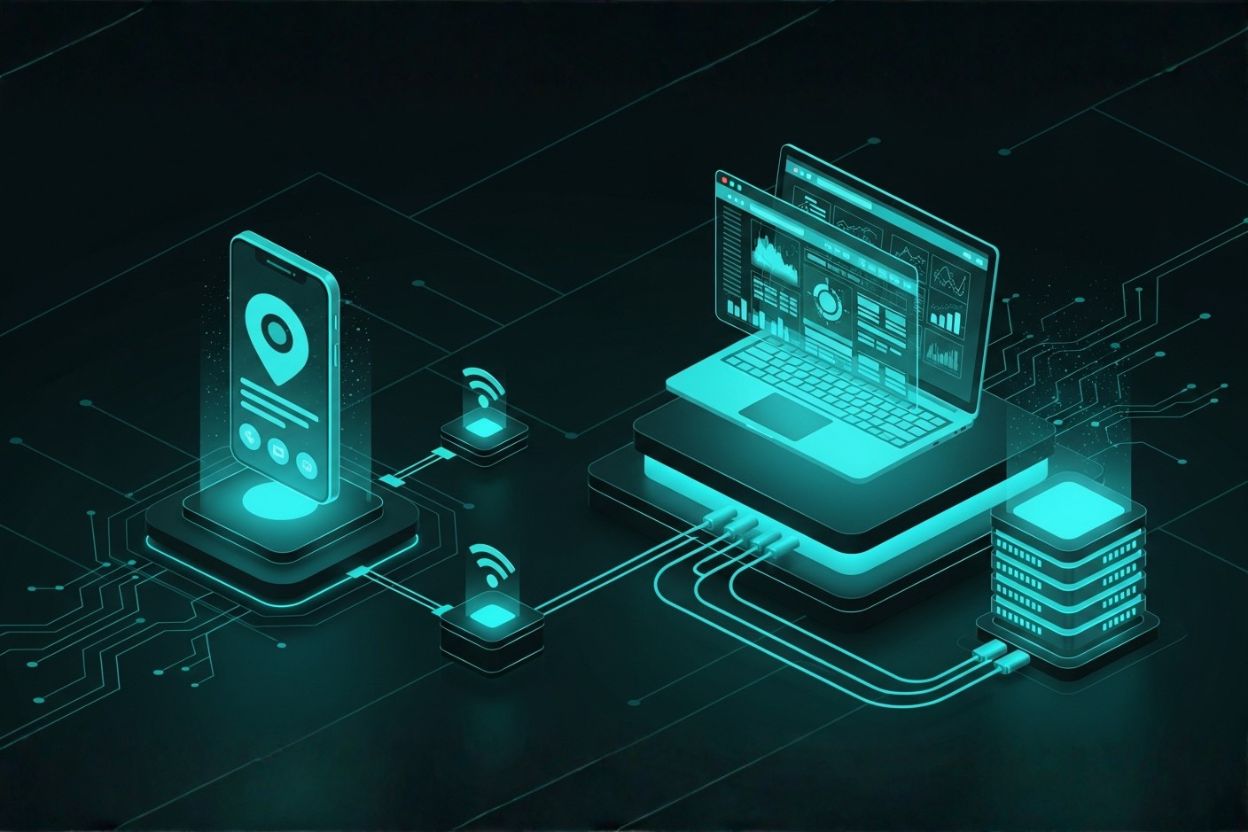
                Scalable backend system connected to databases, APIs, cloud, and security

                GEt in Touch


                  Why Backend Technologies Matter for Scalable Web Apps

                  Backend technologies form the foundation of any scalable application. They power business logic, databases, APIs, authentication systems, and third-party integrations. When applications grow from hundreds to millions of users, backend decisions determine whether scaling remains smooth or becomes costly and unstable.
                  A well-designed, scalable backend enables:
                  • Efficient handling of concurrent user requests
                  • Horizontal and vertical scaling without major rewrites
                  • Faster feature releases and easier maintenance
                  • Secure data processing and compliance readiness
                  • Cost-efficient infrastructure usage
                  Poor backend choices often result in degraded performance, frequent downtime, rising infrastructure costs, and long-term technical debt. Selecting the right server-side technologies is essential for sustainable growth.

                  Backend Development: What It Includes

                  Backend development covers all server-side operations required to keep a web application functional, secure, and scalable. For a deeper technical understanding of server-side development fundamentals, MDN Web Docs provides detailed explanations of backend logic, APIs, and data handling.
                  Key components of backend development include:

                  Server-side logic

                  Business rules, workflows, validations, and processing logic that control application behavior.

                  Database management

                  Schema design, data storage, query optimization, and maintaining data integrity.

                  APIs and integrations

                  Development of REST or GraphQL APIs and integration with payment gateways, CRMs, analytics platforms, and messaging services.

                  Authentication and authorization

                  Secure user identity management, role-based access control, and permissions.

                  Performance optimization and scalability

                  Caching, load balancing, asynchronous processing, and efficient resource utilization.

                  Security and compliance

                  Data protection, vulnerability mitigation, and compliance with standards such as GDPR, HIPAA, or SOC 2.

                  A strong backend is not just about writing code but about building a system that adapts and scales under real-world conditions.

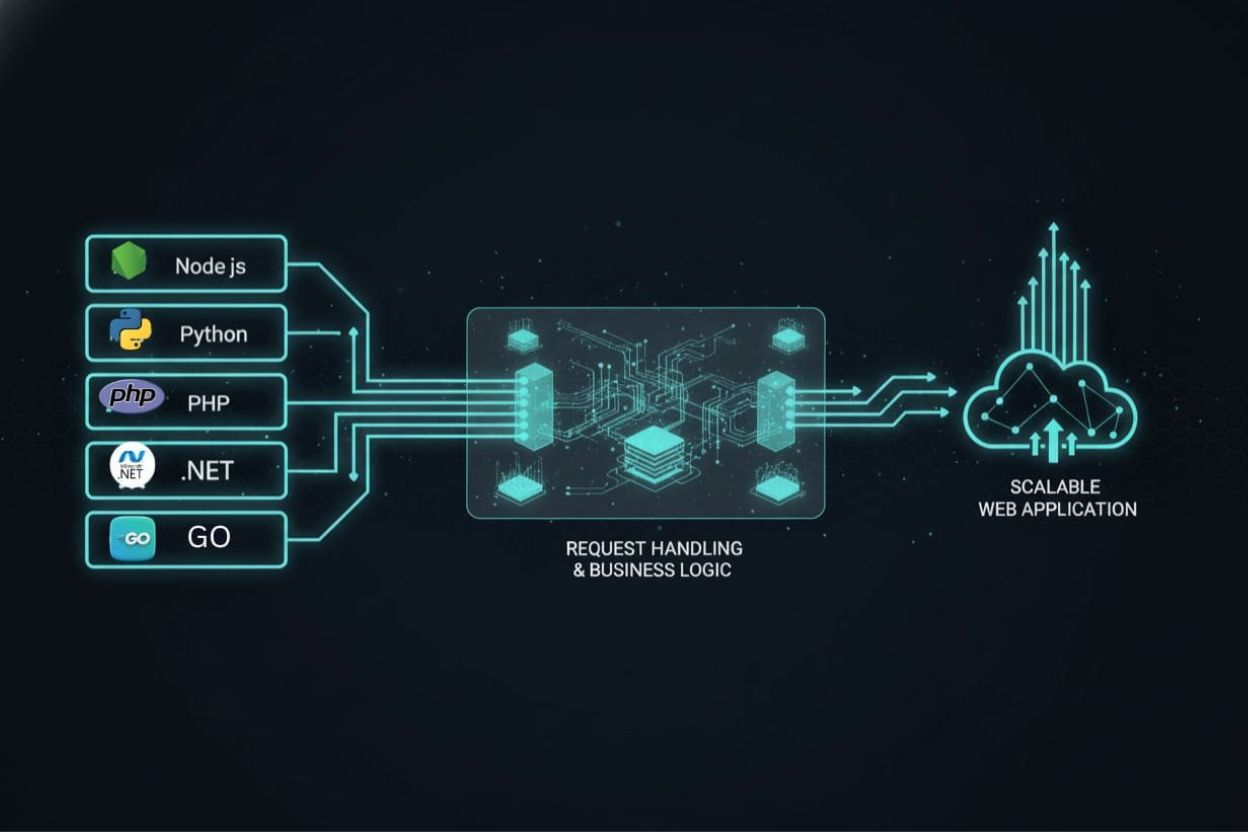
                  Backend Languages for Web Development

                  Popular backend programming languages used in web development

                  Choosing the correct backend language for web development affects scalability, ecosystem support, and long-term maintenance. The backend developer roadmap by roadmap.sh outlines how backend languages, frameworks, and system design skills evolve as applications scale.

                  JavaScript (Node.js)

                  Node.js uses a non-blocking, event-driven architecture that handles concurrent requests efficiently. It is widely used for APIs, microservices, and real-time applications.

                  Using JavaScript across both frontend and backend reduces context switching for teams, while the large NPM ecosystem supports rapid and scalable development, making it a strong choice for businesses looking to hire Node.js developers in India for building high-performance web applications.

                  Python

                  Python is valued for its simplicity and fast development cycle. It is widely used in data-driven applications, AI systems, and SaaS platforms.
                  Although Python is not the fastest at runtime, modern frameworks, async support, and horizontal scaling make it a strong choice for scalable web apps.

                  Java

                  Java remains a leading backend language for enterprise systems. Its performance, strong typing, and mature ecosystem make it ideal for high-traffic and mission-critical applications.

                  Java is commonly used in industries such as finance, telecom, and large SaaS platforms where reliability and long-term support are required.

                  PHP

                  Modern PHP, combined with frameworks like Laravel, delivers improved performance and security. PHP remains relevant for content-driven platforms, SaaS applications, and projects requiring fast development.

                  Go

                  Go (Golang) is designed for high performance and concurrency. Its lightweight nature and built-in support for parallel execution make it ideal for cloud-native and microservices architectures.
                  Go is often used for high-speed APIs and backend systems with strict latency requirements.

                  Ruby

                  Ruby emphasizes developer productivity and clean syntax. With proper architecture and scaling practices, Ruby remains a viable backend option for startups and SaaS applications.

                  C# (.NET)

                  C# with .NET and ASP.NET Core provides excellent performance, cross-platform support, and strong scalability. It is widely used in enterprise systems and cloud-native applications, particularly within the Microsoft ecosystem.

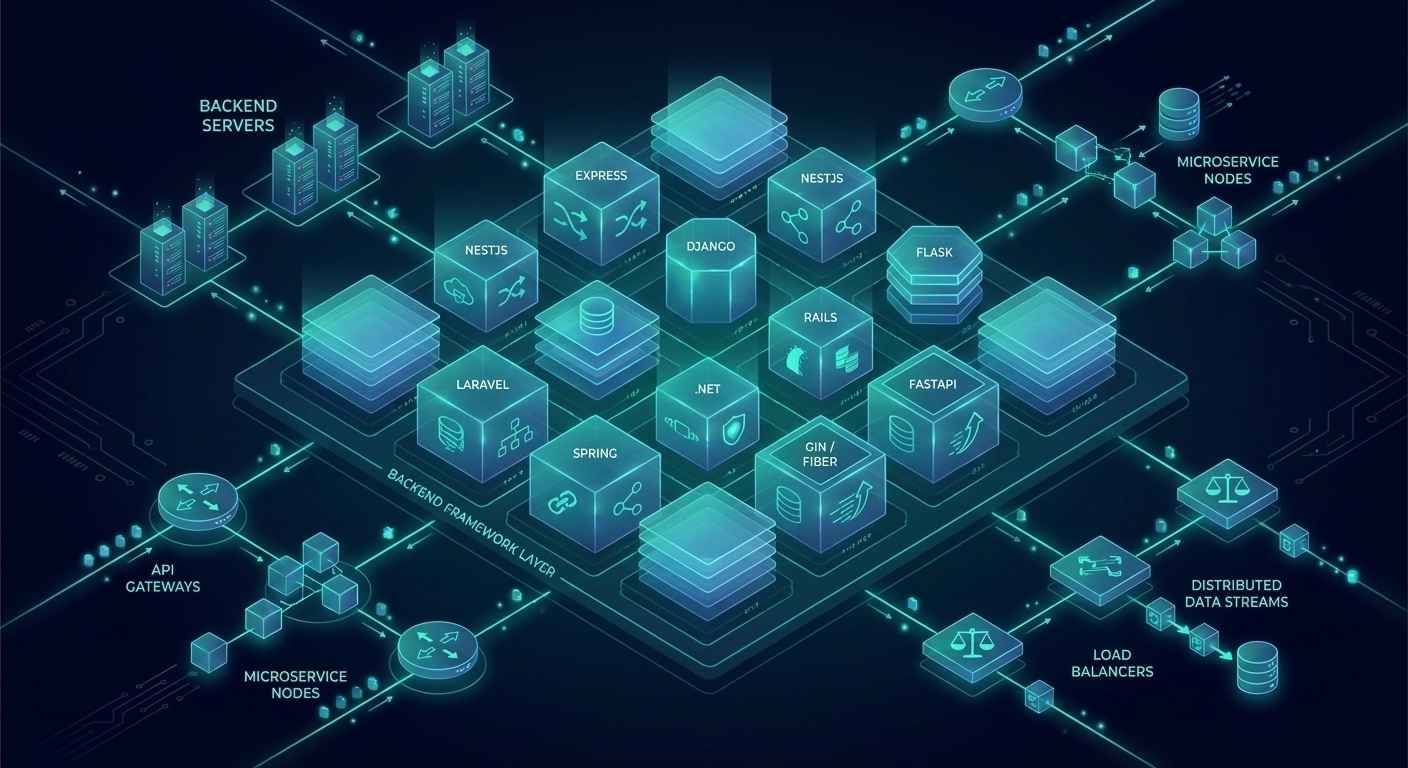
                  Top Backend Frameworks for Scalable Web Apps

                  Popular backend frameworks used in web development

                  Frameworks provide structure and best practices that simplify building scalable backends. These backend solutions are a critical subset of modern web app development frameworks, helping teams accelerate development while maintaining performance, security, and scalability.

                  Node.js + Express.js

                  Express.js is a minimalist framework that provides developers with great flexibility and control. It is a preferred choice for the creation of REST APIs and microservices, especially for teams looking to hire dedicated Express JS developers for custom backend solutions.

                  Its lightness implies that when properly architected and layered with middleware, it can handle a large number of users or transactions.
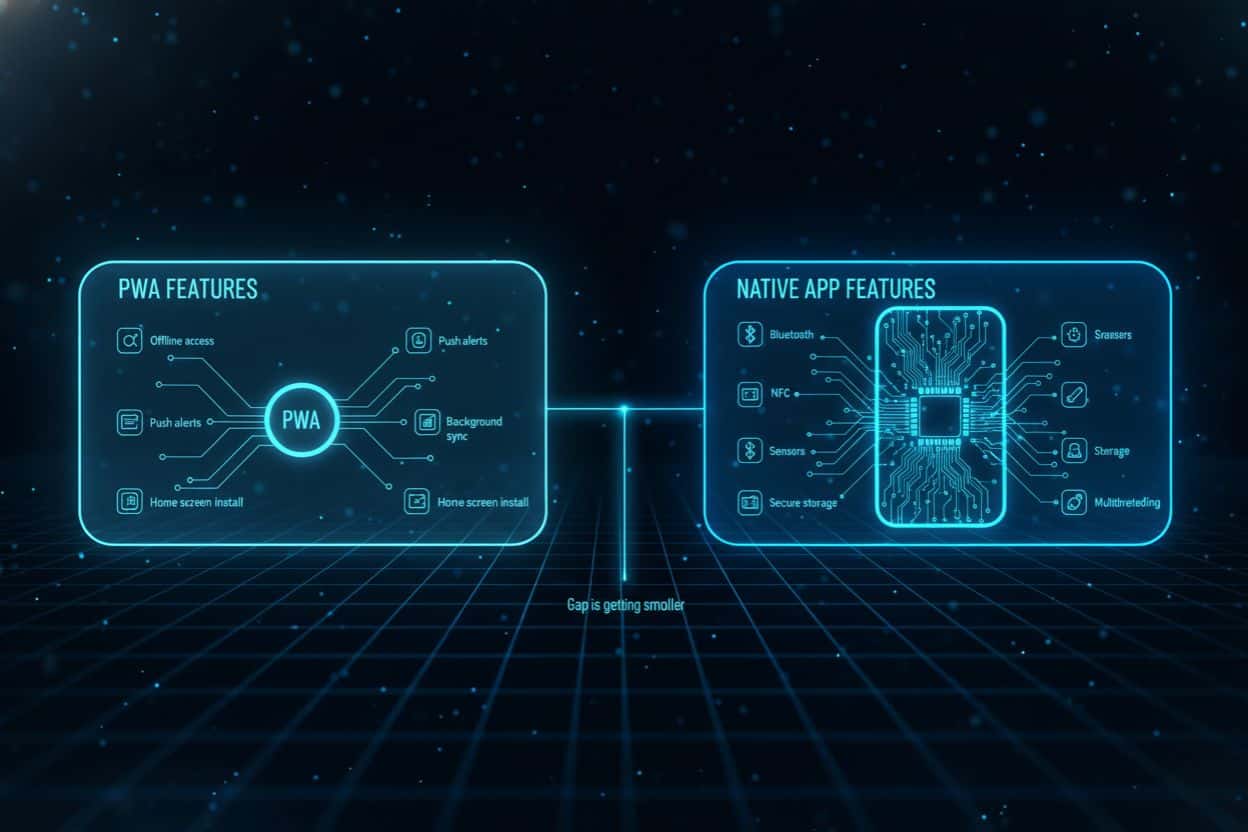
                  NestJS

                  Built with Node.js and TypeScript, NestJS employs a modular structure inspired by Angular. Unlike unopinionated frameworks, NestJS enforces an architectural pattern, making it ideal for maintaining consistency in large enterprise teams. It is perfect for large-scale projects where maintainability and scalability are of utmost importance.

                  Django (Python)

                  Django is a framework that comes with everything needed to build the most secure, scalable, and quickest applications possible. It automatically provides you with an ORM, authentication, and administration tools as part of the package.
                  Django is a powerhouse solution designed to handle complex applications requiring a stable, secure, and highly organized development environment.

                  Flask (Python)

                  Flask is a very small microframework, which, although it uncouples its features, still maintains its simplicity. It can be beneficial for applications requiring different scaling, like microservices and web APIs.

                  Laravel (PHP)

                  Laravel gives developers a modern PHP experience along with ORM, queues, caching, and authentication as its significant features.
                  The combination of cloud infrastructure and load balancing still makes it a good choice for scalable architecture.

                  Ruby on Rails

                  Rails is all about convention over configuration, and the result is a fast development cycle. Still, with the right caching, background jobs, and scaling strategies, Rails can take on large audiences.

                  Spring Boot (Java)

                  Spring Boot is a crucial technology that makes the Java backend development process smooth, and at the same time, it supports the scalability of enterprise-grade applications. Its implementation is predominant in microservices and large distributed systems.
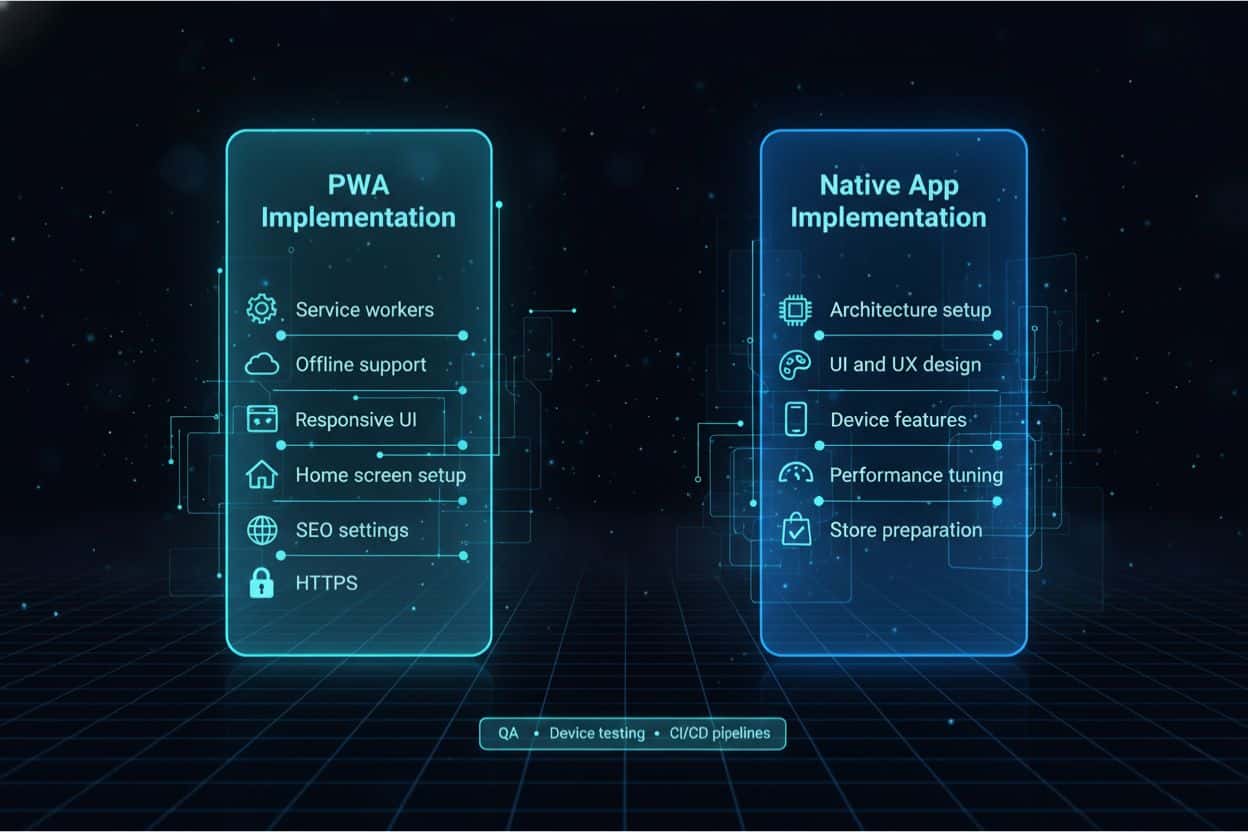
                  ASP.NET Core (C#)

                  ASP.NET Core presents remarkable performance, along with its built-in dependency injection, and is able to work with cloud applications. It is an excellent choice for large, safe backend systems.


                  Go (Golang) Frameworks (Fiber / Gin)

                  Gin and Fiber are well-known Go frameworks that prioritize quickness and ease of use. These frameworks are the top choice for creating high-performance APIs and lightweight microservices.
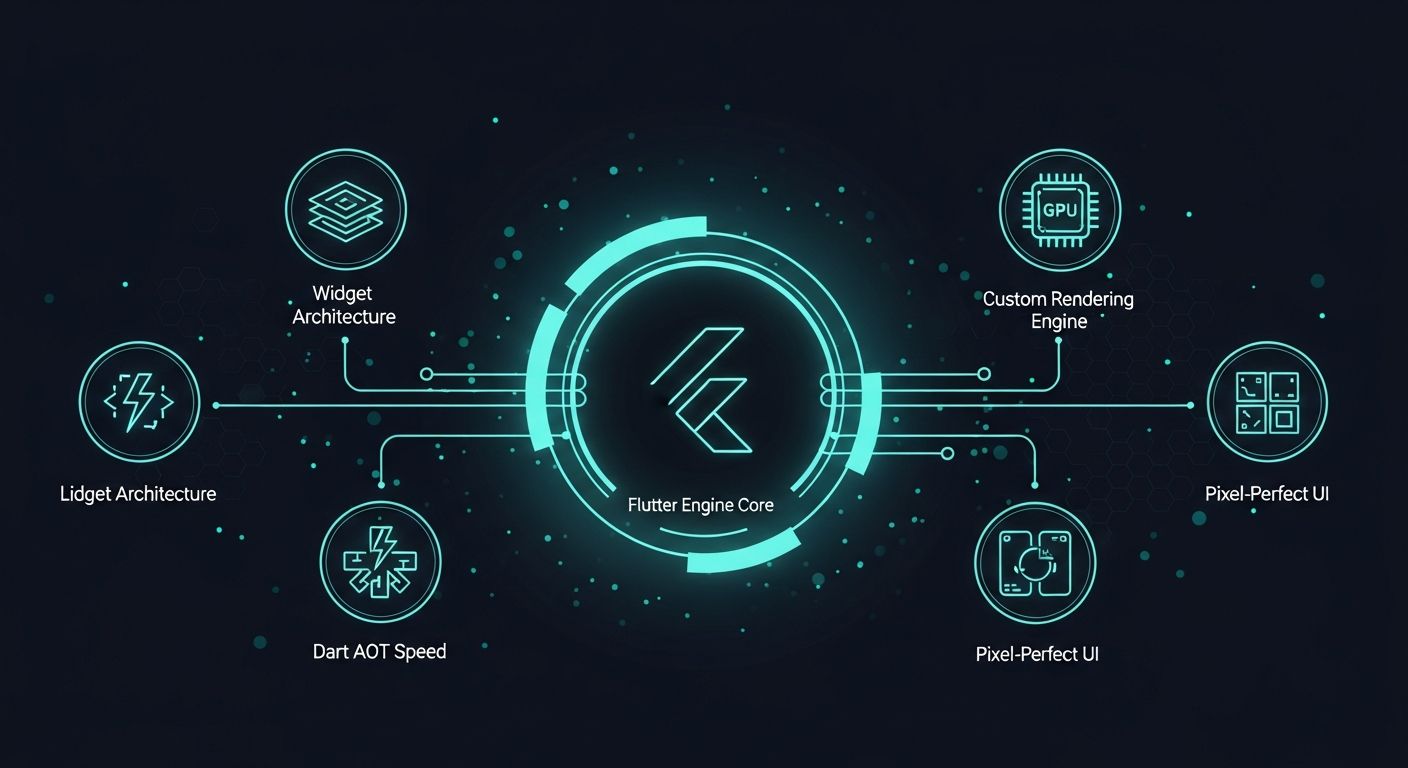
                  FastAPI (Python)

                  FastAPI is becoming increasingly popular for its high speed, automatic generation of API documentation, and asynchronous support. It is the right choice for scalable APIs and modern backend architectures.
                  Framework Language Scalability Best For
                  Express.js
                  JavaScript
                  High
                  APIs, microservices
                  NestJS
                  JavaScript
                  Very High
                  Enterprise Node apps
                  Django
                  Python
                  High
                  Complex web apps
                  Flask
                  Python
                  Medium–High
                  Lightweight APIs
                  Laravel
                  PHP
                  High
                  SaaS platforms
                  Ruby on Rails
                  Ruby
                  High
                  Rapid SaaS development
                  Spring Boot
                  Java
                  Very High
                  Enterprise systems
                  ASP.NET Core
                  C#
                  Very High
                  Cloud-native apps
                  Gin / Fiber
                  Go
                  Very High
                  High-performance APIs
                  FastAPI
                  Python
                  High
                  Async APIs

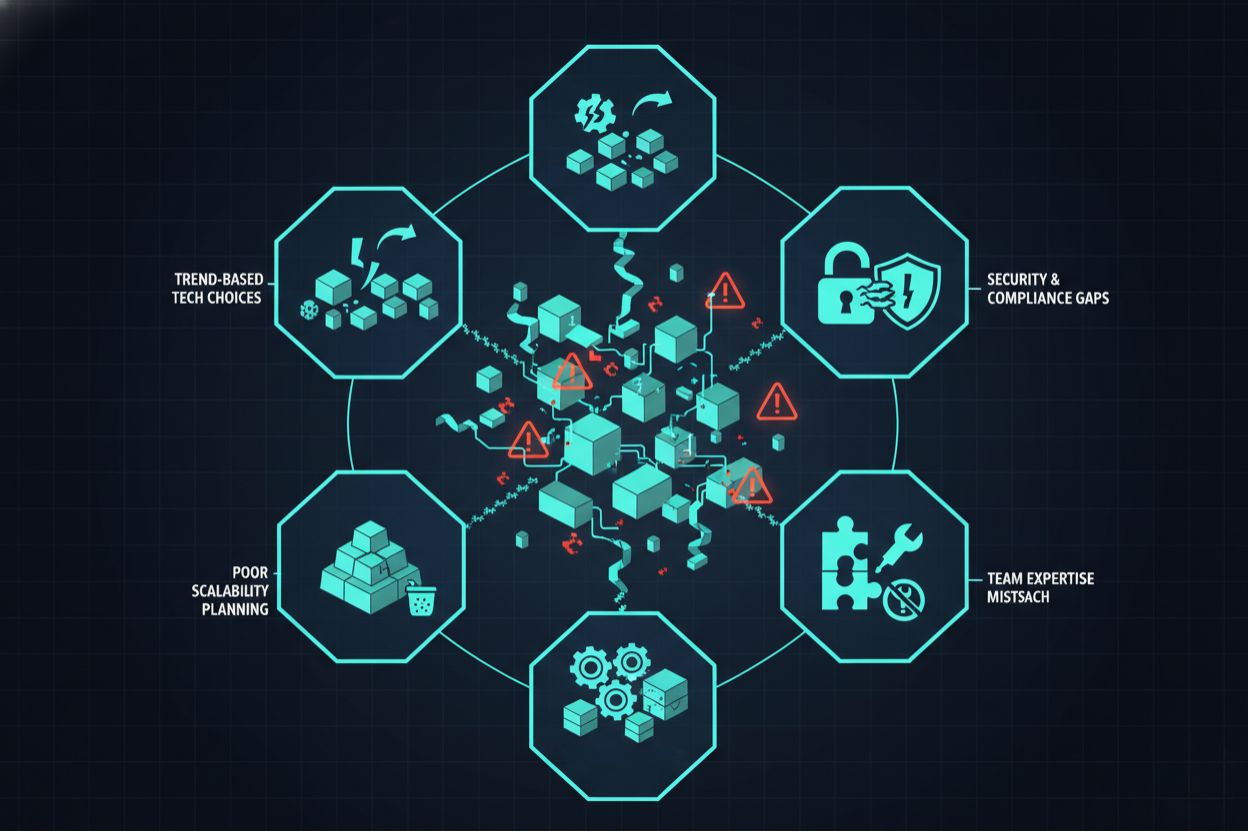
                  Common Mistakes When Selecting Backend Technologies

                  Common mistakes made when choosing backend technologies
                  • Choosing technologies based on trends rather than requirements
                  • Ignoring long-term scalability and maintenance
                  • Overengineering early-stage applications
                  • Underestimating team expertise
                  • Overlooking security and compliance needs

                  Future of Backend Development: Trends to Watch

                  • Increased adoption of serverless and edge computing
                  • Growth of API-first and event-driven systems
                  • AI-assisted backend development
                  • Security-first architecture design
                  • Expansion of microservices and platform engineering

                  Conclusion

                  Selecting the right backend stack is a strategic decision that directly affects scalability, performance, and long-term growth for any software development company in India building modern, scalable web applications. There is no single best backend for every project. Success depends on aligning backend technologies, frameworks, and architectures with application requirements, team expertise, and future goals.
                  By understanding backend frameworks, backend languages, and modern backend technologies, businesses can build scalable and resilient web applications that evolve smoothly over time with the support of experienced partners like Shaligram Infotech.

                  Ready to build? Contact our global teams:

                  🇺🇸 USA: +1 (919) 629-9671
                  🇬🇧 UK: +44 20 3581 6366
                  🇮🇳 India: +91 99099 84567
                  🇦🇺 AUS: +61 07 3121 3147

                  💬 Interested in Regular Insights on Web App Development?

                  📲 Follow Shaligram Infotech on LinkedIn
                  Let’s build the future of applications together.

                  FAQs

                  What is the best backend technology for scalable web apps?

                  There is no universal best option. Node.js, Java, Python, Go, and .NET are all widely used depending on scalability requirements. Need help choosing the right backend for your project? Contact our experts for a tailored recommendation.
                  Spring Boot, NestJS, Django, ASP.NET Core, and Laravel remain among the most popular backend frameworks.
                  JavaScript, Python, Java, Go, and C# are the most commonly used backend languages.
                  Node.js, Java, Python, and .NET, combined with cloud-native or microservices architectures, work well for SaaS platforms.
                  Evaluate scalability needs, traffic patterns, team expertise, ecosystem maturity, security requirements, and long-term maintenance.
                  Categories
                  Blog Mobile App Development

                  Progressive Web Apps vs Native Apps

                  Mobile App Development

                  Progressive Web Apps
                  vs Native Apps

                  dual tech worlds showing pwa vs native app concept

                  GEt in Touch


                    Web App vs Native App: What They Mean

                    minimal tech shapes comparing web app and native app
                    A web application runs in a browser and does not require installation. It is easy for users to access, but it has some limitations due to browser rules.
                    A native application is installed from an app store and built for a single operating system. Native apps offer faster performance, access to device sensors, secure local storage, and access to system features.
                    PWAs sit between these two. They bring the speed and access of the web with the look and feel of a native interface.

                    What Is a Progressive Web Application (PWA)

                    multi-device hologram showing progressive web application concept
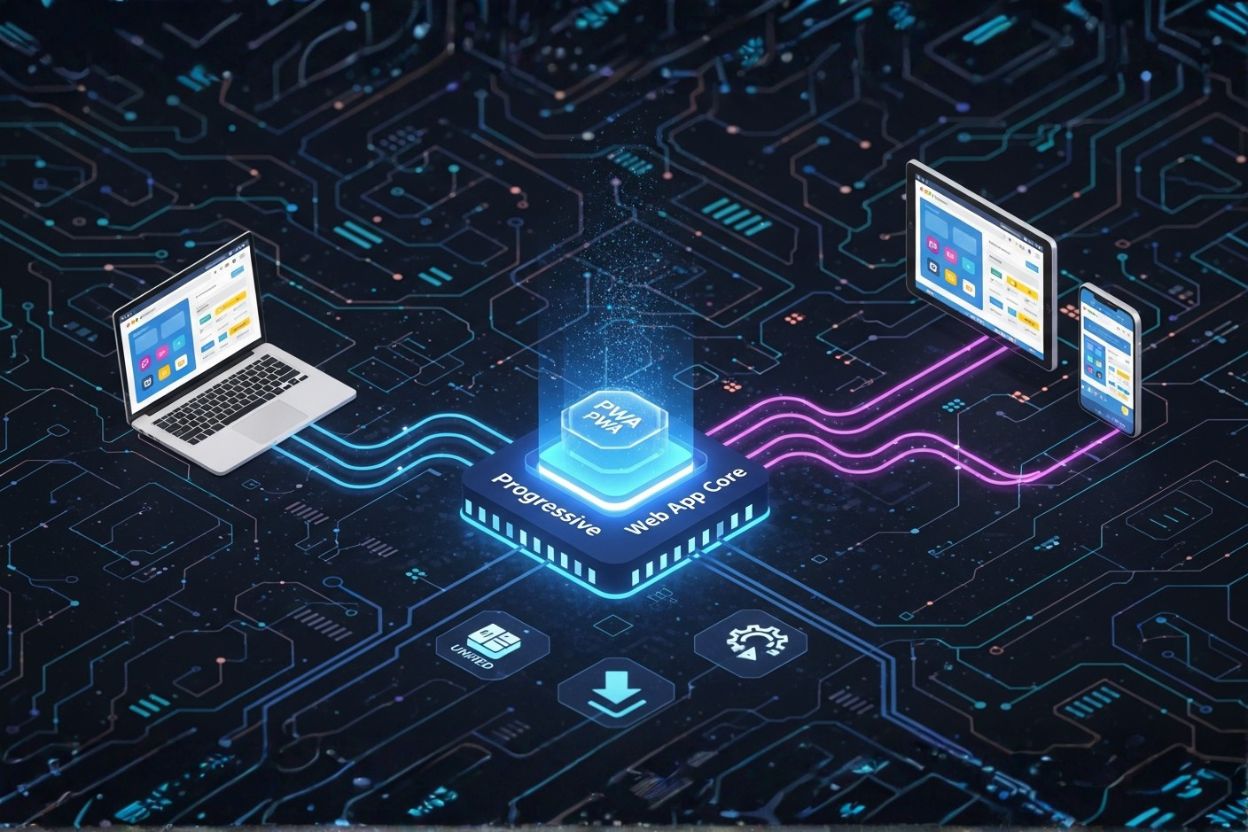
                    A progressive web application is a modern type of web app that feels like a mobile app. It uses HTTPS, service workers, and web manifests. Progressive web apps support offline access, quick loading, smooth navigation, and home screen installation. They work on any device with a modern browser.
                    The principal value is progressiveness. The app grows based on device power without breaking older setups. This helps businesses reach users with simple access and low friction. As per this resource, PWAs can reduce load time and improve engagement, as shown in several case studies listed on PWA Stats.
                    Teams that want to compare broader approaches can also review our guide on Native vs Cross-Platform Mobile Apps, which explains how both methods fit different product goals.

                    Native Apps: Strengths and Limits

                    Native mobile app performance utilizing device hardware
                    Native apps are known for strong performance. Since they run with direct access to device hardware, they support real-time actions, gaming, advanced animation, multimedia, and full offline features. They align with platform guidelines and feel natural to users.
                    The challenge is cost and time. Native apps need two separate builds for iOS and Android. Updates go through app stores, which can delay releases. Some users stop during installation because they must open the store and complete steps before using the app.
                    For a deeper look at platform-level performance, check out our detailed breakdown of why native app development delivers the best user experience.

                    PWA vs Native App Performance

                    Performance Area PWA Native App
                    Loading Speed
                    Very fast for daily tasks through caching and service workers
                    Fastest because it runs directly on the device
                    Heavy Processing
                    Limited: Relies on browser rendering (WebGL/WebGPU); struggles with high-fidelity 3D gaming
                    Best option for gaming, AR, VR, and high-intensity tasks
                    Offline Support
                    Works offline with cached content
                    Full offline access with complete device support
                    Resource Usage
                    Light and efficient
                    Uses device hardware for maximum power
                    Smoothness
                    Good for regular tasks and simple flows
                    Best for transitions, gestures, and real-time actions
                    Stability
                    Dependent on browser capability
                    Highly stable with system-level support
                    Multitasking
                    Limited background activity
                    Strong background processes, threads, and system actions

                    PWA vs Native App User Experience

                    User experience plays a big role when choosing a mobile app type. Native apps support gestures, smooth transitions, widgets, notifications, and biometric login. They feel stable and connected to the device.
                    Progressive web apps now offer clean interfaces, fast load times, offline support, and full-screen views. For many business apps, the experience is close to native. Native is still better for complex motion and advanced sensor actions.

                    PWA vs Native Experience and Features

                    pwa vs native app feature comparison infographic
                    PWAs now support offline use, push notifications, background sync, and home screen installation. The quality of these features depends on the browser.
                    Native apps provide the most complete set of features. They support Bluetooth, NFC, secure storage, sensors, background tasks, multithreading, and system actions.
                    As browsers improve, the gap gets smaller.
                    If you are also comparing modern mobile frameworks, our guide to Flutter vs React Native provides a clear view of how each supports different features.

                    PWA Advantages

                    Here are essential PWA advantages for companies:

                    • One build for all platforms
                    • Lower cost and faster updates
                    • No store approvals
                    • Instant release through URL
                    • Easy onboarding without installation
                    • Good reach for global markets
                    PWAs are a good option for teams that want fast updates and simple user access.

                    Native App vs PWA: Security and Trust

                    Security plays a big role when choosing between a native app and a PWA. Industries such as banking, healthcare, and insurance handle sensitive data and require strong controls. Native apps use OS-level encryption, secure local storage, and app store checks. This makes them a trusted option for high-risk sectors.
                    PWAs utilize HTTPS and standard browser sandboxing, making them secure for general enterprise use. However, for banking-grade security requiring deep biometric integration (FaceID/TouchID at the OS kernel level) or strict data isolation, Native Apps remain the superior choice due to stricter App Store vetting and OS-level encryption standards.

                    PWA vs Native: SEO, ASO, and Reach

                    PWAs appear in search results, making them easy to reach via links, search results, QR codes, and social channels. This helps content platforms and e-commerce stores.
                    Native apps appear in app stores. They grow through ASO, reviews, categories, and store visibility. The store helps build trust, but also adds steps to the installation.
                    PWAs do not get store presence unless packaged for listings.

                    Use Cases by Mobile App Type

                    Each mobile app type is best suited to specific needs.

                    Best for PWAs

                    • Content Platforms & News Sites: (Instant loading and offline reading increase retention).
                    • Online Stores (E-commerce): (Discoverable via Google Search, lowering the barrier to entry for first-time shoppers who don’t want to download an app).
                    • Booking and Reservation Tools: (Users often need these services infrequently and quickly; a browser-based experience removes the friction of installation).
                    • Customer Portals: (Cross-platform accessibility ensures customers can log in from any device: desktop or mobile without compatibility issues).
                    • Internal Business Tools: (Bypasses App Store approval processes, allowing for immediate updates and rapid deployment to employee devices).
                    • MVPs (Minimum Viable Products): (Faster development cycles and lower costs allow startups to test market fit before investing in expensive native development).

                    Best for Native Apps

                    • Gaming: (Direct access to the device’s GPU and hardware ensures high frame rates and smooth 3D rendering that browsers cannot match).
                    • Social media
                    • Fitness and tracking
                    • Banking and finance
                    • Apps that require sensors
                    • Apps with heavy visuals or fast actions

                    Decision Matrix for PWA vs Native

                    The choice between PWA vs native depends on priorities.
                    Pick a PWA if your goals include reach, fast delivery, simple access, and lower cost. Pick a Native app if you need advanced device features, high performance, smooth visuals, or secure storage.
                    Many companies use both. A PWA offers reach, and a native app supports users who want deeper features.

                    Implementation Steps

                    minimal tech shapes comparing web app and native app

                    PWA Implementation

                    • Service workers
                    • Offline support
                    • Responsive interface
                    • Home screen setup
                    • SEO support
                    • HTTPS

                    Native App Implementation

                    • Architecture planning
                    • UI and UX design
                    • Device feature integration
                    • Performance tuning
                    • App store preparation
                    Both need strong QA, device testing, and CI CD pipelines.

                    Conclusion

                    Both progressive web apps and native apps are strong choices for modern products. A PWA offers fast access, broad reach, and lower cost. Native apps provide top performance, richer features, and strong security. The right choice depends on your goals, your target users, and your long-term plan. Shaligram Infotech, a leading software development agency in India, helps teams evaluate PWA and native app solutions so they can choose the platform that fits their technical and business needs.
                    PWA vs. Native App comparisons help teams choose a setup that aligns with the product vision and delivers a smooth, reliable user experience.

                    Ready to build? Contact our global teams:

                    🇺🇸 USA: +1 (919) 629-9671
                    🇬🇧 UK: +44 20 3581 6366
                    🇮🇳 India: +91 99099 84567
                    🇦🇺 AUS: +61 07 3121 3147

                    💬 Interested in Regular Insights on Mobile Development?

                    📲 Follow Shaligram Infotech on LinkedIn
                    Let’s build the future of applications together.

                    FAQs

                    Is a PWA better than a Native App for performance?

                    Yes and no. For initial loading and lightweight tasks, PWAs are often faster because there is no download required. However, for heavy processing and complex animations, Native Apps are significantly faster because they utilize the device’s GPU and hardware directly. Not sure which fits your use case? Schedule a quick consultation.
                    PWAs install directly from the browser and open from the home screen.
                    PWAs appear in search results and links. Native apps rely on app store visibility.
                    PWAs have limits with sensors, Bluetooth, NFC, background tasks, and deep system actions.
                    Pick native apps for fast product browsing, deeper personalization, and higher trust through the store.
                    Categories
                    Blog Mobile App Development

                    Flutter vs React Native: Which Cross-Platform Framework Should You Choose?

                    Mobile App Development

                    Flutter vs React Native: Which Cross-Platform Framework Should You Choose?

                    Neon tech split-banner comparing Flutter and React Native with glowing framework logos

                    GEt in Touch


                      What Is Flutter App Development?

                      Neon tech diagram showing Flutter’s rendering engine, widgets, performance, and multi-platform output
                      Flutter is a UI toolkit of Google that enables teams to build stunning and speedy applications for mobile, web, desktop, and even embedded devices with only one codebase. Flutter uses its own rendering engine to paint every pixel on the screen. In 2026, the Impeller engine is now the standard for both iOS and Android, replacing the legacy Skia renderer. Impeller pre-compiles shaders, effectively eliminating the “jank” (stutter) that plagued early cross-platform apps and ensuring buttery smooth 60/120 FPS performance.
                      This choice of architecture helps Flutter apps enjoy excellent uniformity. The UI will act just as the developer envisioned it, whatever the device or OS version may be. Flutter is based on Dart, a language that is specially made for Ahead-of-Time (AOT) compilation, thus giving applications high-speed startup time, predictable performance, and a native feel. The combination of a custom rendering engine, a structured widget system, and strong performance has made Flutter a good choice for the most design-heavy consumer applications, animation-rich interfaces, and multi-platform product suites where consistency matters.

                      What Is React Native Development?

                      React Native development architecture for mobile applications

                      React Native, conceived and brought to life by Meta, offers a JavaScript or TypeScript solution to the use of the world’s most popular UI library, React, for mobile application development. Modern React Native has moved beyond the traditional “bridge.” By leveraging the New Architecture (Fabric and TurboModules) and JSI (JavaScript Interface), JavaScript code now communicates directly with native components in C++. This eliminates the serialization “toll” of the past, allowing React Native apps in 2026 to handle complex gestures and high-frequency updates with near-native efficiency. React Native provides a faster and more unified path by blending performance with a shared JavaScript codebase, aiming to close the gap on the superior UX delivered by native applications.

                      For web teams already proficient in using React, React Native becomes a smooth and spontaneous extension of their skills. Consequently, it is particularly appealing to startups, companies with excellent front-end personnel, and any product that desires to bring web and mobile development together in one technology ecosystem with the same technology stack.

                      React Native vs Flutter Performance: Benchmarks & Reality

                      Neon tech comparison of Flutter and React Native rendering pipelines with performance KPIs

                      Rendering Paths & Engines (Dart AOT + Skia/Impeller vs RN w/ Fabric & Hermes)

                      Flutter’s rendering pipeline employs Skia and Impeller to produce the pixels in a direct manner. This ensures that no discrepancies arise from the different OEM UI components and that behavior is the same across all devices. Since Flutter is responsible for all the drawing, it is inevitable that the animations will be smooth, transitions more natural, and the performance will be predictable across all devices, whether they are low-end or high-end.
                      With the new Fabric architecture of React Native, the data flow between JavaScript and native layers has been improved significantly. The apps are experienced as if they are affected by the platform’s aesthetics, transitions, and behaviour in a very natural way. So, React Native becomes even more appealing for enterprise products that depend on system API, native gestures, or extensive OS-level cooperation. On the downside, however, complex animations may sometimes need extra libraries, especially if the target is 60fps performance under load.

                      Practical KPIs to Track

                      Performance evaluation of engineering teams should be based on user-experience KPIs instead of synthetic benchmarks. Among these are time to interactive, memory usage during heavy scrolling, first frame render time, consistency of animation frame rates, list rendering speed, and the effect of reduced CPU power on app behaviour.
                      In 2026, Flutter issues a wide gap in performance for applications with heavy animations, and at the same time, React Native might be very useful for apps that are based on native UI paradigms or for those that might need advanced system-level features. What to choose is dictated by the kind of user experience you are going to create.

                      React Native Single Code Base: How Much Do You Really Share?

                      React Native’s claim of having a single codebase is largely correct but comes with several caveats. Native distinctions are still there, although a lot of the application of logic, state management, network integration, and reusable UI components can be used on both platforms.
                      A lot of teams report that they share between 70% and 85% of their code. The rest usually goes to the management of native modules, UI adjustments for specific platforms, device integrations, and sometimes performance enhancements. On the other hand, Flutter generally gets a higher code-sharing rate as all the UI is constructed with the help of widgets rather than the controls of the platforms. Hence, it becomes possible to keep a completely similar experience while reducing the number of platform-dependent branches in the code.

                      Flutter vs React Native Advantages by Use Case

                      Neon split-view showing when Flutter suits design-heavy apps and when React Native fits JS-driven teams
                      The app’s objectives and limitations often disclose the most appropriate framework more lucidly than merely the technological architecture.

                      Design-Heavy Apps

                      Flutter app development is the undisputed champion for aesthetic-driven applications like fintech dashboards, lifestyle apps, eCommerce platforms, and other motion-centric applications due to a very stable rendering pipeline. The custom UI can be executed with less effort, and there is no question about being consistent.

                      Teams with JS expertise, Web + Mobile Alignment

                      On the other hand, React Native is the best option when the development teams are from a JavaScript background. If web development with React is already happening, the possibility of sharing patterns, architecture, and mental models can significantly shrink the time and resources needed for the project, as well as make team management easier. React Native is also preferable when it comes to the integration of native SDKs, hardware modules, and device-specific features.

                      Choose

                      • Flutter if: You are building a banking app or bespoke e-commerce store where “pixel-perfect” design across iOS/Android is non-negotiable.
                      • React Native if: You are a startup with existing React.js developers, or your app relies heavily on native integrations (e.g., complex Bluetooth or background location services).

                      Choose a Mobile App Framework by Constraints (Decision Matrix)

                      To make the decision easier:

                      Go for Flutter in case you require ultra-perfect images, very fast animations, or a multi-platform approach to be followed for a long time, which also includes the desktop or the web.
                      Opt for React Native if your team is already working with JavaScript, you need close interaction with web development, or you expect a lot of native integrations. For comparison of the individual features, this matrix quite often points out the best pick sooner than they do.

                      React Native vs Flutter for Mobile Apps: Real-World Scenarios

                      Think about the application of each framework in actual business scenarios. A fintech app that uses complex charts and animations will probably take advantage of Flutter’s rendering consistency. A React-skilled startup that is releasing its first mobile application can reduce the timelines significantly by opting for React Native due to the tooling and web development shared understanding being so familiar. React Native’s native-first method is often preferred by businesses developing applications that require heavy OS integration, device-level features, and hardware modules. Lastly, companies that are creating a multi-screen ecosystem, mobile, desktop, kiosk, and web, usually choose Flutter because of its consistent rendering approach. As a top mobile app development company India, we often guide businesses in selecting the right framework based on their product vision and long-term scalability needs.

                      Cross Platform App Delivery Playbooks

                      Flutter Development Checklist

                      • Select an architectural pattern: BloC, Riverpod, MobX, or Redux.  
                      • Establish CI/CD pipelines with Codemagic or GitHub Actions.  
                      • Reduce the number of redundant widget rebuilds.  
                      • Activate Impeller for more fluid rendering.  
                      • Implement a uniform design system.  
                      • Perform asset and image size optimisations.  
                      • Conduct thorough testing on budget Android devices.  
                      • Leverage DevTools for memory and CPU profiling.  

                      React Native Development Checklist

                      • Set TypeScript as the language of choice   
                      • Modern navigation libraries are to be adopted   
                      • Enable the Hermes engine as the default   
                      • Library support for Fabric is preferred   
                      • UI performance can be achieved using tools like Reanimated or FlashList   
                      • OTAs can be updated through Expo or CodePush   
                      • Launch testing for platform-specific edge cases early  

                      Cost, Team & Hiring: Flutter Development vs. React Native Development

                      Neon tech comparison of team availability, hiring costs, and delivery efficiency for Flutter vs React Native
                      From a talent point of view, React Native benefits from the huge global JavaScript ecosystem. With this, teams can onboard faster, attract more talent easily, and exchange knowledge between web and mobile teams. This scenario usually leads to a decrease in the overall costs for companies that are developing several applications or building large-scale digital ecosystems.

                      On the other hand, Flutter might be a more financially viable option from a delivery standpoint, especially for applications with a lot of design work or for products that are aimed at multiple platforms. The reason is that Flutter’s UI is so uniform that programmers spend less time solving the issues that come with different platforms, which speeds up the development of new features and, at the same time, reduces the errors that occur during regression testing. The StackOverflow Developer Survey highlights how widely JavaScript and Dart are adopted globally.

                      Conclusion : Picking the Right Cross-Platform Mobile Apps Strategy

                      The decision of whether to go for native or cross-platform development is based on the project goals, performance needs, and budget, in the end. Native applications provide the fastest speed and the best user experience, while cross-platform applications offer quicker delivery and reduced costs with some quality loss, but not too much. Through grasping these dissimilarities, companies can make wiser technology investments that are aligned with their digital strategy in the long run. At Shaligram, we assist organizations in assessing both strategies and crafting solutions that offer the perfect mix of performance, scalability, and value. As a leading software development company in India, Shaligram Infotech assists organizations in assessing both strategies and crafting solutions that offer the perfect mix of performance, scalability, and value.

                      Ready to build? Contact our global teams:

                      🇺🇸 USA: +1 (919) 629-9671
                      🇬🇧 UK: +44 20 3581 6366
                      🇮🇳 India: +91 99099 84567
                      🇦🇺 AUS: +61 07 3121 3147

                      💬 Interested in Regular Insights on Mobile Development?

                      📲 Follow Shaligram Infotech on LinkedIn
                      Let’s build the future of applications together.

                      FAQs

                      Is Flutter faster than React Native in 2026?

                      In 2026, Flutter generally edges out React Native for animation-heavy and brand-centric apps due to its Impeller rendering engine. However, React Native’s New Architecture has closed the gap for standard utility and information-based applications. Connect with our Flutter team.
                      Generally, the code sharing is about 70-85% among the teams working on the same project. It is, however, common for different teams to handle UI tweaks, platform-specific functions, and native features separately.
                      In the case of animations, Flutter is the clear winner. For long, complex lists (e.g., social feeds), React Native often outperforms competitors when using the FlashList library (by Shopify). FlashList leverages advanced cell recycling that can sometimes beat Flutter’s standard ListView in memory efficiency on low-end devices. On the other hand, Flutter is device consistent.
                      In case you are going to develop an app that is mainly focused on the design, a product that is going to be used over multiple platforms, or one that just needs to have nice-looking visuals, then you should go for Flutter. If your tech stack is mainly JavaScript and you have the talent pool with React Native experience, then you should definitely choose that route; moreover, if the product will benefit from the web-mobile architectural alignment, then React Native is the way to go.
                      Categories
                      Blog Mobile App Development

                      Why Native App Development Still Delivers the Best User Experience

                      Mobile App Development

                      Why Native App Development Still Delivers the Best User Experience

                      3D visualization of mobile phones displaying native app high-frame-rate performance and code elements

                      GEt in Touch


                        What Is Native App Development?

                        Showcasing native app development ios android minimal
                        Native mobile application development is the building of apps for one mobile operating system, iOS or Android, in the OS platform-specific programming languages, using the development environment that the platform specifies.
                        • iOS development relies on Swift (and the modern SwiftUI framework) within Xcode.
                        • Android development primarily uses Kotlin (and Jetpack Compose) inside Android Studio.
                        Unlike native apps, hybrid or cross-platform approaches utilize one codebase and additional layers to translate before the app runs, meaning they cannot interact with the device hardware and OS APIs directly. When native apps speak directly to device hardware and the OS APIs, performance is generally faster, animations are smoother, and the interfaces simply feel more natural when engaging with the app.

                        iOS Development

                        Native iOS apps are made for the complete Apple ecosystem: iPhones, iPads, and Apple Watches. To create this seamless experience, developers utilize Swift and SwiftUI alongside Apple’s Human Interface Guidelines (HIG). This ensures that navigational patterns, font scaling, and animations behave exactly as loyal iPhone users expect. Many businesses also choose to hire iOS app developers in India to build high-quality native iOS apps that align perfectly with Apple’s design and performance standards.
                        The major UX benefits of the native iOS approach are:
                        • Close integration with the use of SiriKit, ARKit, HealthKit, and Face ID
                        • The compatibility with features such as haptic feedback, widgets, and gesture-based navigation
                        • High performance throughout Apple’s highly regulated device ecosystem
                        Each aspect, including animations and touch responses, is made to suit the hardware and software of iOS perfectly. As a result, a smooth and coherent experience is produced that matches the expectations of the users perfectly.

                        Android Development

                        Native Android applications are done with Kotlin or Java, and that too by following Google’s Material Design for aesthetic uniformity. Android programmers get the chance to explore more through Jetpack and Google Play Services, which are already equipped with loads of APIs and libraries; hence, creating applications with great personalization and extensibility is easier. Because of this flexibility and deep ecosystem support, many businesses prefer to hire Android app developers in India to build scalable and highly customized native Android apps.
                        The User Experience that Android native development offers contains:
                        • Specific experiences for all possible screen sizes and resolutions
                        • Strong connection with Google Maps, Firebase, and Play Billing
                        • Plenty of customization and adaptive UI layout possibilities
                        • Smart controlling of background activities, notifications, and data synchronization
                        It is native development that allows Android applications to deliver swift responses and different types of experiences, at the same time across various kinds of hardware.

                        Why this matters for UX

                        The perfect UX is not only about the aesthetics of an app, it is also about the experience it provides. The user will rate the product based on responsiveness, reliability, and intuitiveness. Native apps have the following advantages:
                        They…
                        • Mount the fastest performance using platform-specific APIs.
                        • Immediately give any feedback to the user’s actions.
                        • Keep the same UI patterns that the users are familiar with.
                        • Take away the offline unreliability and provide smooth data synchronization.
                        All these things combined to make native apps seem like a part of the user’s natural environment, and they operate without any effort on the user’s part; these are the most important factors in users’ retention and happiness.

                        Key Benefits of Native App Development (UX-First)

                        native app development benefits minimal icons

                        Super-Speed Performance

                        Because native applications work directly with the operating system through compiled code, they enjoy speedy load times.

                        Smooth UI and Animations

                        The rendering engine is fine-tuned for the GPU of the device, which results in quick and soft transitions as well as touch responses.

                        Consistent User Experience Over Different Platforms

                        The design of every UI component corresponds to the principles of the respective platform design standards, such as Apple’s HIG or Google’s Material Design.

                        Functionality without Connectivity

                        The use of native caching and local storage APIs makes it possible for apps to be very effective even in the absence of an internet connection.

                        Top-notch Security

                        The use of secure APIs like Keychain, Secure Enclave, and SafetyNet for integration guarantees data security.

                        Long-Term Scalability

                        Native architectures easily adapt to the new operating system features and the changes in business requirements.

                        Advantages of Native Mobile Apps (vs Alternatives)

                        Three factors, like Performance, Development Cost & Time, and Scalability, have to be considered when you compare native apps and cross-platform or hybrid methods.

                        Performance

                        Native applications provide the ultimate performance due to the fact that they are executed right on the operating system without any middleware or code translation. It guarantees:
                        • Faster startup times
                        • Stable frame rates
                        • Lower battery consumption
                        • Fewer crashes
                        While cross-platform frameworks are improving, they rely on non-native rendering engines or communication bridges (like the JS bridge in React Native). These abstraction layers can introduce latency, causing “jank” in complex animations that native code handles effortlessly. Thus, if an app is dealing with real-time interactions, 3D graphics, AR/VR, or video processing, then native performance is definitely the best option.
                        In the end, the smoother the app, the stronger the emotional users’ connection, and that’s the area where native development excels.

                        Development Cost & Time

                        Cross-platform frameworks claim that sharing the same code for both iOS and Android would result in quicker delivery to market. But, in the long run, native apps might have better cost efficiency.
                        Here are the reasons:
                        • Maintenance hours are cut down as the native app faces fewer bugs that are unique to the platform.
                        • With OS releases, updates are rolled out more accurately.
                        • Native frameworks decrease reliance on third-party plugins, resulting in smaller technical debt.
                        Investing money at the beginning may be higher, but the total cost of ownership (TCO) of the app during its lifetime is usually lower, particularly for apps that need constant updates, high UX quality, or advanced integrations.

                        Scalability

                        Scalability is not only measured by the number of users but also by the application, creating no hassle for the users as it becomes more complicated. So, native architectures can scale up effectively by doing the following:
                        • They can take advantage of multithreading and background services.
                        • Integration with various cloud platforms such as AWS, Azure, and Firebase is hassle-free.
                        • They can adopt a modular development approach and a microservices-based architecture.
                        Cross-platform frameworks sometimes cannot keep up with the demand for more features or changes in the OS, which often leads to the need for extra workarounds. On the contrary, native apps are getting better together with platform innovations, thus they are a future-ready investment.

                        App Performance in Native Apps

                        Native applications performed faster and smoothly as they were made with platform-dependent code, which was completely optimized for the device. They had direct access to hardware resources such as CPU, GPU, and sensors, which, besides eliminating the delays caused by cross-platform layers, also gave a faster load time. Such performance stability and even fluid animations during heavy usage were the result of the native applications.
                        Native APIs enabled developers to choose memory and caching in such a way as to provide an always responsive experience, one that feels easy for users and builds trust in the application’s quality.

                        Mobile UX: Why Native Apps Win

                        The user experience is connected to emotions, and the users relate the responsiveness, speed, and design quality to the brand’s trustworthiness. Native applications have a constant lead over others because they:

                        • React without delay to finger movements and words
                        • Render clean and lively pictures and transitions
                        • Combine perfectly with system gestures and haptics
                        • Keep the look and feel the same during updates
                        All these not so obvious but very important factors contribute to the app being alive, which in turn, user engagement, retention, and app store ratings, all become better.

                        iOS Development vs Android Development: What Changes for UX?

                        iOS vs Android user experience comparison illustration
                        Although native development ensures both platforms provide excellent experiences, they are still separated by design philosophy and technical ecosystems.

                        1. Design Language

                        • iOS → clarity, depth, motion, simplicity
                        • Android → flexibility, customization, adaptable components

                        2. Ecosystem Control

                        • iOS → limited devices = consistent experience
                        • Android → many device types = customization with complexity

                        3. UX Outcome

                        • iOS → more uniform
                        • Android → more personalized
                        The best outcome is achieved when the successful applications adapt their UX strategy to every platform rather than impose a universal approach.

                        Cross Platform App Development: Pros, Cons & When It Fits

                        Cross-platform development comes with its pros and cons, especially around speed and code sharing. It is a good choice when:
                        • The project is an MVP or prototype
                        • The target audience is small or limited
                        • The performance of UX is still of no critical concern.
                        Nonetheless, cross-platform frameworks might not be able to deliver the same level of smoothness as native applications that need very high interactivity, offline performance, or even native-level animations. Companies have to decide if getting the product to market quickly or providing a top-notch user experience over the long haul is their primary concern.

                        Mobile App Performance Optimization (Native Playbook)

                        There is one thing to develop a native application and another thing to maintain its speed and efficiency. Developers use proven methods to keep the user experience performance at its best:
                        • Regularly profile using Xcode Instruments and Android Profiler.
                        • Reduce the number of layers drawn and layout complexity for faster rendering.
                        • Apply lazy loading techniques to reduce cold start times.
                        • Store assets so they are accessible without glitches during offline periods.
                        • Conduct A/B tests to refine interaction paths and increase customer retention.
                        Data drives these optimizations in native frameworks and can be measured directly, thus making sure that the UX grows alongside the user habits.

                        Mobile App Development Decision Framework (TCO & Roadmap)

                        mobile app development decision roadmap minimal
                        Although native development ensures both platforms provide excellent experiences, they are still separated by design philosophy and technical ecosystems.
                        Choose native development when:
                        • UX is a core business priority
                        • You need advanced hardware integrations
                        • The app will scale to a large user base
                        • The product roadmap includes long-term updates
                        Native apps cost more early on but deliver better ROI through:
                        • Lower crash rates
                        • Higher retention
                        • Longer lifespan
                        • Fewer maintenance issues

                        Team Structure, Tools & CI/CD for Native Development

                        native development team tools cicd diagram

                        Team Needed

                        • iOS developers
                        • Android developers
                        • UI/UX designer
                        • QA engineer
                        • DevOps engineer
                        • Product manager

                        Tech Tools

                        • iOS: Xcode, SwiftUI
                        • Android: Android Studio, Jetpack, Firebase

                        CI/CD Tools

                        • GitHub Actions
                        • Bitrise
                        • Jenkins
                        These provide smooth releases and consistent app quality.

                        Conclusion

                        Cross-platform technologies are getting better, but native app development remains the ultimate standard for delivering the user experience users expect. It merges raw power, platform mastery, and artistic precision to produce intuitive, reliable applications that feel like a natural extension of the user’s device.
                        Shaligram Infotech brings this philosophy to every project, empowering Healthcare, Fintech, and E-commerce businesses with future-ready native solutions backed by our reputation as the best software development company in India. For companies that view UX as a competitive edge, native development is the proven strategy for long-term brand loyalty and growth.

                        Ready to build? Contact our global teams:

                        🇺🇸 USA: +1 (919) 629-9671
                        🇬🇧 UK: +44 20 3581 6366
                        🇮🇳 India: +91 99099 84567
                        🇦🇺 AUS: +61 07 3121 3147

                        FAQs

                        Is native or cross-platform better for mobile UX?

                        The most incredible user experience is given by native apps through their very access to the hardware, OS-level APIs, and design guidelines that align with users’ expectations.
                        They not only make the app more interactive and immersive, but also increase the user’s connection to the app, thus improving the user’s joy and satisfaction.
                        Native application programming interfaces take care of the work and ensure the performance is not affected by the cache or sync operations.
                        The initial cost of native applications is higher, but the total cost of ownership is lower due to bugs, maintenance, and user retention being the factors.
                        • Cold start time
                        • Crash-free rate
                        • Frame time
                        • User satisfaction scores
                        Native apps consistently outperform cross-platform apps in all these metrics.
                        Categories
                        Blog Mobile App Development

                        Native vs Cross-Platform Mobile Apps: Which One is Ideal

                        Mobile App Development

                        Native vs Cross-Platform Mobile Apps: Which One is Ideal?

                        Native vs Cross-Platform Mobile Apps Showcasing with smartphones and digital tech graphics

                        GEt in Touch


                          What is Native App Development?

                          showcasing native app development
                          Native app development is the process of building apps specifically for one OS: Android or iOS. Using the OS’s own programming languages and development environments, developers construct their applications:
                          • iOS Uses: Swift or Objective-C, functionally using Xcode.
                          • Android Uses: Kotlin or Java, functionally using Android Studio.
                          Since such applications utilize the native tools and frameworks of the platform, they very closely integrate the features of the device, such as the camera, GPS, push notifications, and sensors. Direct access lets us have excellent performance, outstanding responsiveness, and platform-consistent UI/UX. If you are planning to hire a dedicated Android developer or a dedicated iOS developer for one‑platform optimization, native development gives you complete control.
                          Apps like Spotify, Instagram, and WhatsApp are the ones that are the most used, and they are all native-built and make use of the native APIs to provide users with perfect multimedia experiences, fast and fluent navigation, and development of interaction in real-time. Native apps use platform-specific languages and environments, like Swift for iOS and Kotlin for Android. If you’re considering building a native app, you can read more about the technical differences in Android Vs iOS App development.

                          Centralized Guest Database

                          Better Performance

                          Native applications are compiled directly into machine code specific to their respective platforms, thus removing the performance bottlenecks that are usually caused by the abstraction layers. They can perform very smoothly and process complex animations, graphics, and big data operations without any difficulties.
                          This is a reason why the native option is the only one for applications where speed and responsiveness are the main criteria, such as gaming, video streaming, and financial platforms, where even a tiny delay can affect user experience.

                          Better User Experience

                          Native development gives the designers the chance to be in perfect sync with each platform’s user interface guidelines – for Android, it is Google’s Material Design, and for iOS, it is Apple’s Human Interface Guidelines.
                          It is like providing users with a consistent, intuitive, and familiar experience. The buttons, gestures, and layout behaviors feel nice and smooth, like the very nature of the respective operating system, which results in user satisfaction and a less steep learning curve.

                          Enhanced Capability

                          The scalability of Native apps is remarkable; their capability to adjust available resources based on business needs is also tremendous. Developers can, without any performance or compatibility issues, create new modules, integrate APIs, or even system functions.
                          Moreover, the applications manage large numbers of users, multiple sessions, and complicated backend connections simultaneously, which makes them the best fit for big corporations and long-term growth plans.

                          Ease of Maintenance Stability

                          Native apps are powerful in the area of support from both the vendor and the community. Apple and Google give the developers regular SDK updates, performance improvements, and security patches.
                          Thanks to this, the applications are guaranteed long-term usability, lower crash rates, and even a constant update with OS-level innovations such as biometric authentication, app widgets, and AI-driven services.

                          Better Customization

                          Native development provides complete command over the application in terms of its behavior and design. Developers can create very customized features that utilize the highest level of device capabilities – such as AR/VR, machine learning, or low-level hardware functionalities.
                          For example, a natively developed camera app that can tap into the full potential of the device’s lenses and sensors, resulting in a super professional and fast user experience. If you’re looking to create a highly customized and high-performance mobile app, it might be time to hire mobile app developers. Our developers bring specialized expertise to build native applications that take full advantage of the platform’s capabilities.

                          What is Cross-Platform App Development?

                          Cross platform app development showcasing unified experience
                          Cross-platform application development is all about the seamless running of apps on different operating systems, primarily iOS and Android, through the use of a single and shared codebase. For many businesses wanting to reach both iOS and Android quickly, the option to hire dedicated mobile app developers experienced in cross‑platform frameworks is a strong strategy.
                          Developers do not need to write different code for every platform; instead, they will make use of frameworks like:
                          • React Native (JavaScript)
                          • Flutter (Dart)
                          • Xamarin (.NET)
                          • Ionic (HTML, CSS, JavaScript)
                          The frameworks will compile or bridge the shared code into the native components, which will result in the apps being almost indistinguishable in terms of look and behavior from the native applications. Companies are considering cross-platform development because of the advantages it offers in terms of speed, cost-effectiveness, and an established, broader user base without the need to have two development teams for two different platforms.
                          Notable companies that have gone for cross-platform technology are Airbnb, Pinterest, and Skype, whose experiences with these tools have always been high-quality user experiences alongside the company’s broad reach.

                          Key Benefits of Cross-Platform App Development

                          Code Reusability

                          Using a single codebase, developers have the possibility of writing once and deploying it everywhere. This not only cuts down on the amount of effort spent but also makes sure that the platform’s apps are all very similar to each other, and leads to shorter development periods. In case a bug is found or a change in a feature is desired, it will only take an update that becomes visible on all platforms, which implies lower maintenance costs and fewer mistakes.

                          Consistency Across Apps

                          Cross-platform frameworks are the ones that support companies in providing their customers with the same experience, no matter what device they are using. Users who move from one device to another are less likely to get confused because of the brand’s consistency and the simplified user journey.

                          Faster and Cheaper

                          The time and money for developing two separate native apps can be equal to that of one native app multiplied by two. Cross-platform frameworks help companies cut down on their development time by up to 50% while retaining the functionality that is still quite strong.
                          The said method is particularly advantageous for startups, small and medium-sized businesses, or any organization that wants to quickly launch an MVP (Minimum Viable Product) for market testing.

                          Enhanced Audience Reach

                          Simultaneous launch on iOS and Android platforms allows companies to connect with a larger user base instantly. This strategy enhances the visibility, the number of users, and the revenue potential from the very start.

                          Code Reusability

                          A shared codebase equates to one testing procedure only. The quality assurance (QA) teams can conduct the tests once rather than doing the same thing for every platform, which speeds up the release process and makes the product more reliable.

                          Key Differences Between Native and Cross-Platform App Development

                          showcasing native vs cross-platform comparison infographic

                          Native vs Cross-Platform Mobile App Development: A Complete Comparison

                          Performance

                          Native applications, due to their close association with the platform, provide a degree of performance that is hard to beat, practically no lag at all, plus they can communicate directly with the APIs. They can perform activities demanding a lot of system resources, like 3D graphics, videos, and vast amounts of data interaction, and at the same time, the user can be unaware of it.
                          Using cross-platform apps, although there is a gradual improvement by means of technologies like Flutter’s Skia engine or React Native’s bridge architecture, there is still a little bit of overhead. Learn more about its capabilities in Flutter Docs. For regular applications, the difference will be hardly noticeable to users; however, for the demanding apps, the native platform is still the winner.

                          Development Cost and Time

                          Native application development entails working with two separate codebases, thus increasing the number of developers, extending the timeline, and increasing the budget. Yet, it guarantees much deeper integration and stability that lasts for a long time.
                          However, cross-platform development streamlines the process and consequently lowers the costs, making it a good option for startups and businesses that want to be the first to the market and thus have speed as their main priority.

                          Scalability

                          The very nature of native apps makes them more scalable as each platform can be updated independently, thus taking care of the risks associated with large-scale updates. Also, they tend to be more compatible with new OS updates.
                          On the other hand, cross-platform apps can still scale, but the process is mainly dependent on the chosen framework’s abilities and the support from the community. Sometimes, the release of updates for frameworks is behind that for OSes, resulting in new features being a bit delayed.

                          Choosing the Best Approach for Mobile App Development

                          Best mobile app development approach illustration

                          How to Choose Between Native and Cross-Platform Apps

                          If your application requires high interaction levels with the device type, a high UX level, a tightly integrated hardware aspect, or relies on large data volumes, handle it; make it a native app. If you are using limited resources and time to reach multiple platforms, a cross-platform approach will maximize your efficiency.

                          Key Considerations for Selecting Native or Cross-Platform Development

                          • Budget: Native applications come with a larger initial investment; cross-platform is more cost-effective.
                          • Timeline: It typically takes longer to develop a native product; instead, a cross-platform product will deliver faster time to market.
                          • App Complexity: If the application has a lot of complex interaction (AI, AR/VR, advanced APIs), native can be the best bet.
                          • Target Audience: A cross-platform app can be developed at once for the target audience on both Android and iOS.
                          • Future Scalability: Native will be the best approach for future growth of the product or complex updates.

                          TL;DR - Which is better?

                          If peak performance, advanced hardware access, or complex graphics matter, choose native. If speed to market and lower cost across iOS and Android are priority, choose cross-platform. For most MVPs and consumer apps, cross-platform delivers faster ROI.

                          Cross-Platform vs Native: Which Approach is Better for Your Mobile App?

                          Before you can make a choice, understanding each app type in terms of its benefits is essential.

                          Benefits of Native App Development

                          The native approach gives the best performance, a lot of stability, and a unique experience of the platform. Companies that prioritize offline functionality, data protection, and the factors mentioned above find this method more appropriate.
                          This also gives more room for the UI control to be set, so it is perfect for applications where the user experience is an aspect of competition.

                          Advantages of Cross-Platform Development

                          Cross-platform is king in terms of quickness and productivity. It’s an excellent option for startups or small and medium-sized enterprises that want to rapidly test their ideas and not spend much while reaching different user groups.
                          The modern frameworks have become so good that they can deliver near-native app performance; hence, they are a strong player in the majority of the mainstream app categories.

                          Difference Between Cross-Platform and Hybrid Apps

                          cross-platform vs hybrid apps infographic

                          With so much buzz in the market surrounding the terms ‘cross-platform’ and ‘hybrid’, knowing how they differ from each other is key.  

                          Cross-Platform Apps vs Hybrid Apps: What’s the Difference?

                          Even though they are frequently considered the same, there is a difference between them.

                          Cross-Platform Apps

                          Those are developed with the help of frameworks that turn the code into native binaries. They can run quite fast, and, at the same time, native APIs (like React Native, Flutter) can be used.

                          Hybrid Apps

                          They are nothing more than web technologies (HTML, CSS, JS) that have been embedded into a native wrapper and thus run within a webview. The development of these apps is faster; however, they are still usually slower and less responsive. Besides that, hybrid apps can be used for content-heavy or simpler applications, but cross-platform apps come out as the better option for scalable, performance-driven mobile experiences.

                          When Should You Choose Native vs Cross-Platform for Mobile App Development?

                          Best Use Cases for Native App Development

                          • AR/VR Applications
                          • Enterprise Applications
                          • Audio & Video Streaming
                          • AI/ML Applications
                          • Gaming Applications
                          • ECommerce Applications

                          Best Use Cases for Cross-Platform App Development

                          • Social Networking Applications
                          • E-Learning Systems
                          • Utility Applications
                          • Startups and Minimum Viable Products

                          Conclusion

                          Both Native and Cross-Platform App Development methodologies offer significant advantages. If you value performance, scalability, and long-term extensibility, native development is the safer bet. If you value development speed, budget, and broad usability, cross-platform frameworks are your friend.
                          At Shaligram Infotech, our skilled developers work in both native and cross-platform technologies and map them back to business needs, helping businesses build beautiful, user-friendly apps with high performance. Whether you’re building an MVP or a fully-fledged enterprise-grade solution, our team will help make sure your app does something special; it’s built to be an agile powerhouse and prepared for new technologies for ever-expanding features. Partnering with the best software development company in India gives you access to the entire lifecycle, from strategy and design to deployment and post-launch support.

                          💬 Want regular insights on mobile app development?


                          Follow Shaligram Infotech on LinkedIn

                          Let’s redefine guest experiences with smart technology.

                          FAQs

                          What is the difference between native and cross-platform mobile app development?

                          Native applications are developed specifically for one operating system in its official programming languages, while cross-platform applications use a single codebase that can be executed over multiple operating systems. Contact us to choose the best approach for your mobile app development project.
                          For complex applications that require high performance, native is the best option. If you are a business and your priorities are to have a broader reach and a faster time-to-market, then expect to develop your app as a cross-platform app.
                          Cross-platform applications compile down to native code, while hybrid applications are built as code and run as a web-based approach within a native shell.
                          React native provides a faster time to market, a lower cost, and performs natively, while native applications give developers complete control and optimization.
                          Flutter offers faster development, a single codebase for multiple platforms, and near-native performance, while native app development provides greater flexibility, platform-specific optimization, and deeper integration with device features.
                          Categories
                          Blog Mobile App Development

                          An Online Food Delivery App Development: A Step-by-Step Guide for 2025?  

                          Mobile App Development

                          An Online Food Delivery App Development: A Step-by-Step Guide for 2025?

                          Online food delivery app development guide for 2025

                          Finding it hard to manage the orders coming to your restaurant? Are human errors causing you trouble and losses? This issue can be resolved by implementing a food delivery app for your business.  

                          Food delivery app development has turned out to be a trending solution in the market. It has helped many restaurant businesses to earn millions a year while simplifying the process of ordering food for consumers. To keep it simple, the development of a food ordering app has added convenience to the process of placing food orders and delivering them.  

                          Today, Shaligram Infotech will take you through the step-by-step guide to develop a food delivery app. We will also discuss the key challenges that our team faced when developing such an application.   

                          Different types of food delivery app models 

                          In this kind of model, food orders are placed by customers on the mobile application of a specific restaurant. The restaurant starts preparing the order once they accept it. The food is then delivered to the customer at their doorstep. Restaurants that are well-established and have dedicated delivery riders can go for this model. Some of such restaurants are Domino’s, KFC, etc.  

                          In this model, customers can place orders for food and get it delivered to their doorstep. Here, the app provides many restaurant options for the users to choose from. This can be ideal for restaurant businesses that are small and have no delivery drivers. Here a commission fee is charged by the app for the delivery service. Again, such an app offers real-time tracking to the customers for their food orders. Some of such examples are Uber Eats, Zomato, DoorDash, etc.    

                          Restaurant Panel  Customer Panel  Driver Panel  Admin Panel 
                          Dashboard  Sign-up & profile management  Registration  Registration & Profile management 
                          Order management Restaurant list  Delivery history  Manage customers
                          Add products  Geo location  Order management  Manage restaurants 
                          Account & management Food cart  Online support  One-click dashboard 
                          Restaurant profile  Payment mode  Call/chat option  Feedback management 
                          Track payments  Delivery address  Status update  Driver management 
                          Order reports  Order history    Payment management 
                          Offers/coupon management  Filters    Reset passwords 
                          Customer support  Review & rating    Campaign management 
                            Push notification   Reporting & analytics 
                                Discounts & promotions 

                          Step-by-step guide for online food delivery app development 

                          Our online food delivery app development is divided into a few steps, and they are

                          1. Product analysis 

                          To begin with, our team will conduct a competitor analysis to know the kind of apps that are present in the market. It will help us spot the unique features. To carry out the technical feasibility of the product, we also carry out our architecture analysis. In this phase, our team will finalize the architecture of the app and come up with a Product Requirement Document. The project timeline, priority features, and release plans will also be decided in this phase.  

                          2. UI/UX design research 

                          Our team carries out in-depth user research as a part of the user-centric approach in this step. This helps us to understand user preferences, needs, and behaviors. Based on that, we will come up with wireframes and prototypes that explain the user interface and flow of the application visually. After that, we bring out the aesthetics and usability of the app by developing visual elements. 

                          3. Technology selection

                          Based on the requirements of the project and the technical need, we will decide upon the technical stack for the project. Now this includes choosing the right programming languages, libraries, frameworks, and development tools. We will also select the right system and architecture for the database. 

                          4. Platform development 

                          At this stage, we develop different areas of the app like its infrastructure, frontend, backend, and database. Based on the items prioritized in the product backlog, functionalities, and features will be developed and implemented.  

                          5. QA 

                          To ensure high-quality apps are developed, we start by documenting the testing process which includes test cases, test data, and test plans. We make use of project management tools to track and manage bugs in the app project throughout its lifecycle.   

                          6. User acceptance testing 

                          To validate the app’s features and to collect user feedback, we carry out user acceptance testing with clients. After analyzing the received feedback, we quickly investigate the bugs or issues and iterate them.   

                          7. Delivery and release 

                          Once the app meets all the business requirements it is ready to be deployed over different environments. At each development environment, the app is tested and configured properly. Finally, the product is released to the environment of the client.  

                          Challenges faced during online food delivery app development 

                          1. Intense market competition 

                          The competition for food delivery app development in the market is high. Even if Uber Eats may not be present in remote areas, there will be still some local names popular. For any food delivery app business, it is not an issue to start locally. However, things change when it is time to expand and scale to new cities and regions.   

                          2. Scalability and sustainability of the app 

                          Developing food delivery applications is complicated. Food delivery applications perform multiple tasks and work on different APIs like maps, payment gateways, GPS services, etc. Apart from app functionality related to end-users, the food delivery app also includes backend features like processing personal data, processing transactions, managing security issues, and much more. Such things should be addressed even before app development starts.  

                          3. Basic features for the working app 

                          The first version of the food delivery app you develop is the main impression you create. It is challenging to come up with a full list of features that is required by your online food delivery application. Again, you are required to come up with the list before the development process starts. Here your main aim is to avoid developing something that will be of no use to your product; thus, saving on the budget.  

                          Conclusion 

                          Food delivery app development strategy requires to have a well-planned process in place apart from having a dedicated team. To attract and retain customers, the app is required to keep up with the latest trends like offering personalized experiences, advanced analytics, and multiple payment options.