
Microsoft
Dynamics 365 Customization vs Configuration
GEt in Touch
TABLE
When organizations implement enterprise platforms today, they expect the systems to reflect the realities of their operations, rather than the other way around. A system like Microsoft Dynamics 365 provides an exceptional level of flexibility via configuration and customization capabilities that allow companies to design CRM and ERP environments based on the actual needs of the business.
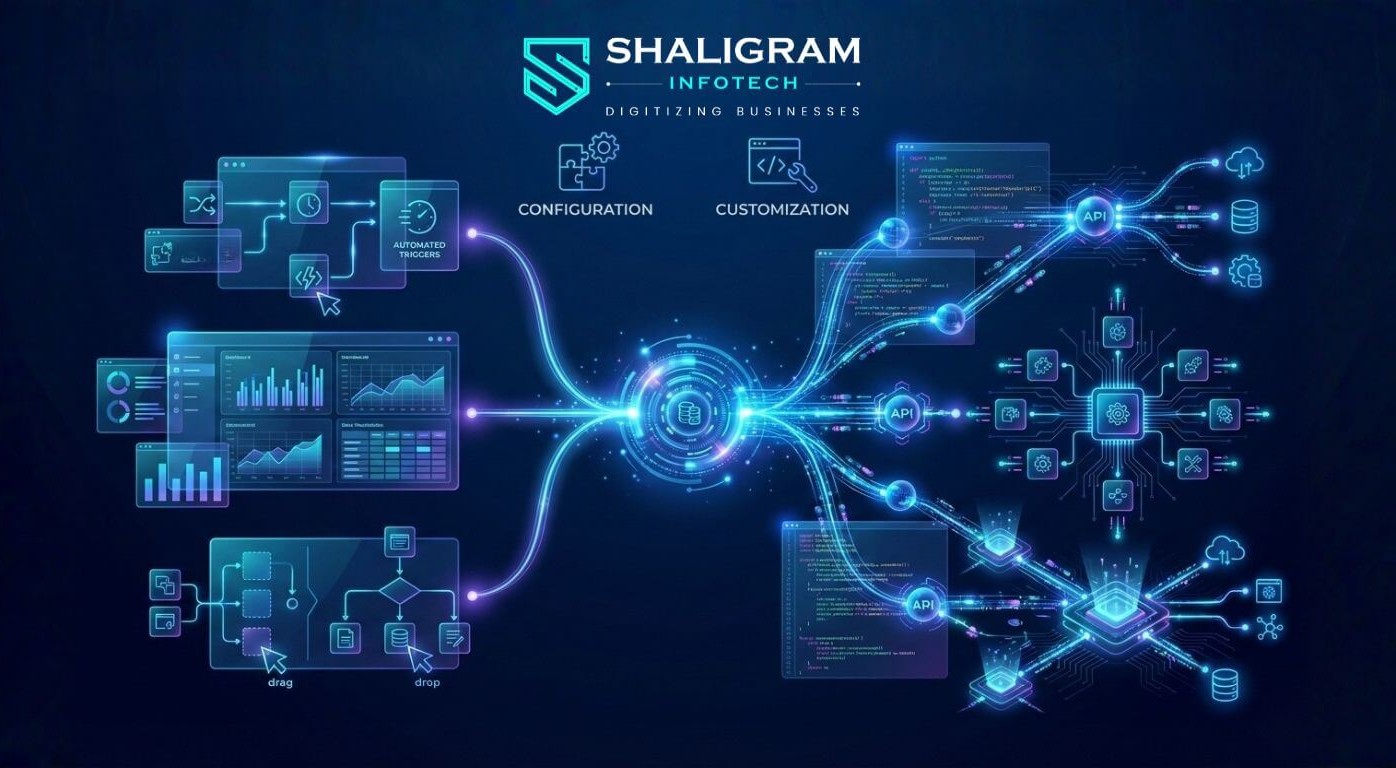
Configuration uses built-in, low-code tools to adapt Dynamics 365 without writing code, while customization extends the platform through custom development such as plugins, scripts, APIs, and integrations.
Many organizations strengthen implementation outcomes by leveraging Microsoft Dynamics 365 services to confirm that the platform aligns with both operational requirements and long-term business strategy.
Misunderstanding the distinction between configuration and customization often leads to unnecessary development, increased costs, and longer-term maintenance problems. Understanding these differences will enable organizations to find the right balance between agility, scalability, and governance to maximize the value of the enterprise platform they implement.
Customization vs Configuration in Dynamics 365
What Is Dynamics 365 Configuration?
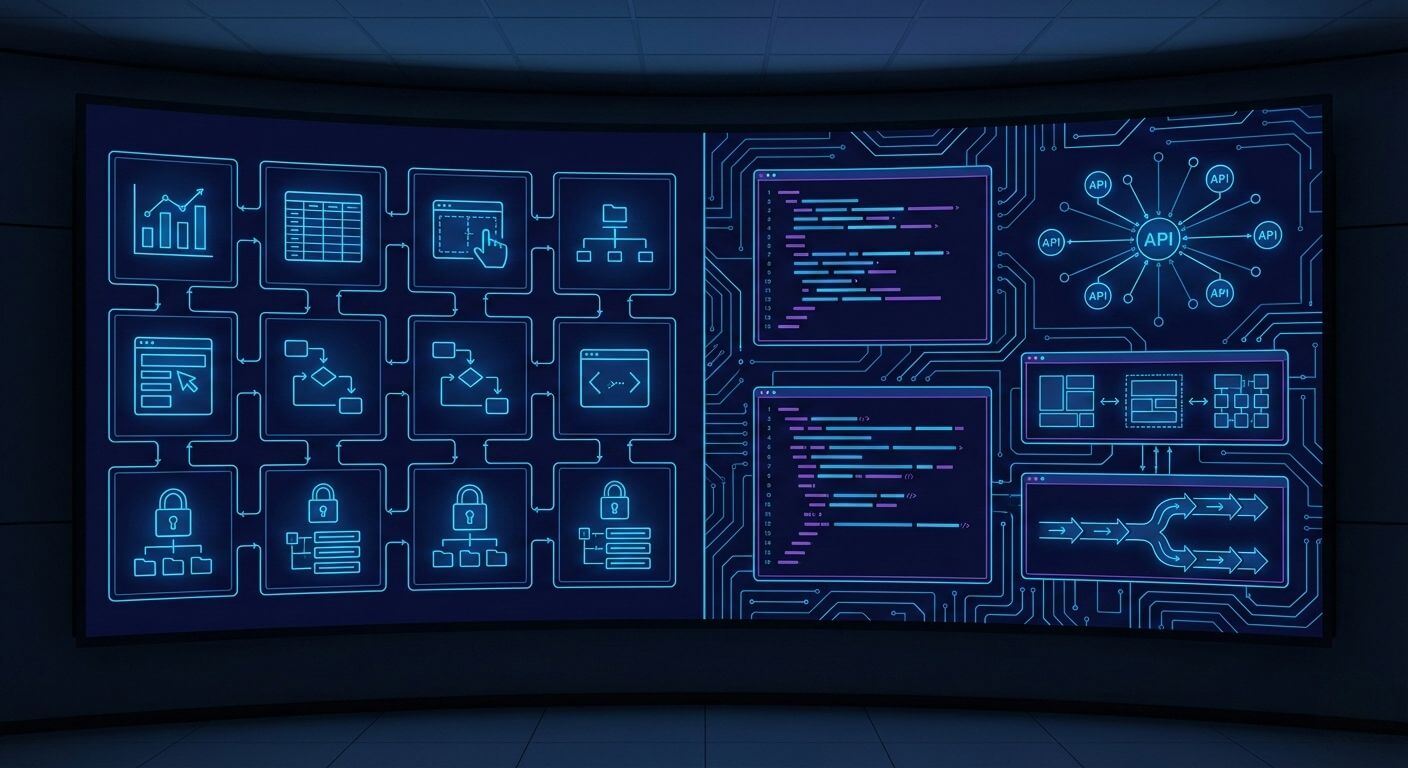
Configuration allows users to adapt Dynamics 365 using supported, easily understood administrative and low-code approaches.
Organizations typically configure entities, fields, forms, dashboards, workflows, and security models based on business needs.
One significant benefit of configuration is that it can be completed quickly by functional consultants or other qualified administrators. This means departments can respond to changing business needs independently, without waiting for an established development cycle.
Platform compatibility is also very important. Because configuration is based on Microsoft’s approved Dynamics 365 framework, most software changes do not affect configured items. Companies using the configuration-first approach generally find that their upgrades proceed smoothly and that maintenance costs have decreased over time.
What Is Dynamics 365 Customization?
When native features are not enough to support the complexity of your business, customization is required.
Integrating proprietary systems with Dynamics 365, implementing regulatory validation engines, and creating unique customer engagement experiences are examples of this. By using custom plugins, JavaScript extensions, APIs, and external automation frameworks, companies can extend the platform’s capabilities more than ever before.
Many organizations choose to hire Dynamics 365 developer resources at this stage to ensure custom solutions are scalable, secure, and aligned with best practices.
Customization provides unparalleled flexibility for industries with strict regulatory requirements or highly specialized operational models.
However, customization also brings long-term obligations with it. Each custom object must be tested through any upgrades, documented completely, and monitored for performance impact. Without governance, over-customization can create an environment that is less agile than before.
Configure vs Customize Dynamics 365: A Side-by-Side Comparison
| Criteria | Configuration | Customization |
|---|---|---|
Flexibility and Control |
Strong flexibility within platform limits |
Maximum flexibility through custom logic |
Development Time & Cost |
Faster implementation and lower upfront cost |
Longer development timelines and higher investment |
Upgrade & Maintenance Impact |
Minimal disruption during updates |
Requires testing and potential refactoring |
Performance Considerations |
Optimized native performance |
Dependent on code quality and architecture
|
Governance & Risk |
Lower operational risk
|
Requires governance, documentation, and testing |
Dynamics 365 Configuration Capabilities: What You Can Do Without Code
D365 Configuration Tools
The Dynamics 365 platform offers an extensive framework of tools used for the ongoing refinement and enhancement of business processes.
Customizing forms and views provides teams with the ability to tailor user interfaces to meet the unique requirements of each department. Automated workflows facilitate repetitive tasks (e.g., notifications and approvals), thereby freeing users from performing these types of tasks on a regular basis. Security configurations determine which roles within an organization will have access to sensitive information.
By providing organizations with the ability to make gradual changes to their workflows without the complexities of custom development, configuration is highly beneficial for companies experiencing rapid and continuous operational shifts.
Dynamics 365 Omnichannel Pricing and Configurable Features
Configurable customer engagement channels, including chat, messaging, and digital case management, can be largely established through configuration.
Organizations can configure routing rules, service queues, escalation logic, and knowledge base integration directly on the platform. However, omnichannel deployment requires careful consideration of licensing, as advanced features could result in additional subscription costs.
Strategically planning the activation of these features will enable organizations to ensure that they meet their customer experience objectives without the risk of needing to expand licensing unexpectedly.
D365 Customization: When Native Capabilities Are Not Enough
Microsoft Dynamics 365 Customization Options
Customization can take many different shapes based on the amount of complexity.
Server-side plugins can provide automation logic through developer-approved coding, and client-side scripts can improve the overall user experience. Third-party integrations can be accomplished using APIs.
Data synchronization between cloud applications and legacy systems through integration requires a modular architecture design. A best practice is to keep customizations modularized, which prevents the disruption of the user experience when upgrading the core platform.
Dynamics 365 CRM Customization for Complex Workflows
A complex workflow can consist of multiple departments and compliance checks.
Examples include customer onboarding that is regulated and validating contract terms against policy frameworks. Approval coordination takes place between finance and operations through automation, reducing manual intervention and providing consistent results.
However, rigorous process documentation must be provided to implement a sustained and effective custom automated solution. Without lifecycle management to maintain custom-developed solutions as business processes continue to evolve, logic development becomes a challenge.
Difference between customization and configuration in Dynamics 365
Ultimately, responsibilities are a primary distinction.
Vendors must fully support Microsoft-maintained configured features.
Implementation teams or partners have partial responsibility for customized solutions. Therefore, businesses must manage their own testing cycles and version control and monitor performance related to these solutions.
Many organizations choose to hire Microsoft Dynamics CRM developers to maintain oversight of custom components and ensure ongoing stability.
Evaluating customizations through a strategic lens allows for the clearest understanding that customizing does not impede the long-term ability to adjust but rather enhances the agility of an organization and its customers.
Dynamics 365 Portal vs Power Apps Portal: Configuration or Customization?
When to Configure a Portal
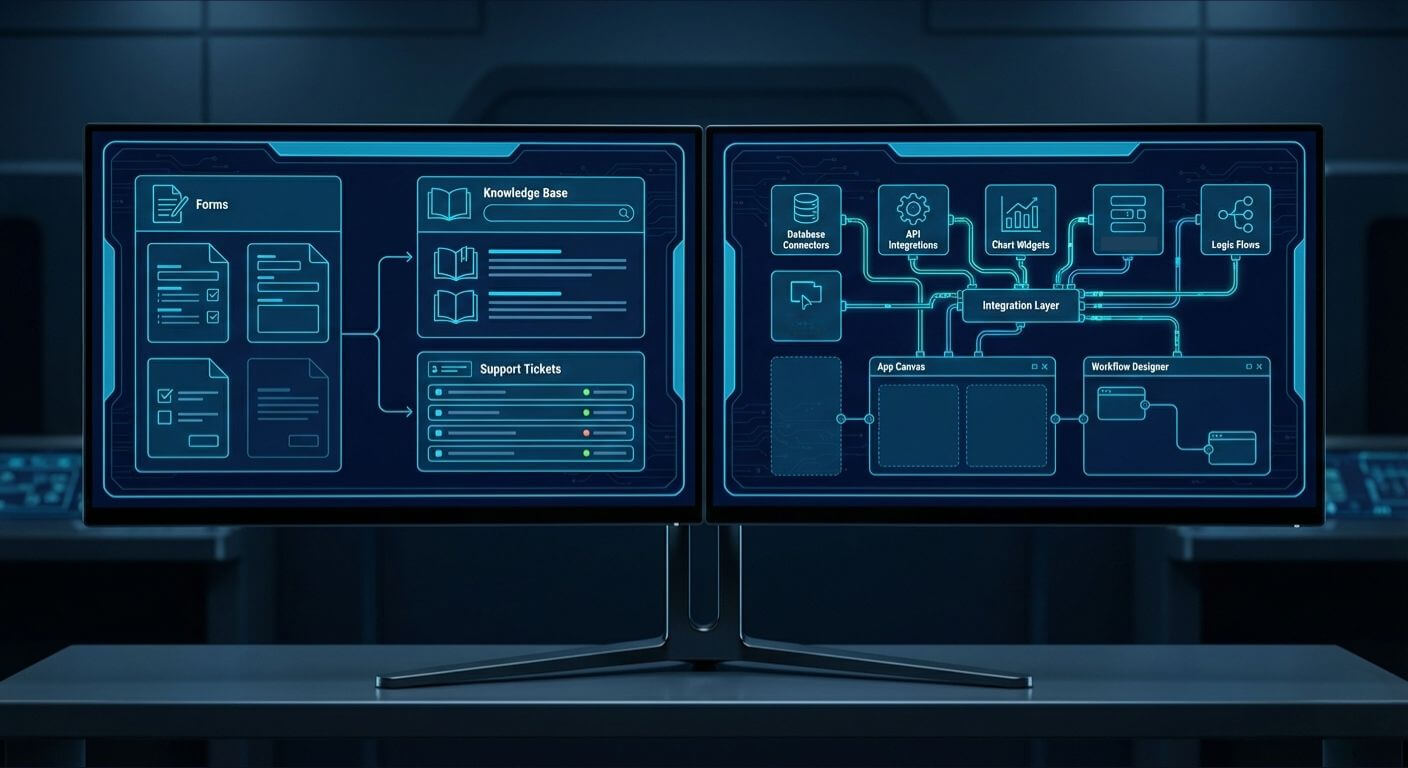
When companies need organized, self-service experiences like submitting tickets or accessing a knowledge base, configuration is adequate. Templates and permission models support fast implementation while ensuring the ability to upgrade.
To change branding, route workflows, and manage user roles can often be done with only native features.
When Custom Development Is Required
When companies need very unique digital experiences or have complex integrations, customization is required. Developing sophisticated authentication methods, keeping external systems synchronized in real-time, or creating custom user interfaces often requires development resources.
User experience expectations and maintainability must be balanced for portal investments to be viable for the long haul.
Cost Considerations: Configuration vs Customization in Dynamics 365
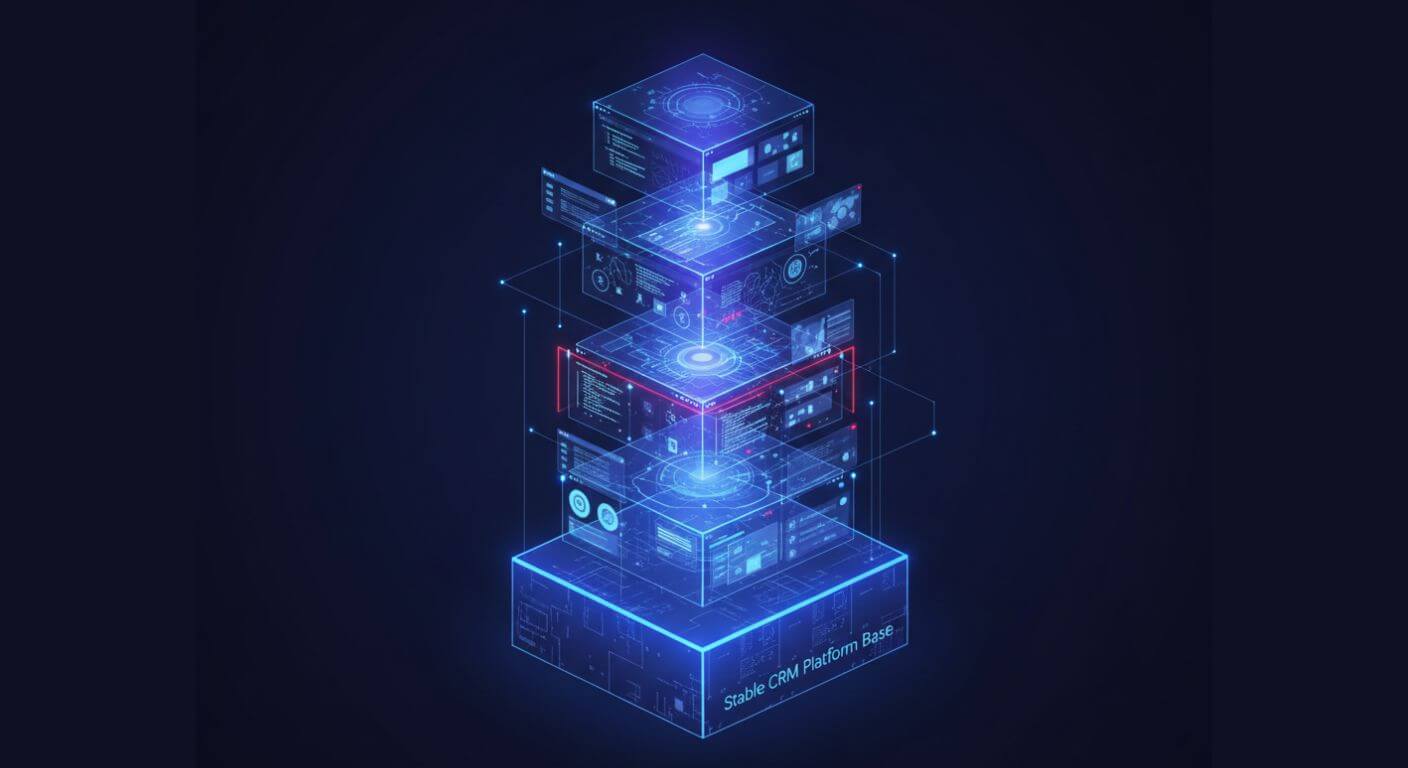
Short-Term Cost Comparison
The Configuration process will allow early investment to be minimized, as teams can utilize existing capabilities to build the solution. The speed of rolling out the solution will also decrease the consulting costs associated with implementation and time to value.
Customization requires architectural design, coding, creation of testing environments, and the management of deployments. Although these tasks may allow for more robust solutions, they have a greater impact on the initial budget.
Long-Term Total Cost of Ownership
Configured environments usually require only a few specialists to support the environment.
Most organizations will quickly see that over time, maintenance becomes the primary cost of ownership for their customized environment because of the need for continual monitoring, upgrade validation, and documentation updates for customized solutions.
Hidden Maintenance Costs of Over-Customization
Hidden operating costs can also occur because of over-customization.
Costs associated with upgrade regression testing, reliance on specific developers, performance troubleshooting, and undocumented integrations can all gradually add to the cost of ownership. Organizations that over-customize frequently end up spending funds later to simplify their customized solutions.
Scalability and Future-Proofing Your D365 Environment
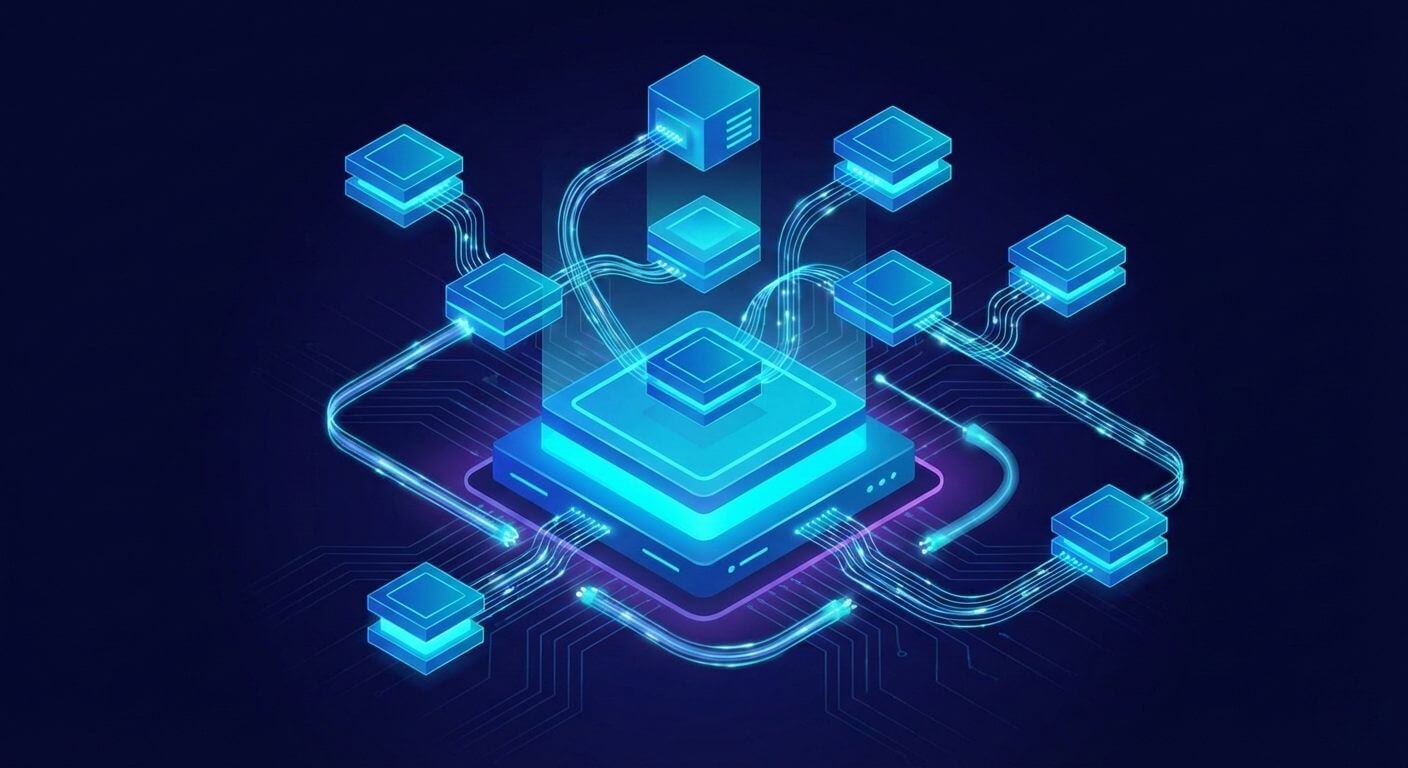
For an organization to achieve future scalability, it must be adaptable.
Configuration enables organizations to take advantage of new features that Microsoft has released as quickly as possible. Thus, organizations’ customizations should be focused primarily on those aspects that differentiate them from other organizations yet also remain modular and loosely coupled.
Futureproofing will allow innovations to be developed without limiting the evolution of the platform.
For organizations looking to extend platform capabilities strategically, see how Dynamics 365 can evolve beyond traditional CRM and ERP boundaries.
Common Mistakes Businesses Make with D365 Customization
Many organizations undertake customizations too early in their projects.
By replicating legacy business processes, overlooking native capabilities, and failing to implement a governance framework, organizations often create unnecessary complexity in their environments, resulting in expensive redesigns for re-establishing upgrade compatibility.
Successful prevention of these challenges can be accomplished through proper evaluation before development begins.
Best Practices for Microsoft Dynamics CRM Customization and Configuration
Organizations that utilize customization as part of their strategy have treated customization as an investment, rather than just an option.
The presence of governance committees, solution documentation, performance monitoring, and version control ensures the long-term stability of the organization. A collaborative relationship with business stakeholders and technical architects helps to ensure that decisions for platforms are made using measurable results.
Expecting that all outcomes will be achieved through configuration first, and following a process for customization, will yield the best overall outcome.
Strong governance should also align with broader security and compliance considerations within the Dynamics 365 environment.
How to Decide: Configuration or Customization for Your Business?
Step 1: Define Business Requirements
Definitive documentation prevents development waste. You can assess whether a requirement is truly needed by determining if it meets strict compliance standards or provides a distinct competitive advantage.
Step 2: Evaluate Native Capabilities First
An exhaustive evaluation of many workflows will reveal that the configuration can accomplish most of them. Timely evaluation of workflows often reduces the need for customization.
Step 3: Assess Long-Term Scalability
While evaluating future expansion plans, it is important to realize that the architecture of solving current custom logic needs will create added complexities for future growth.
Step 3: Assess Long-Term Scalability
While evaluating future expansion plans, it is important to realize that the architecture of solving current custom logic needs will create added complexities for future growth.
Step 4: Consider Governance & Maintenance
Deciding who owns maintenance, upgrades, testing, and documentation standards will affect the decision to customize a solution.
Conclusion
The distinction between configuring and customizing Dynamics 365 serves discrete purposes.
Configuring ensures stability, quick implementation, and readiness to upgrade, whereas customizing creates an opportunity for innovation where the business complexity requires more detailed control. The companies that can effectively use both look for opportunities to create an environment that provides the flexibility of developing as the business continues to expand. At Shaligram Infotech, this balanced approach is central to delivering Dynamics 365 solutions that align with long-term business growth and operational excellence.
Partnering with a software development agency in India can further support this approach by providing technical expertise and scalable development capabilities aligned with evolving business needs.
Ready to build? Contact Our Global Teams
📧 Email: info@shaligraminfotech.com
🇺🇸 USA: +1 (919) 629-9671
🇬🇧 UK: +44 20 3581 6366
🇮🇳 India: +91 99099 84567
🇦🇺 AUS: +61 07 3121 3147
💬 Interested in Regular Insights on Microsoft Dynamics 365?
📲 Follow Shaligram Infotech on LinkedIn
Let’s build the future of applications together.
Let’s build the future of applications together.
FAQs
What can be achieved using D365 configuration?
What can be achieved using D365 configuration?
The D365 Configuration functionality allows you to configure workflows, dashboards, automation rules, security roles, customer journeys, and report customization without coding. Contact us to optimize your Dynamics 365 environment with the right configuration strategy.
When should you choose D365 customization?
When should you choose D365 customization?
Use customization when no native features are available to accommodate complex integrations or custom workflows.
Does customization impact Dynamics 365 upgrades?
Does customization impact Dynamics 365 upgrades?
Yes. Custom components must be validated during the upgrade process to ensure compatibility. Organizations planning long-term stability should also understand how regular platform updates and maintenance cycles affect customized environments.
What is the cost difference between configuration and customization in Dynamics 365?
What is the cost difference between configuration and customization in Dynamics 365?
In general, you will find that D365 Configuration has lower initial costs than D365 Customizations. Additionally, the maintenance costs for D365 Configuration are also typically lower than those for D365 Customizations.
What is the difference between the Dynamics 365 portal and the PowerApps portal?
What is the difference between the Dynamics 365 portal and the PowerApps portal?
Dynamics Portals primarily expose data from the CRM to be consumed externally. In contrast, Power Apps Portals (now Power Pages) provide users with a wider range of low-code, externally facing web applications and secure sites.
Is over-customization a risk in Microsoft Dynamics 365?
Is over-customization a risk in Microsoft Dynamics 365?
Yes. The potential for excessive customization will produce an increased amount of technical debt and require significantly more ongoing maintenance without governance policies being enacted.

 Get In Touch